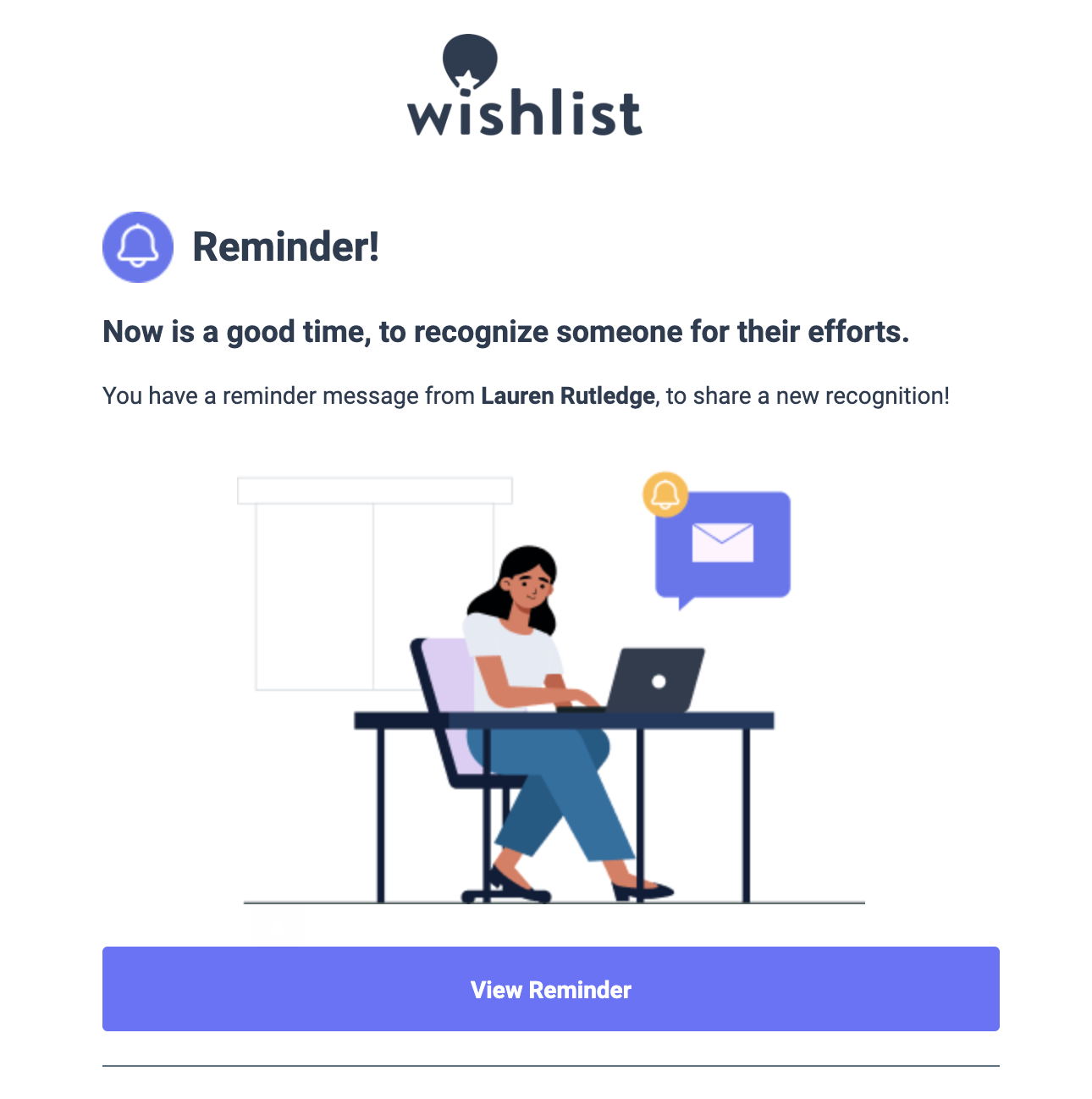
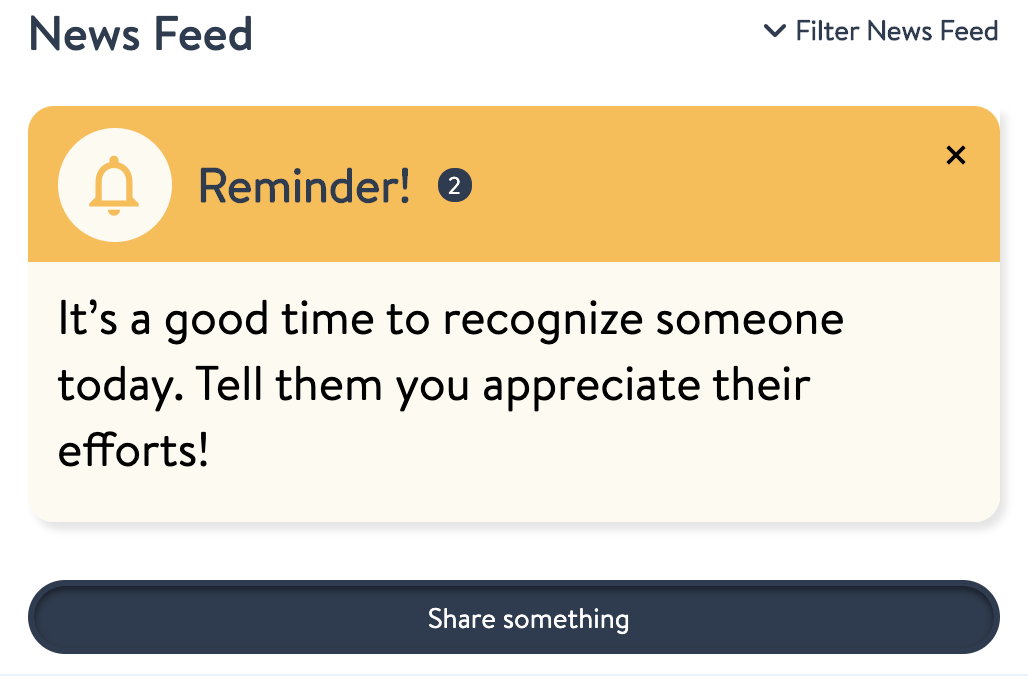
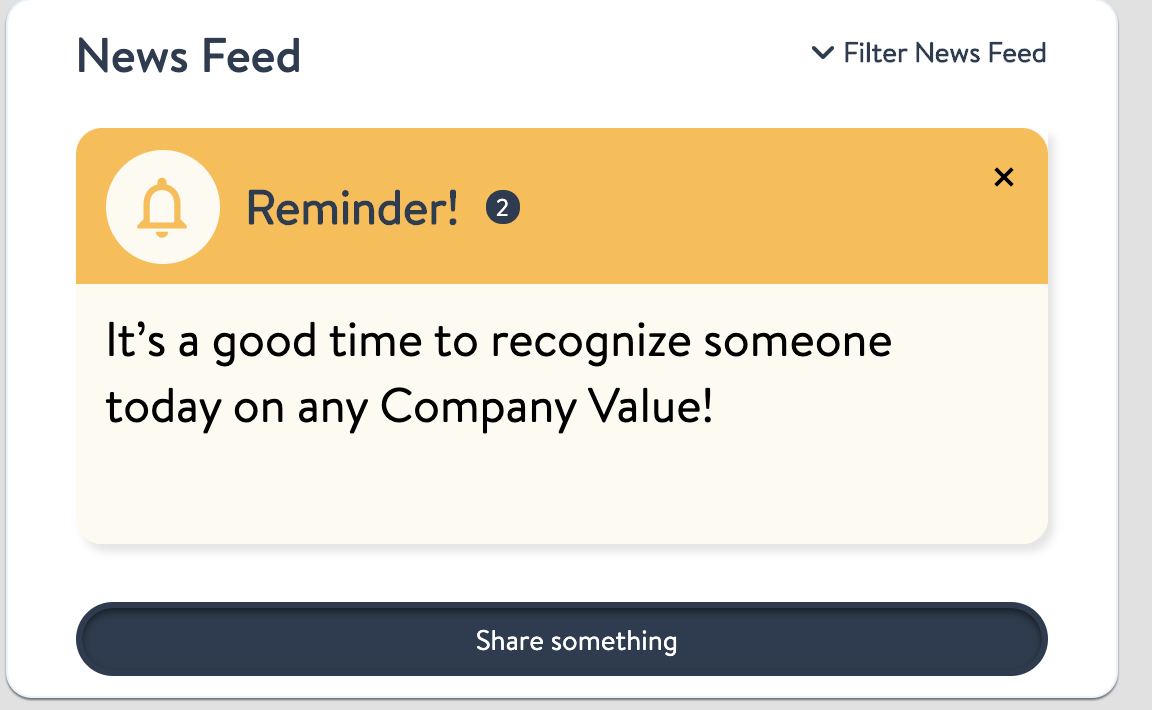
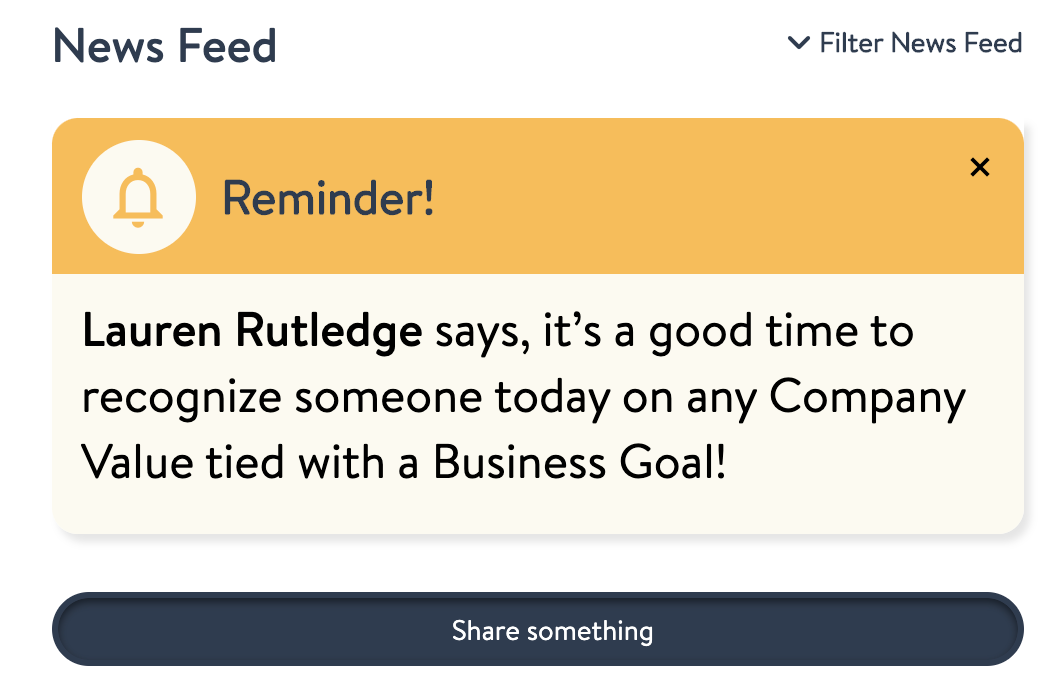
Send recognition reminders regularly to keep your employees engaged by reminding them to take a moment to recognize someone for all that they do. You can create a new reminder and send it now, schedule it once, or set up a recurring reminder using the form below.
Instructions
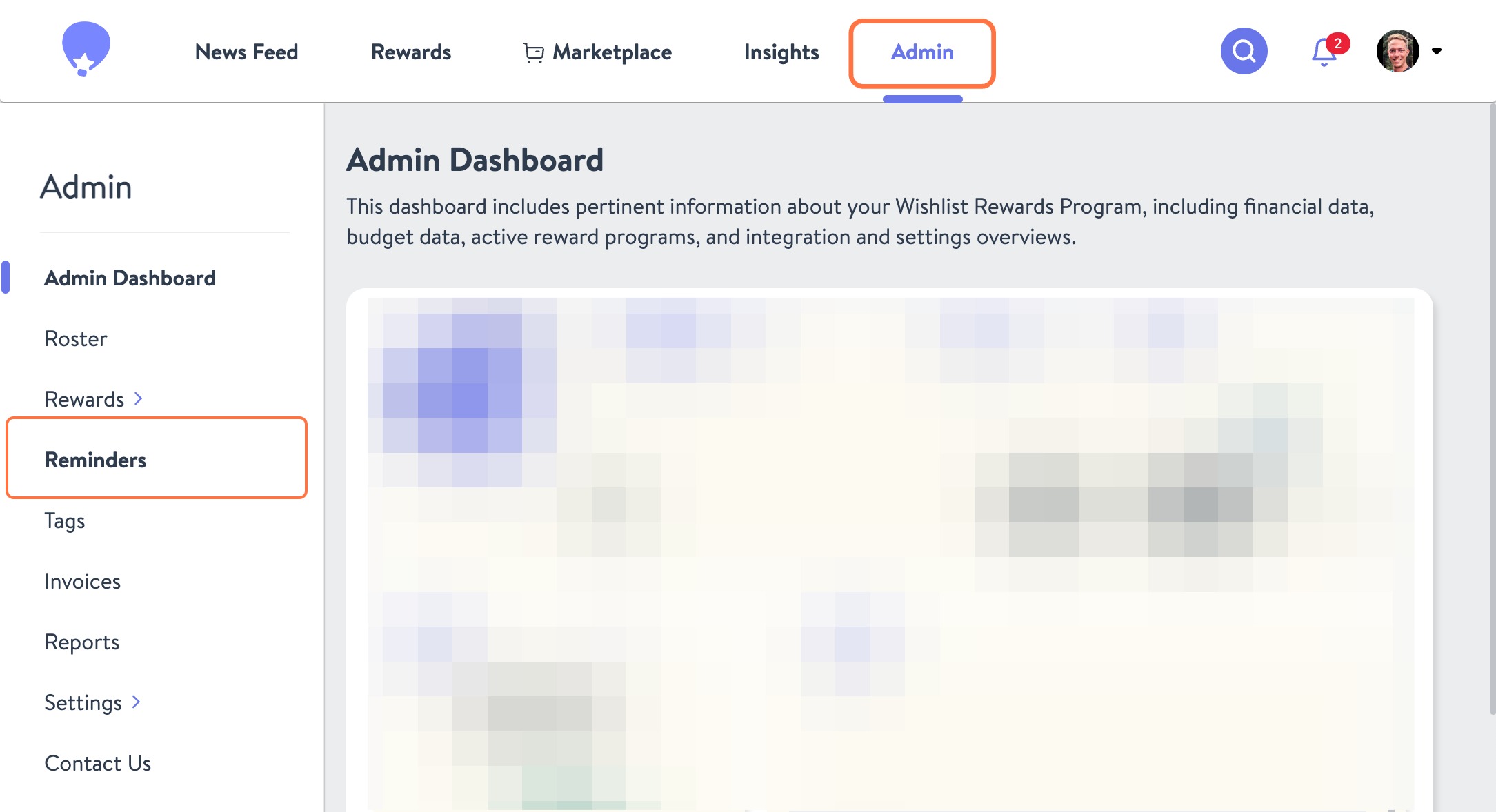
- From the Admin portal, click Reminders on the left.
To create a new reminder, enter the employee name(s) or use the search field to select groups like All Reward Senders, All Employees, or All Managers.
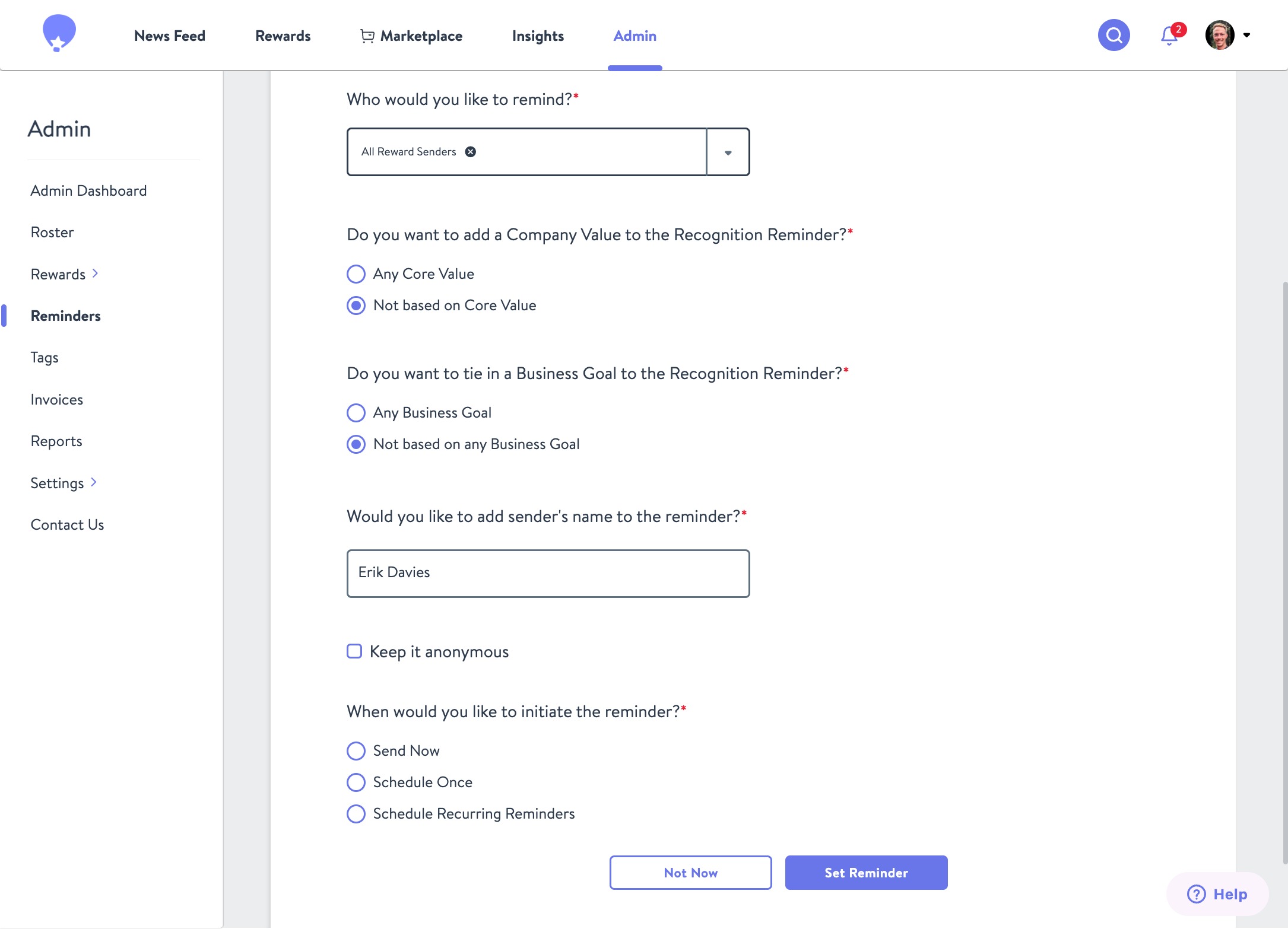
To include a prompt tied to a Company Value or Business Goal:
- Select Any Core Value and/or Any Business Goal.
- If not applicable, choose Not based on any Core Value or Not based on any Business Goal.
- Without these, the message will be more generic.
- Choose the sender: Enter a name or check Anonymous.
- Set the cadence:
- Send Now – sends immediately
- Schedule Once – pick a future date
- Schedule Recurring – set a repeating schedule
- Click Set Reminder to confirm. Recipients will get an email and a news feed prompt based on your timing.
- Use the Scheduled Reminders tab to view or edit upcoming reminders.
Please note that you must be a Program Admin to send Reminders to employees.
Reminder Examples