As a program admin, you might find yourself in a situation where you need to delete a recognition that was sent by an employee of yours. Here is what you need to know.
Who can delete a recognition?
Any Wishlist program admin can delete a recognition on the recognition feed. Please note, if a recognition has a reward attached to it deleting the recognition does not delete the reward.
How do I delete a recognition?
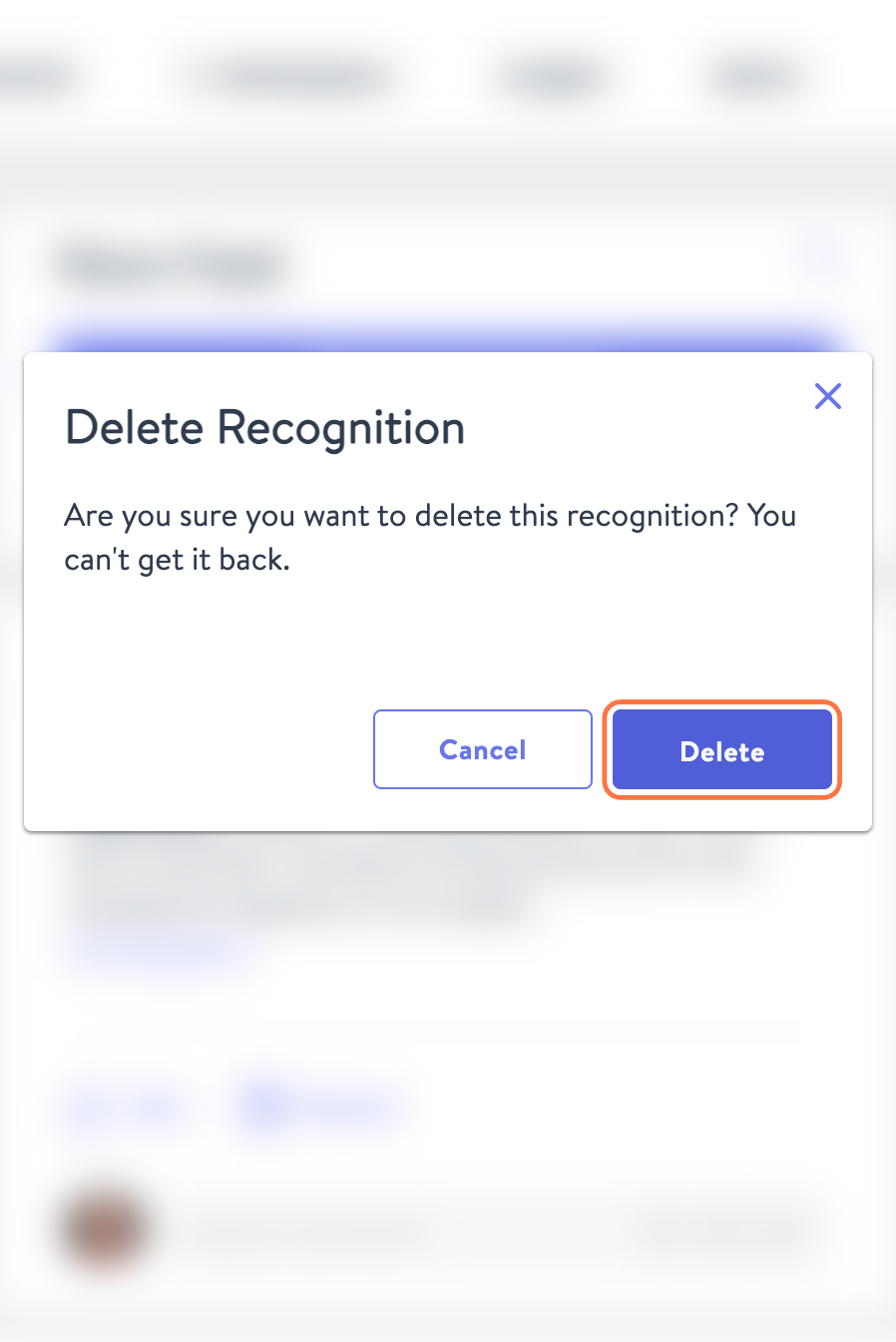
From the news feed, click on the Meatball Menu Icon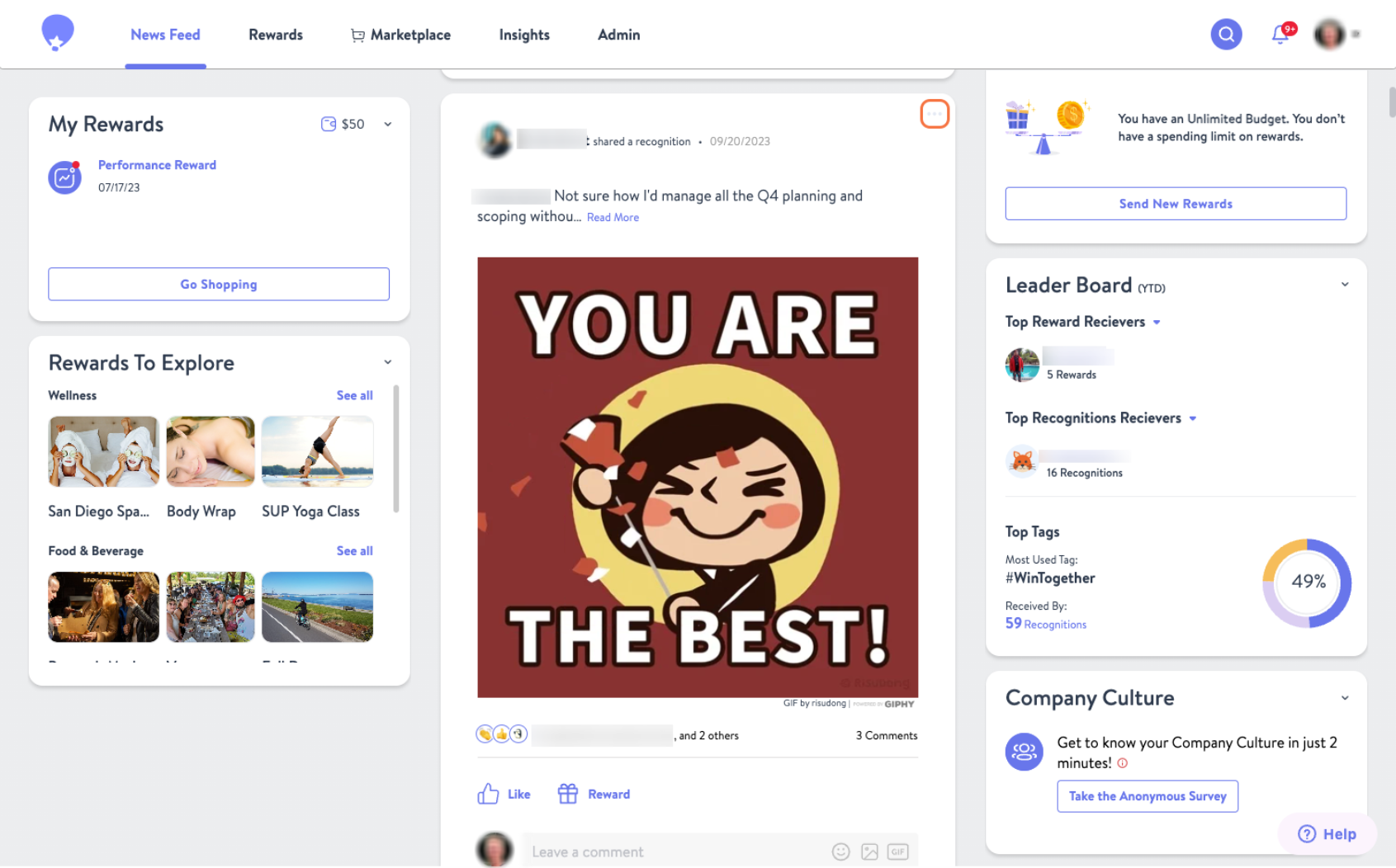 Click Delete, and then confirm that you want to remove it from the feed by selecting Delete again.
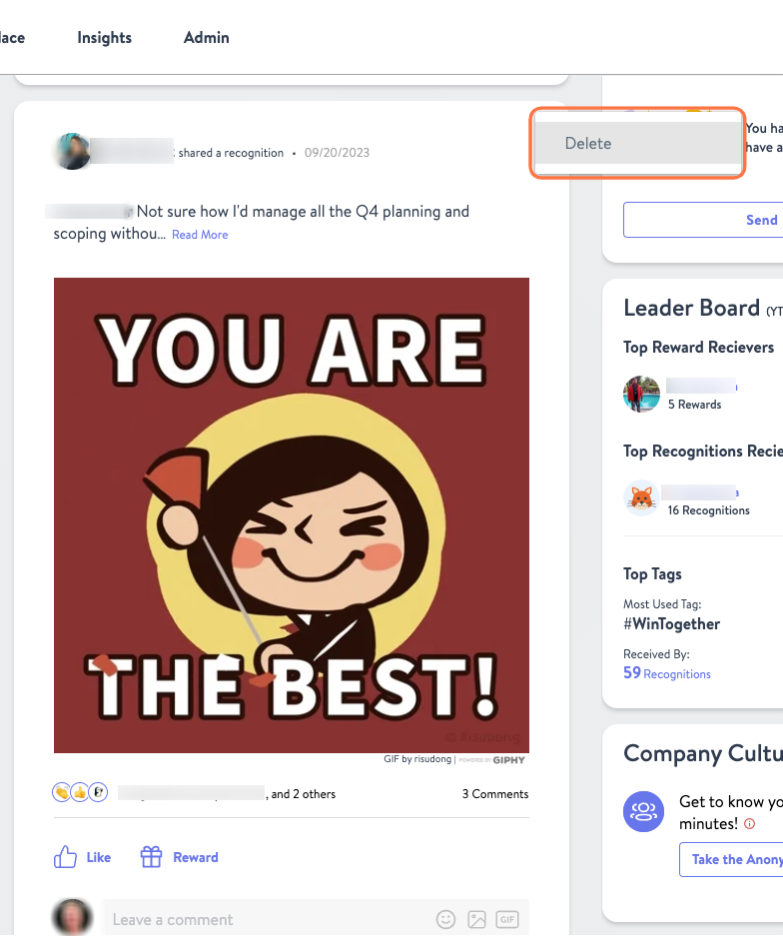
Click on Delete and you are set.