Welcome to Wishlist!
This guide will walk you through the Wishlist / BambooHR integration process.
Prerequisites
The following is required to enable the integration:
- Admin access in Wishlist and BambooHR
Steps
- Login to BambooHR account.
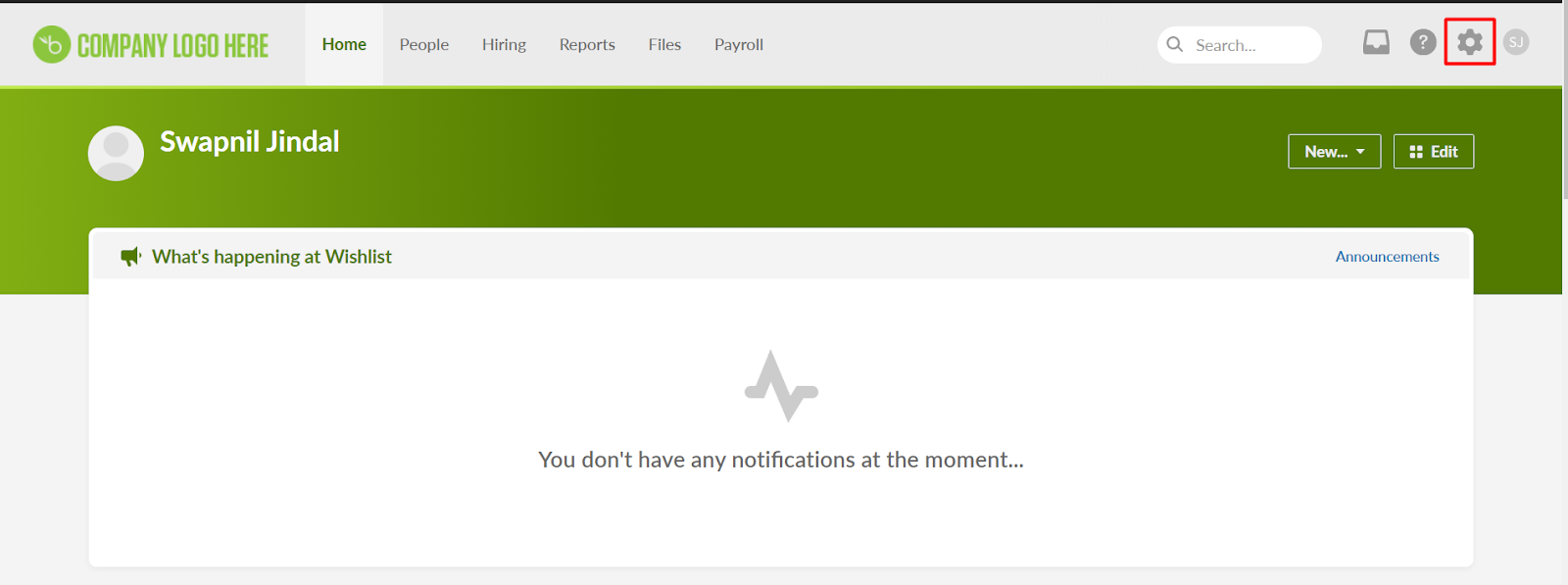
- Go to BambooHR account setting.
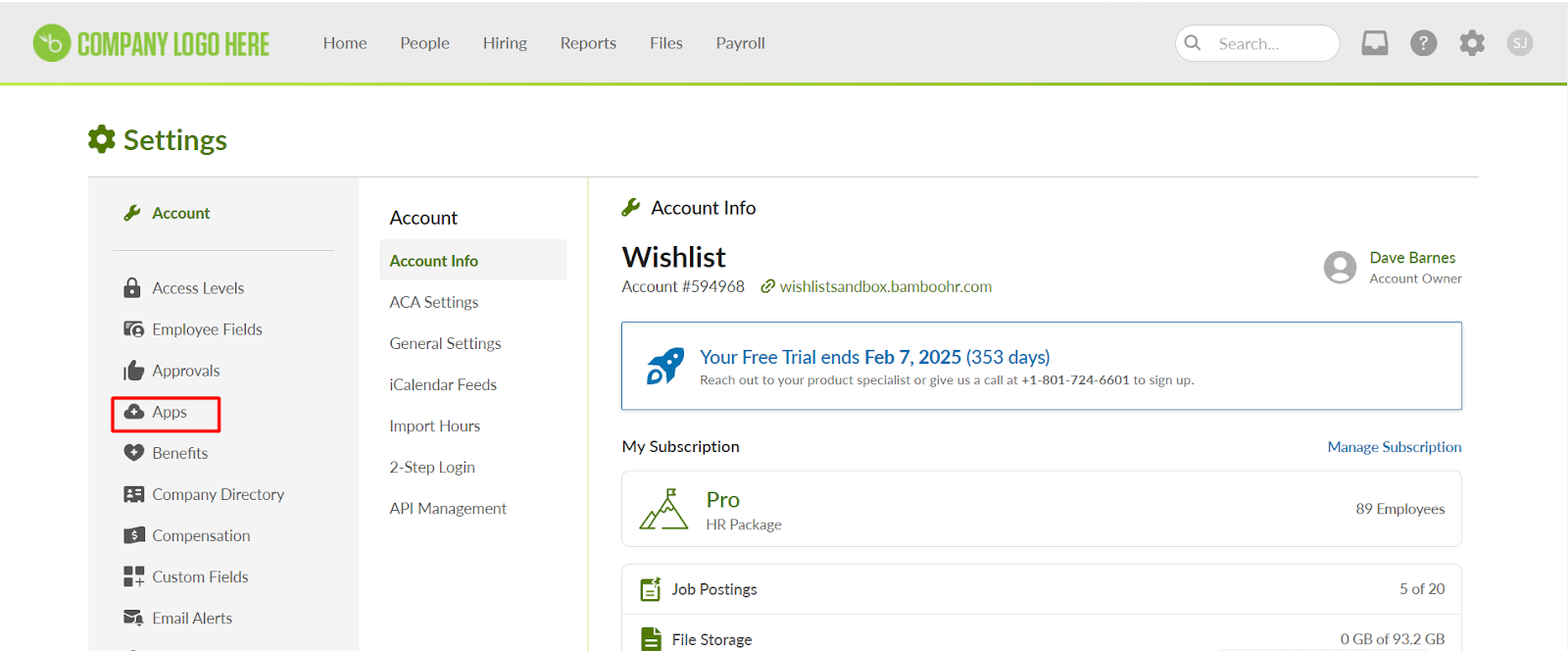
- Click on Apps.
- Install the Wishlist application.
- It will take you to the Wishlist portal, and you might have to login as a Program Admin if you are not already logged in.
- Yay! Wishlist/BambooHR Integration is successfully done.
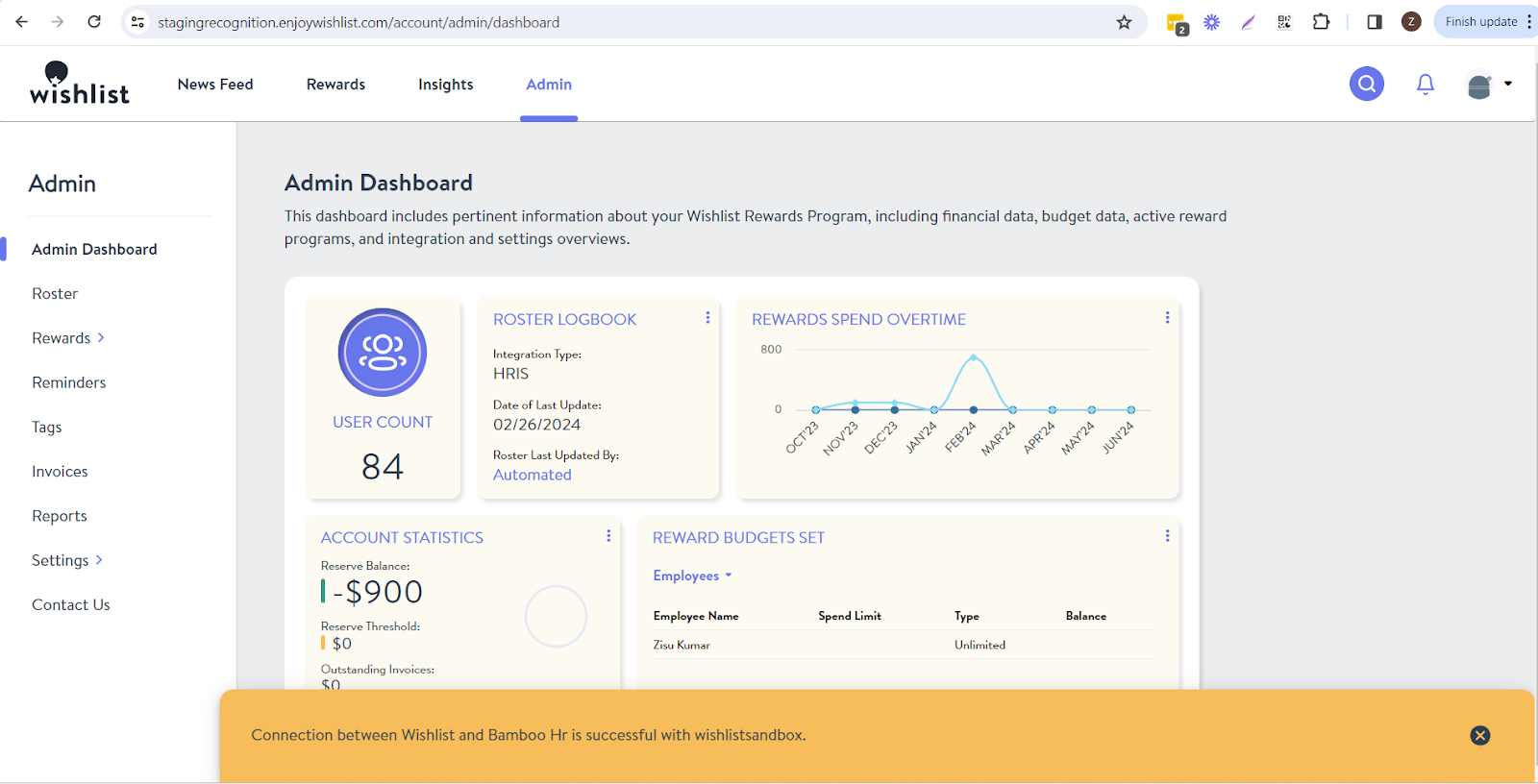
- After the integration, it will take 24 hours to sync the roster, and then you can send rewards and recognitions to your roster users.