Did you see someone being recognized and want to make it a little sweeter? Add a reward to it!
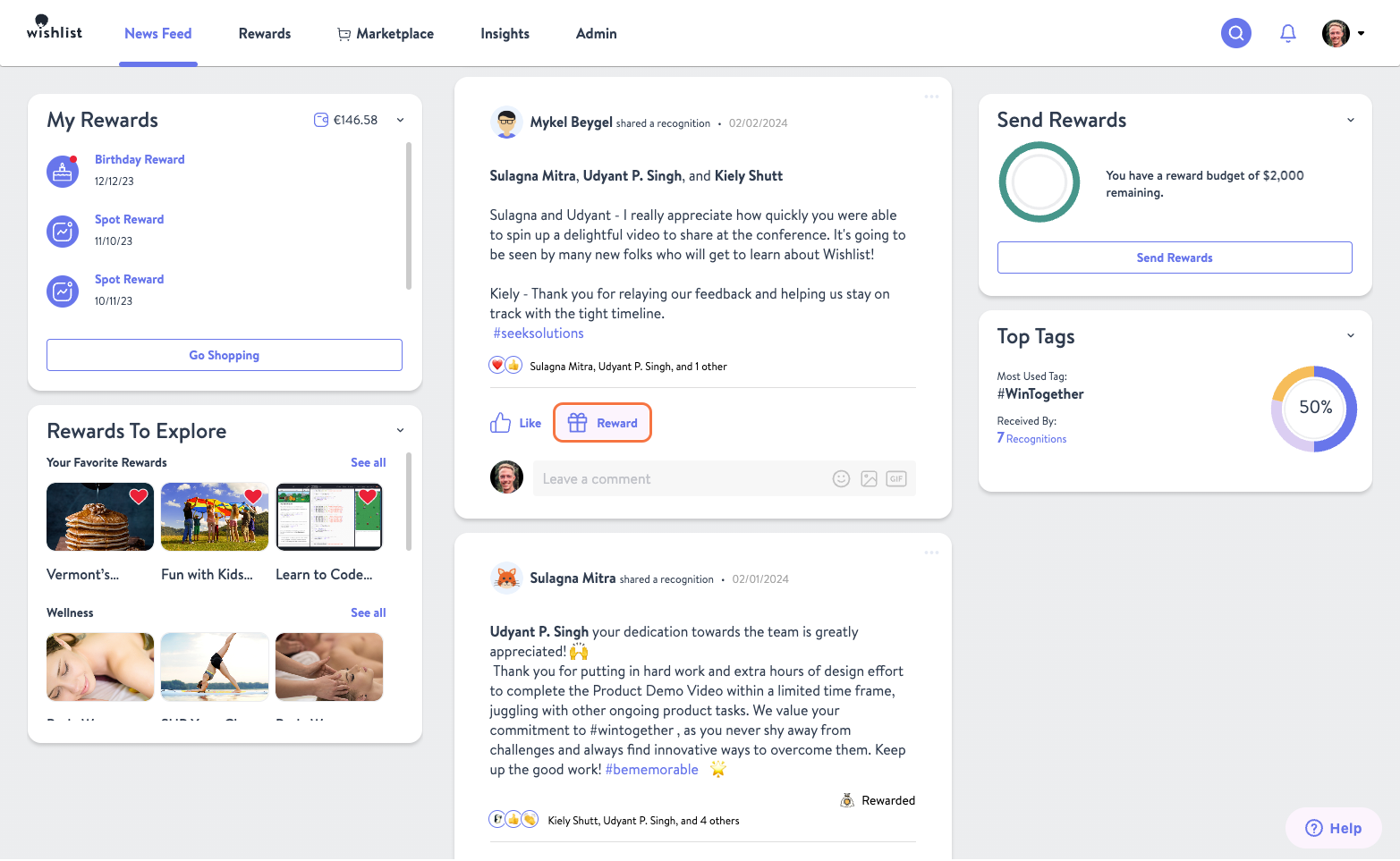
To do so, click Reward, on the recognition in the news feed you want to add a reward to.
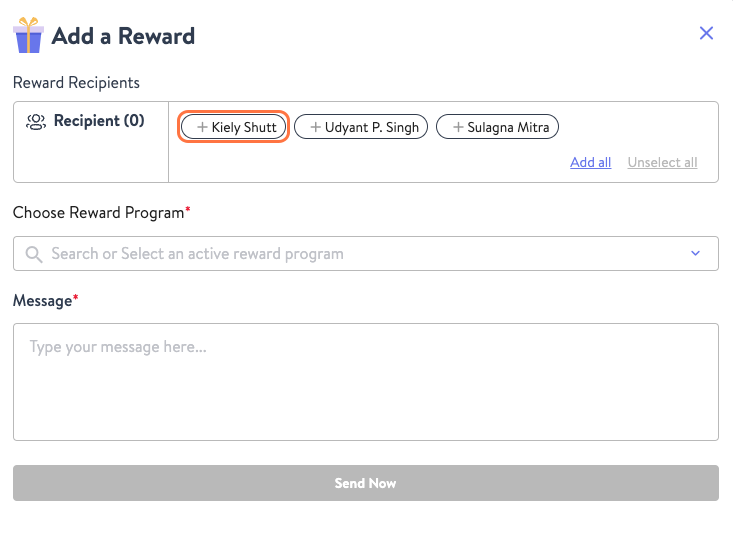
From the pop-up select the Recipient(s) or Group, you want to reward. To reward multiple people at once the selected must all be mapped to the same location and be receiving the same reward.
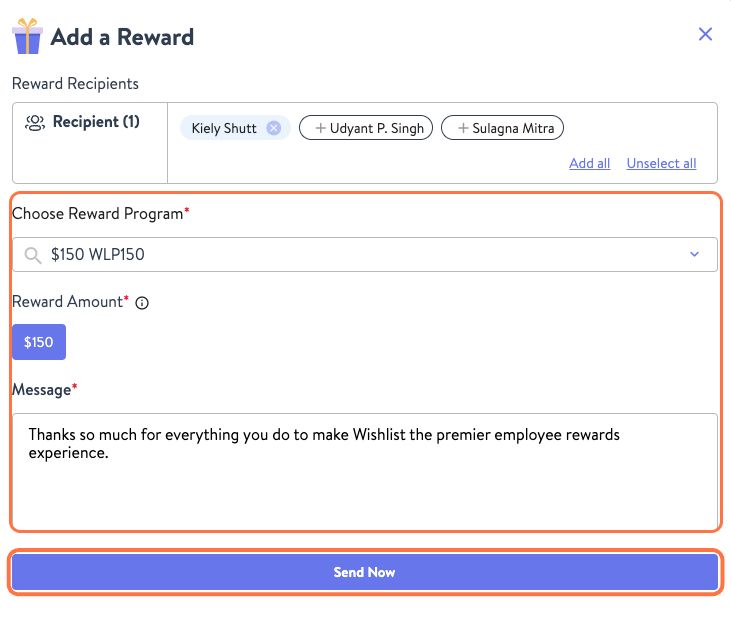
Now click Choose Reward, and select the reward type and amount that should be attached to the recognition. Then add your Message and hit Send Now when you're ready to share your appreciation.
If you want to send a recognition of your own with a reward attached take a look at How To Send A Recognition.
Was this article helpful?
That’s Great!
Thank you for your feedback
Sorry! We couldn't be helpful
Thank you for your feedback
Feedback sent
We appreciate your effort and will try to fix the article