Companies that have the Wishlist platform will be able to add 6 "Custom Reactions" to their already available selection of reactions that can be used to "react to posts." Below is how to do that.
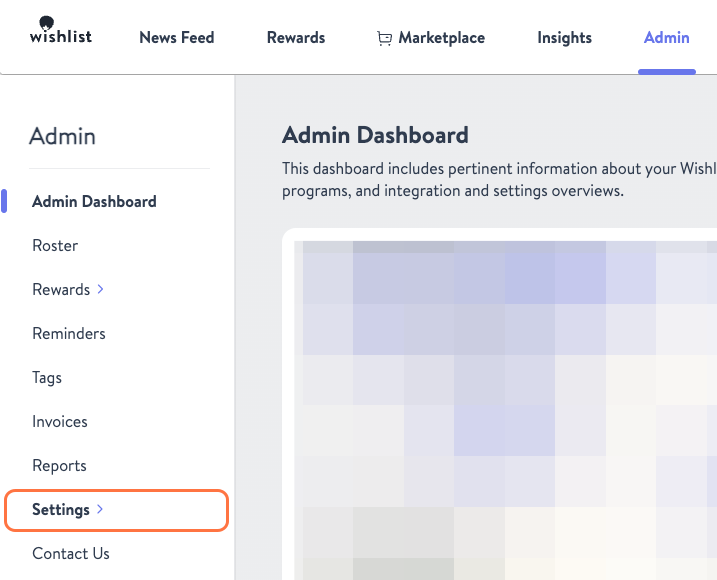
- While in the Admin tab navigate to "Settings"
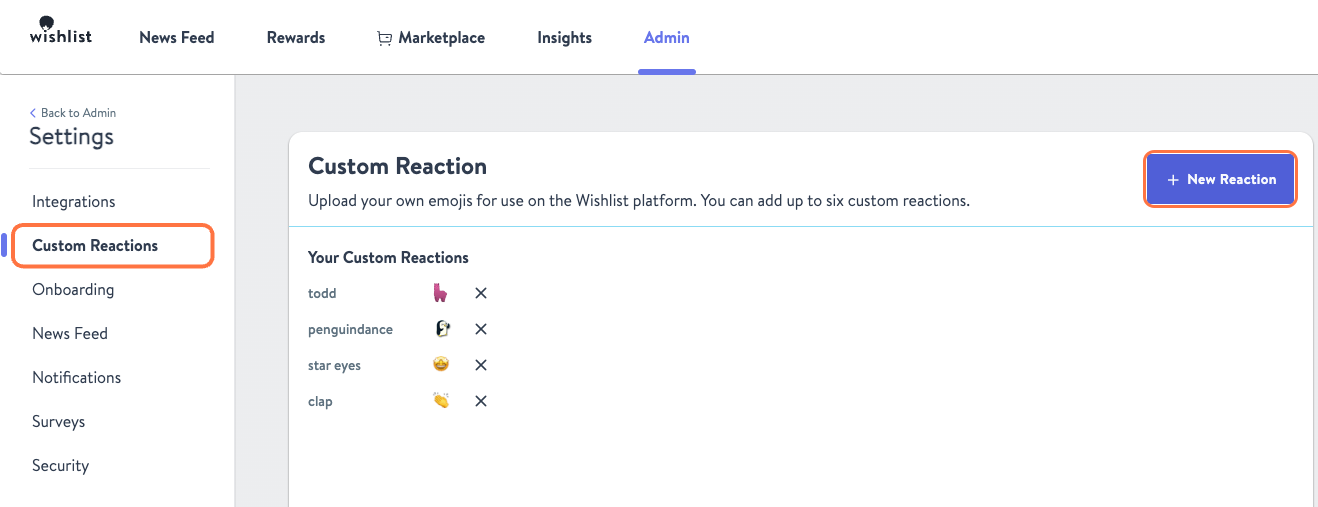
- Under the Settings sidebar on the left, navigate to Custom Reactions and then click the + New Reaction button.
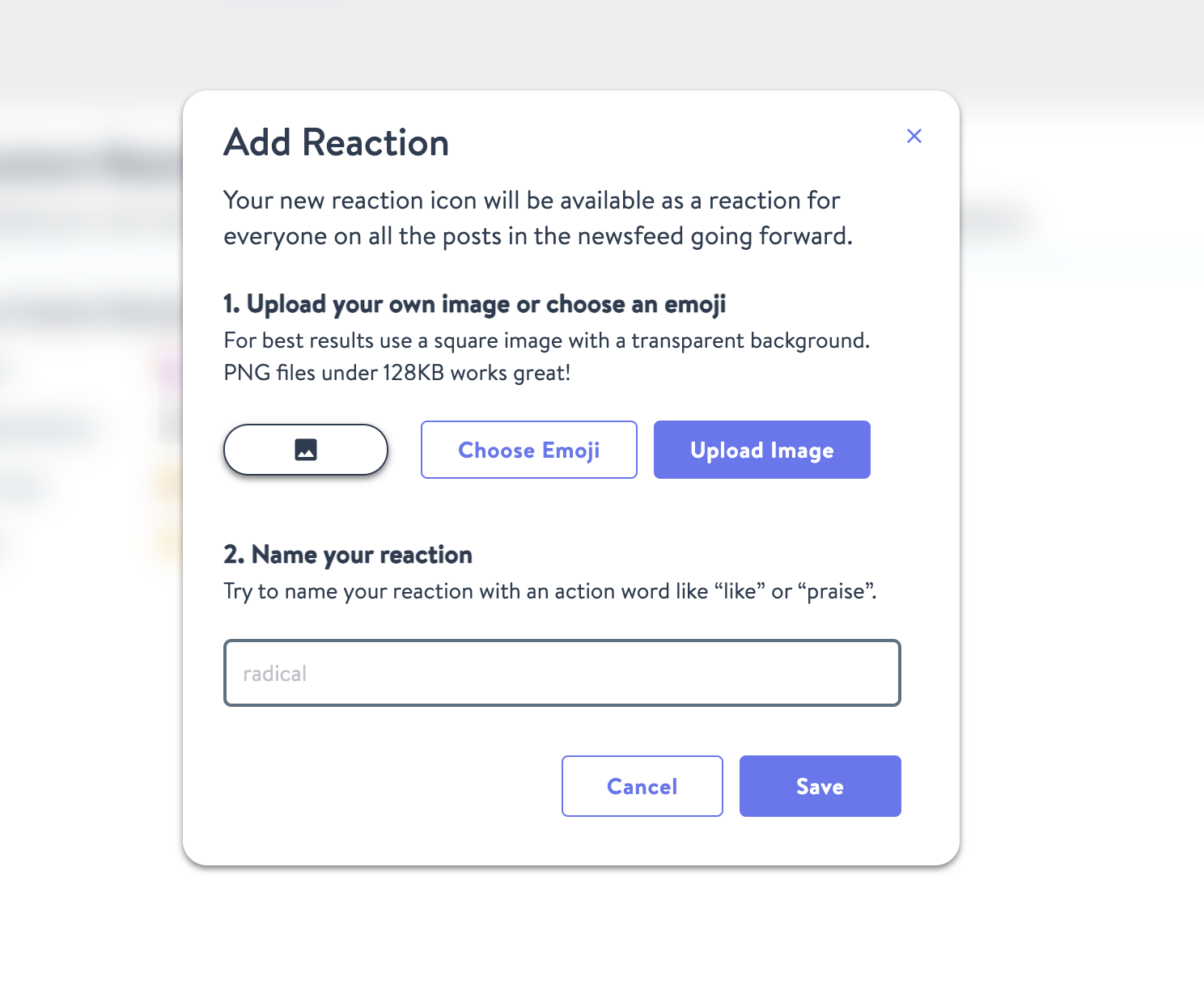
- Finally, you will be brought to a page where you can select an image or choose an emoji. After making your selection, name the new reaction and click Save.
- Congratulations, you now have a new custom reaction available.