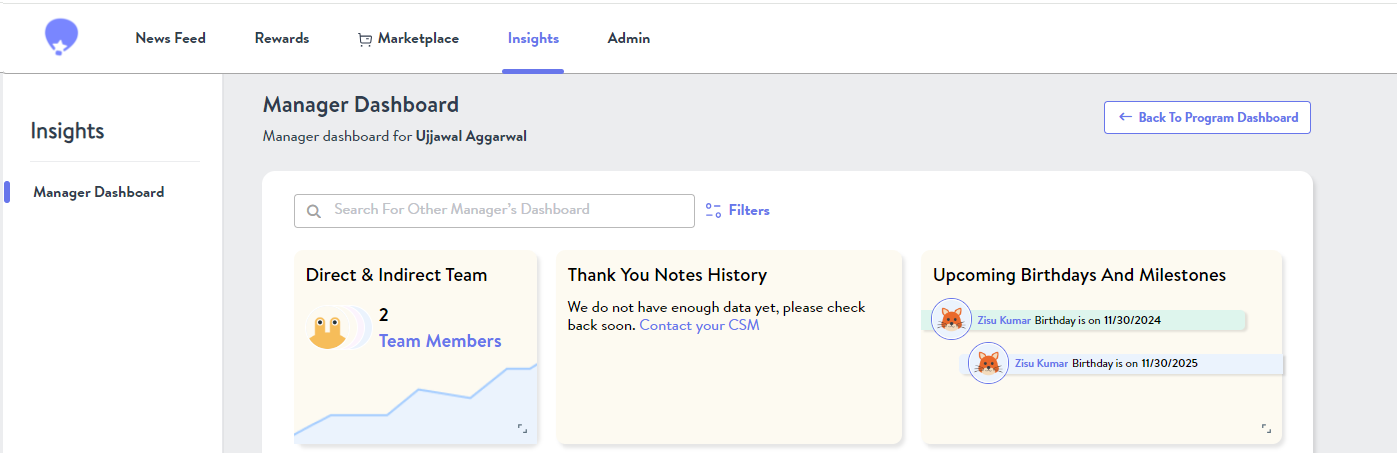
The Manager Dashboard facilitates managers to see Insights about their Direct & Indirect Reports.
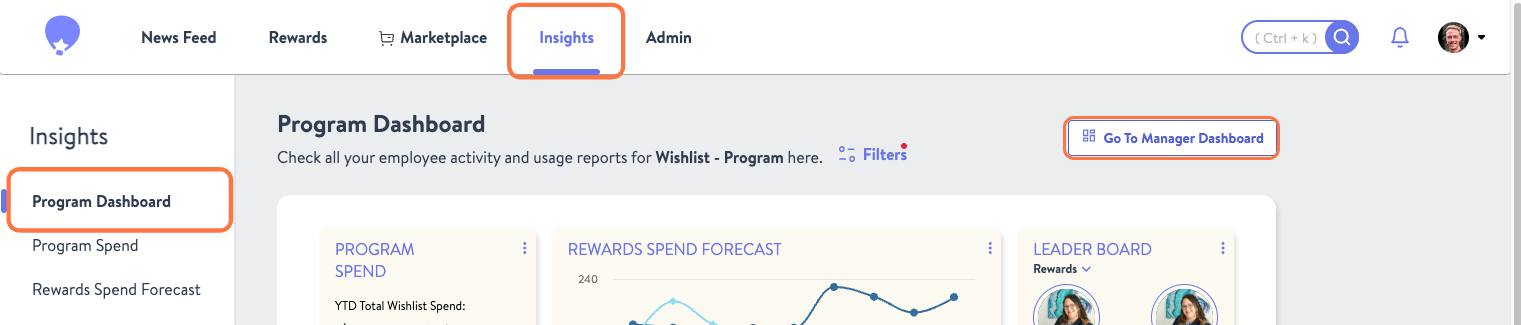
To access the manager dashboard go to your Insights tab. From there what you see will depend on your account permissions as laid out below:
Program Admins and Accountants
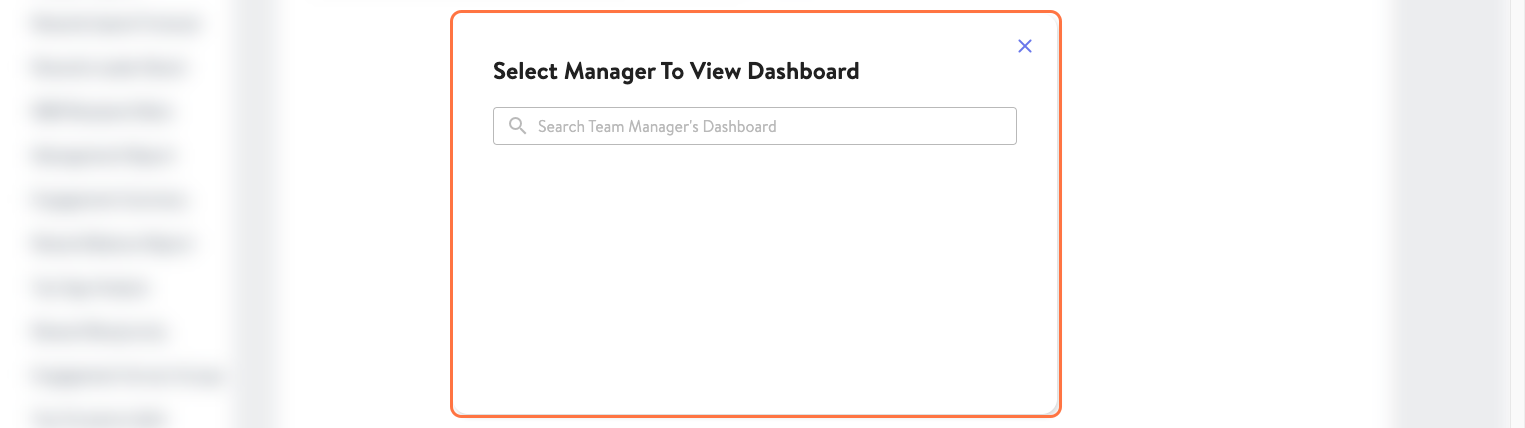
By clicking Go To Manager Dashboard managers designated as Program Admins or Accountants will be taken directly to their dashboard. Program Admins who are not managers will instead be able to search for any manager and view their dashboard.
Reward Senders and Employees
Managers with the Reward Sender or Employee role simply need to go to their Insights tab which will pull up their Manager Dashboard.