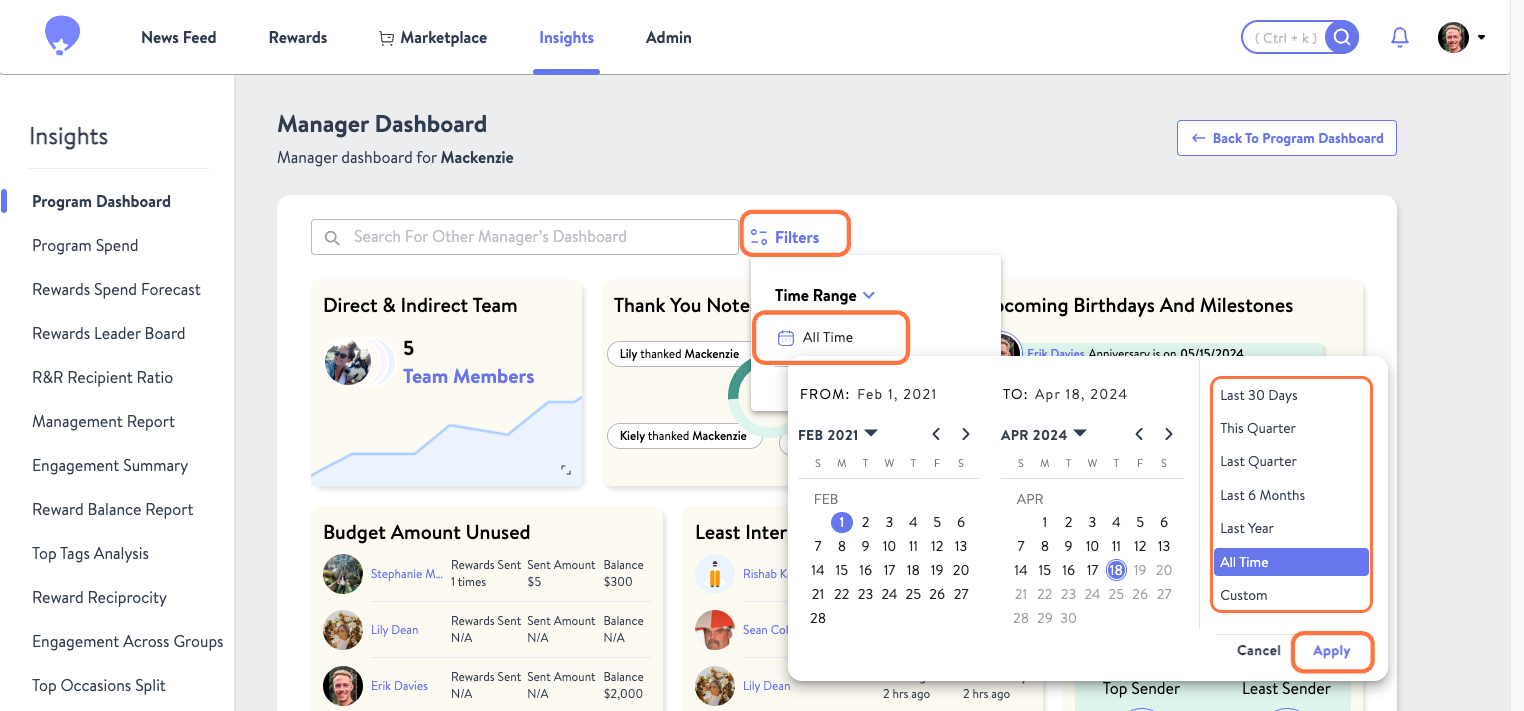
All tools within the Manager Dashboard can be filtered by time, unless otherwise noted in their description. To do so, select Filters, click All Time and then choose the timeframe you would like to see the reported on, and then hit Apply.
Was this article helpful?
That’s Great!
Thank you for your feedback
Sorry! We couldn't be helpful
Thank you for your feedback
Feedback sent
We appreciate your effort and will try to fix the article