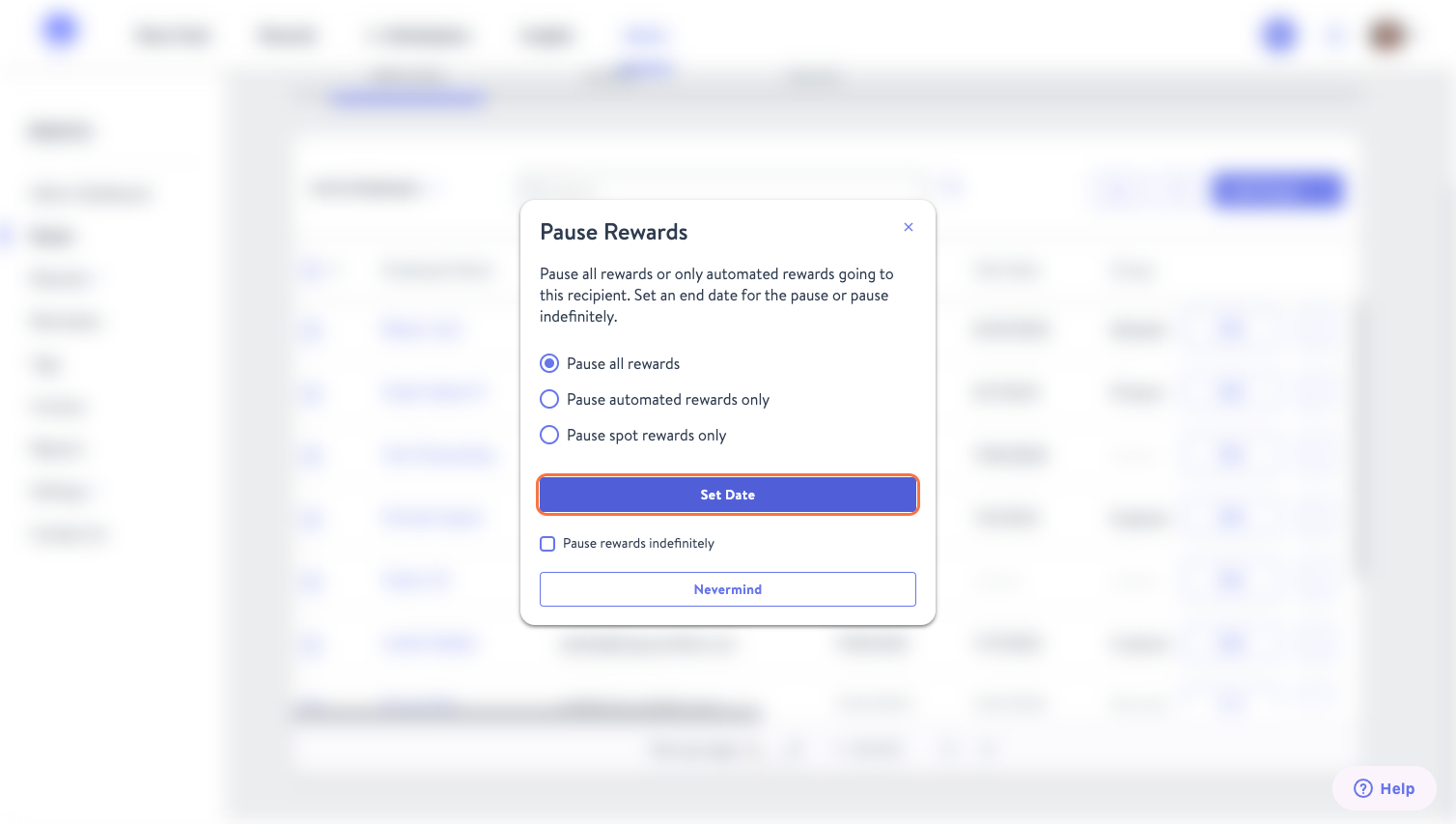
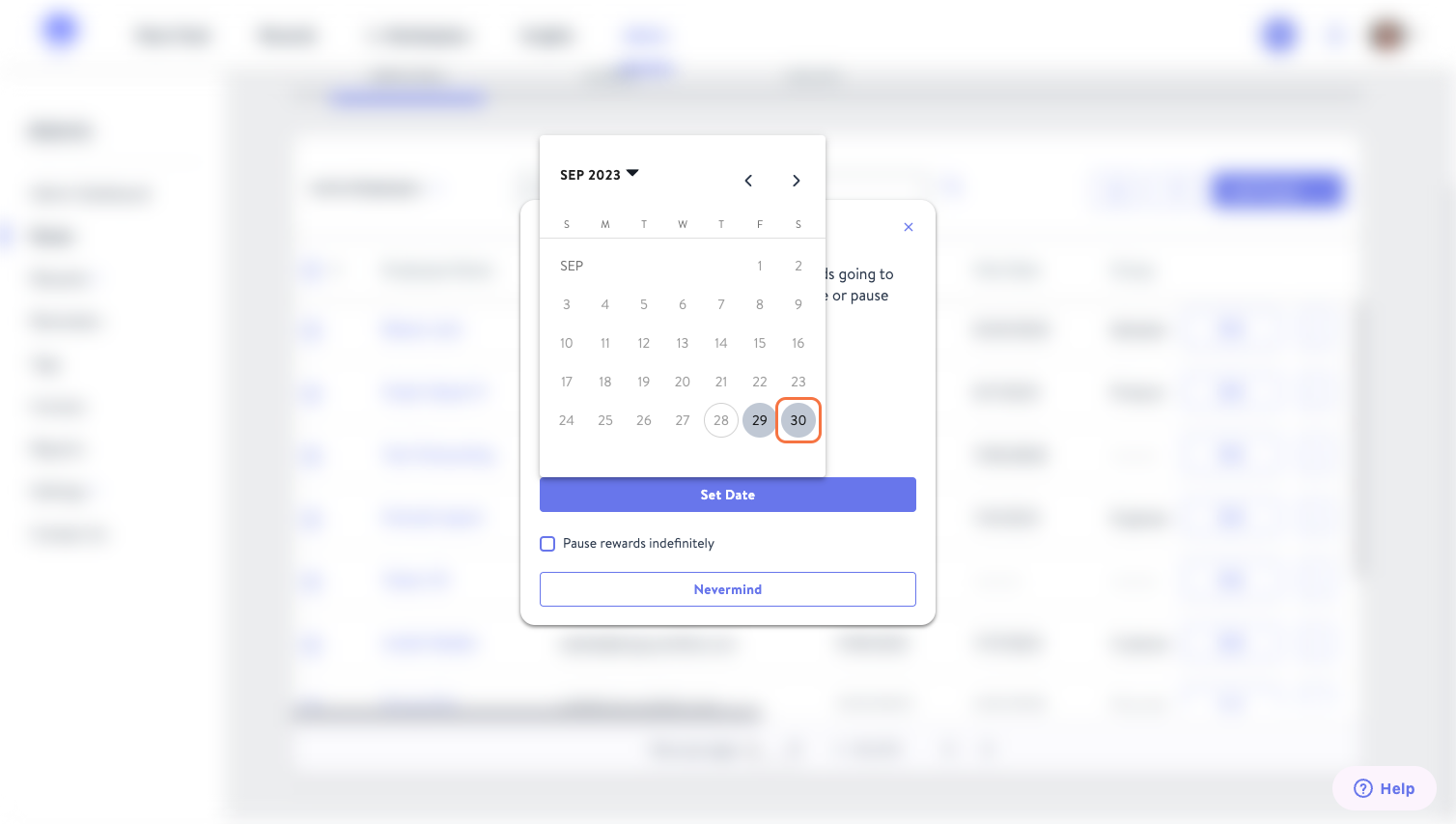
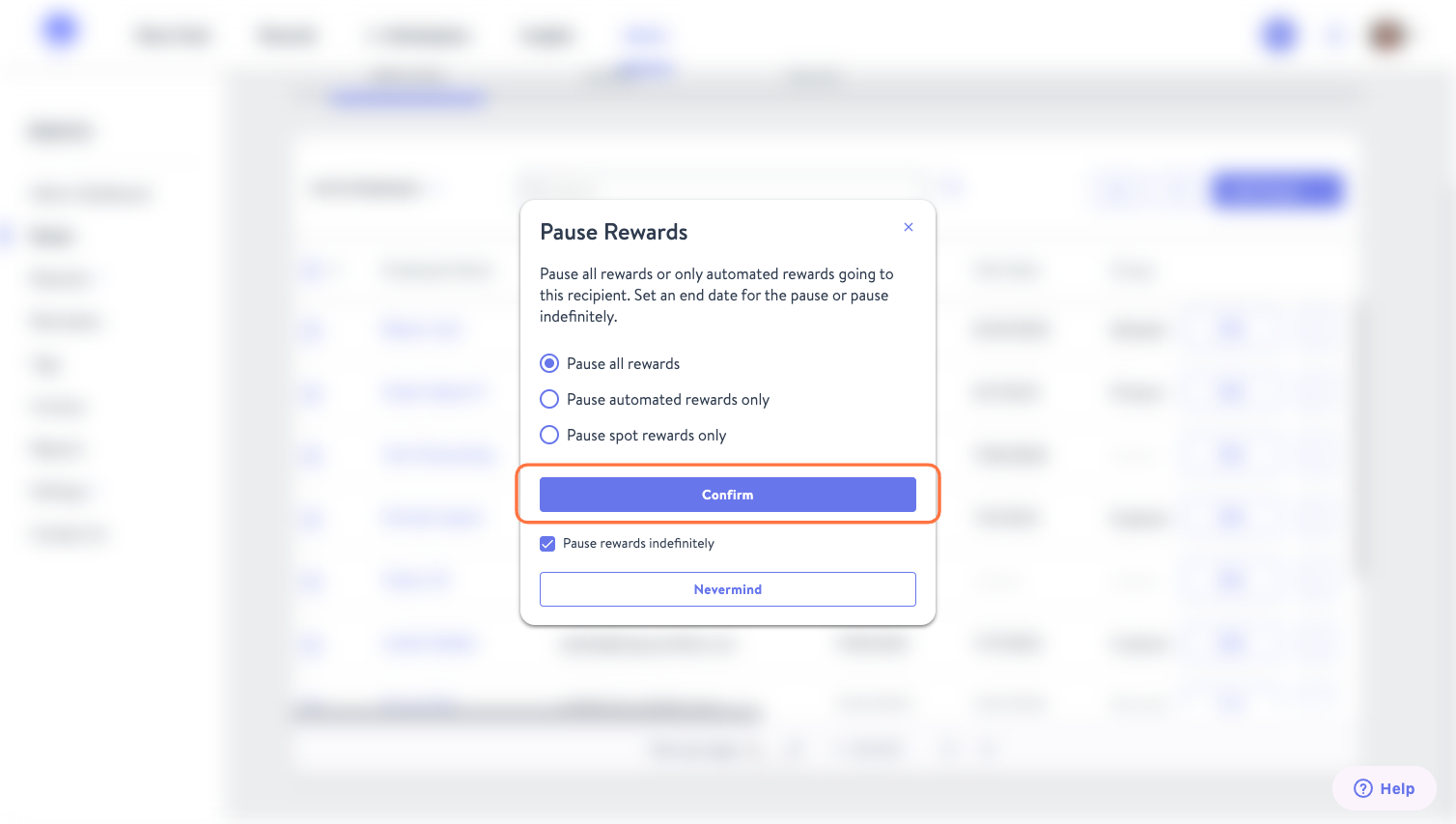
Below are the steps to pause an employee's rewards:
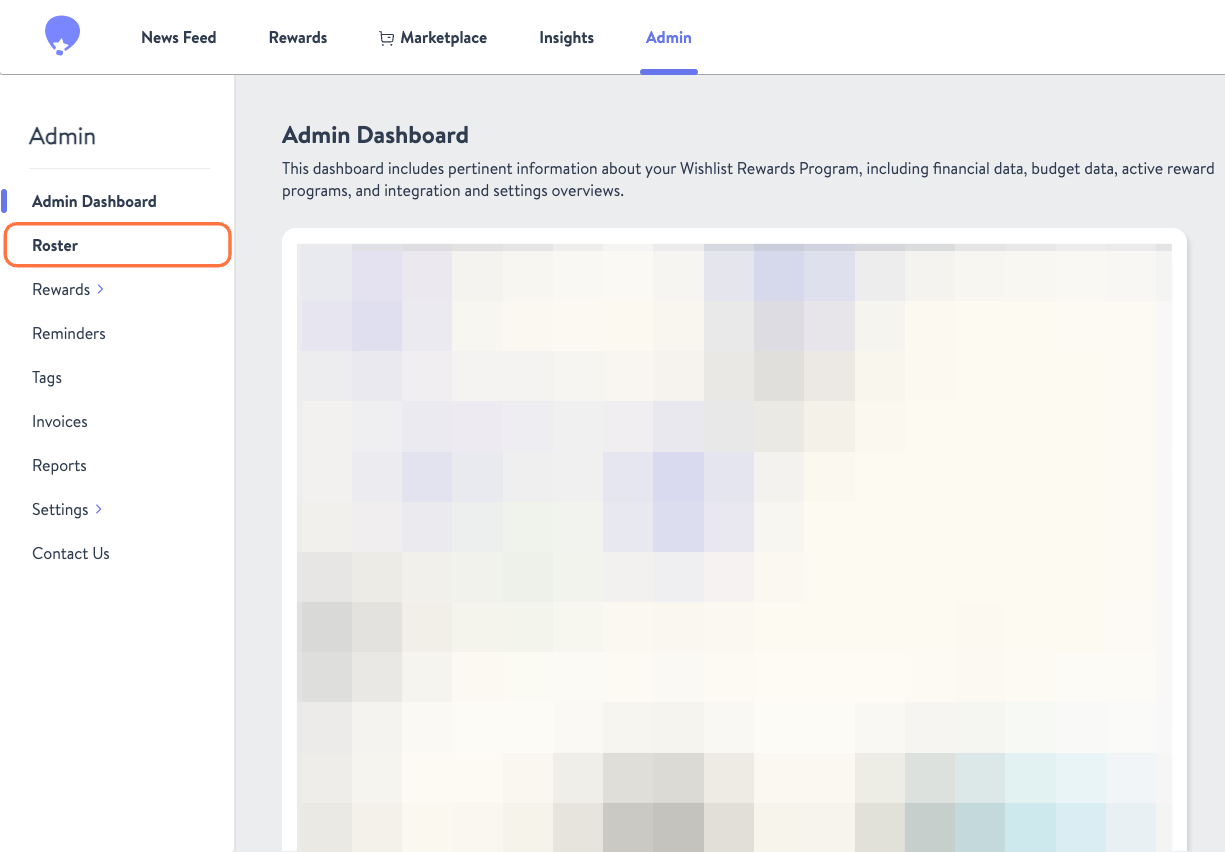
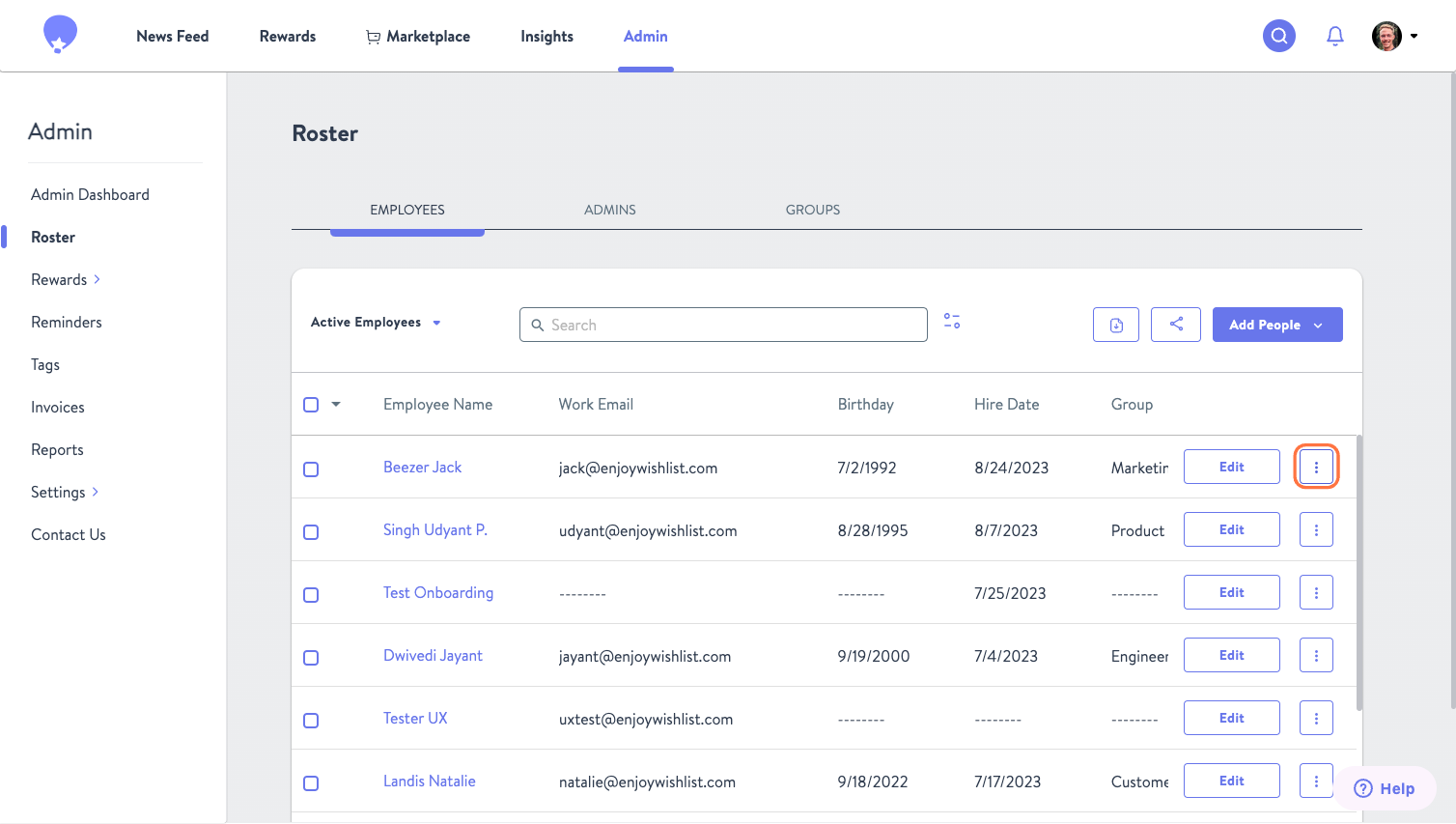
First, on your Admin page navigate to the Roster.
Once there, search the employee name you want to pause rewards for. Click the Kebab Menu to the right of their name and select Pause Rewards.
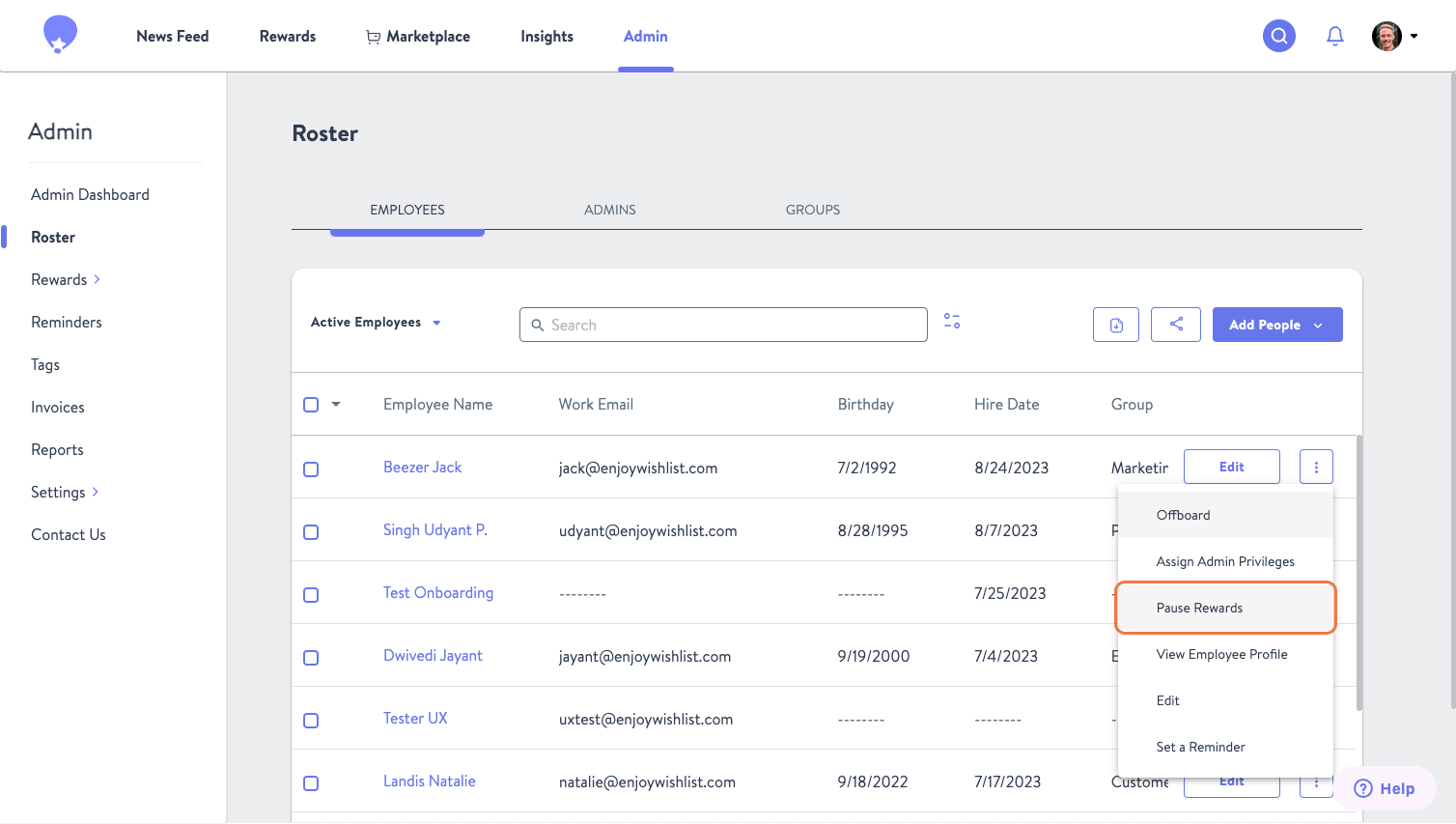
A pop-up will appear that allows you to pause indefinitely or select a fixed period for the pause. Here you can also choose the type(s) of rewards you'd like to pause. After making that selection click Confirm to submit.