Need to sharpen up on the details of one of your reward programs? Use the following to review your rewards for both Spot and Automated Reward Programs. If this is a feature you want, reach out to your CSM to see about enabling the Self-Service Program for your account.
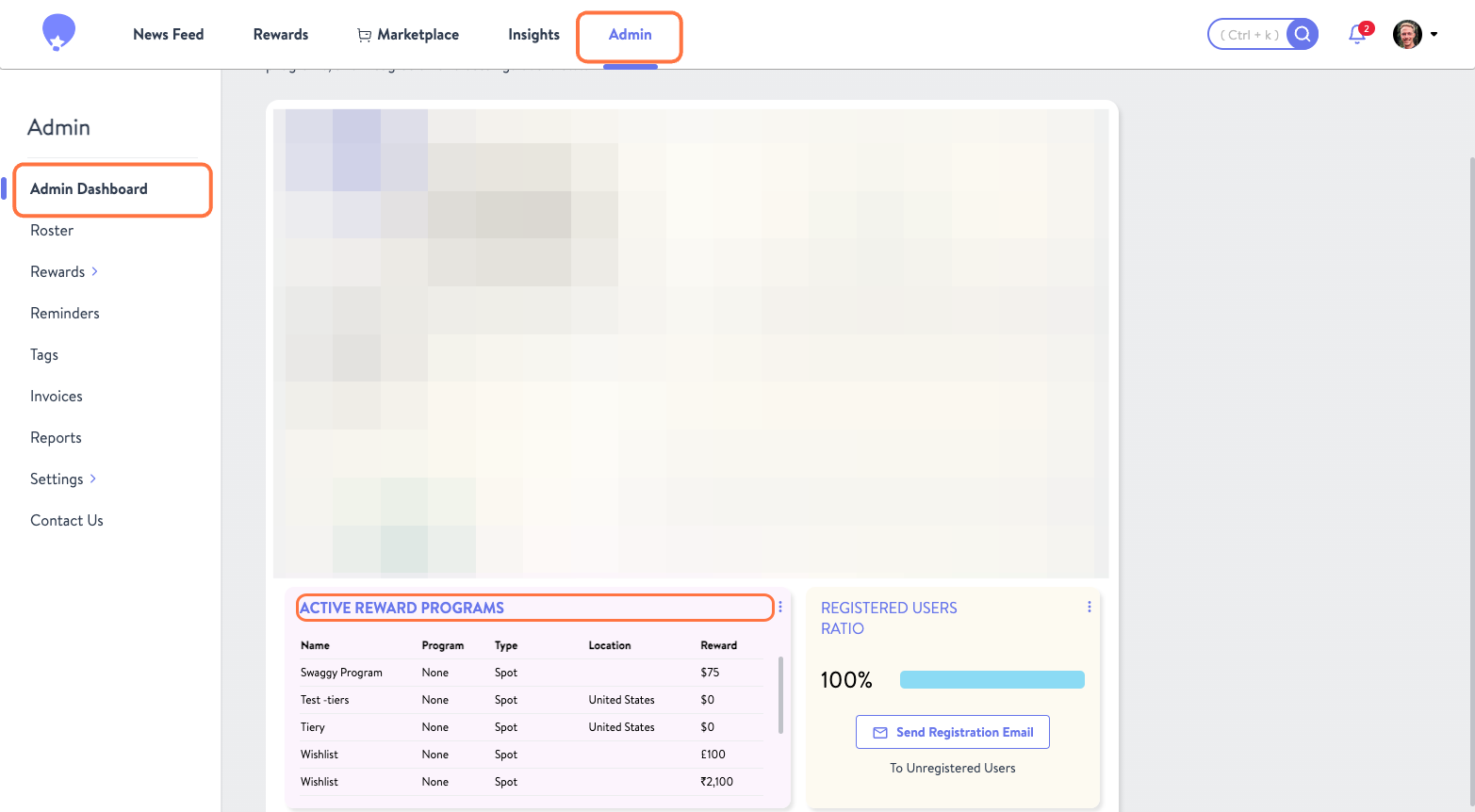
- From the Admin Tab's Admin Dashboard click on Active Reward Programs
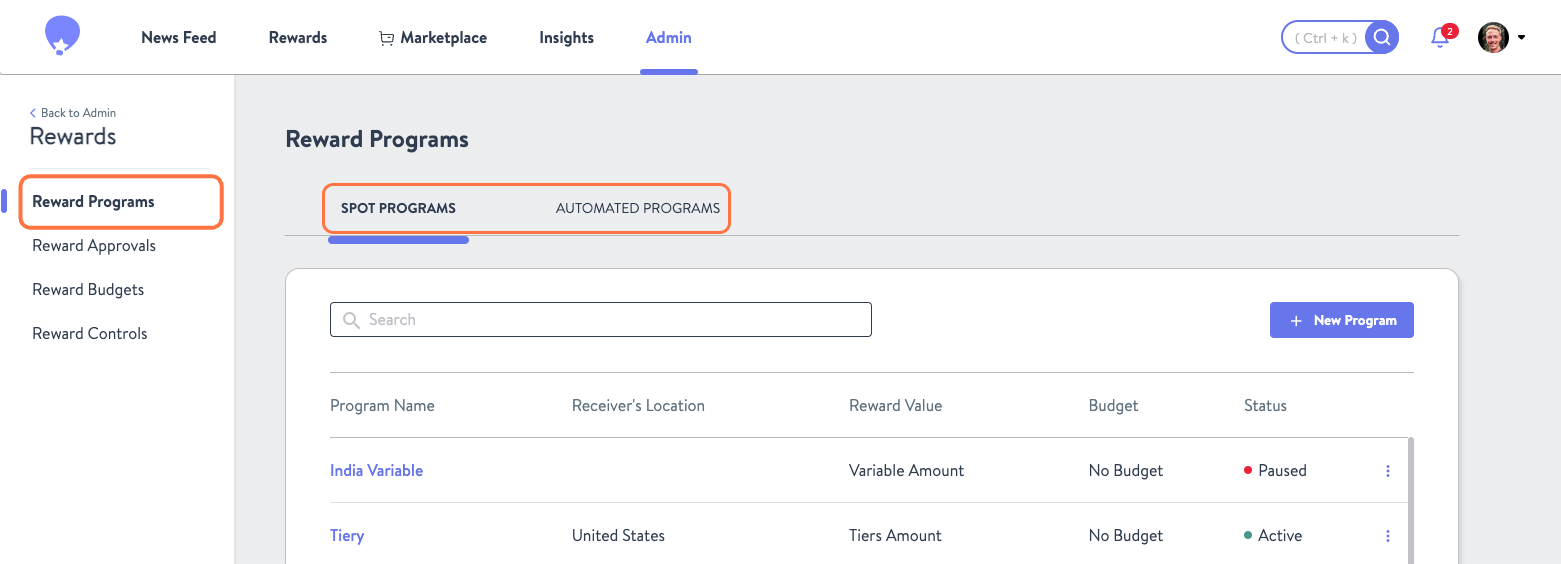
- This will take you to the Reward Programs page where you can select whether you want to view Spot or Automated Rewards.
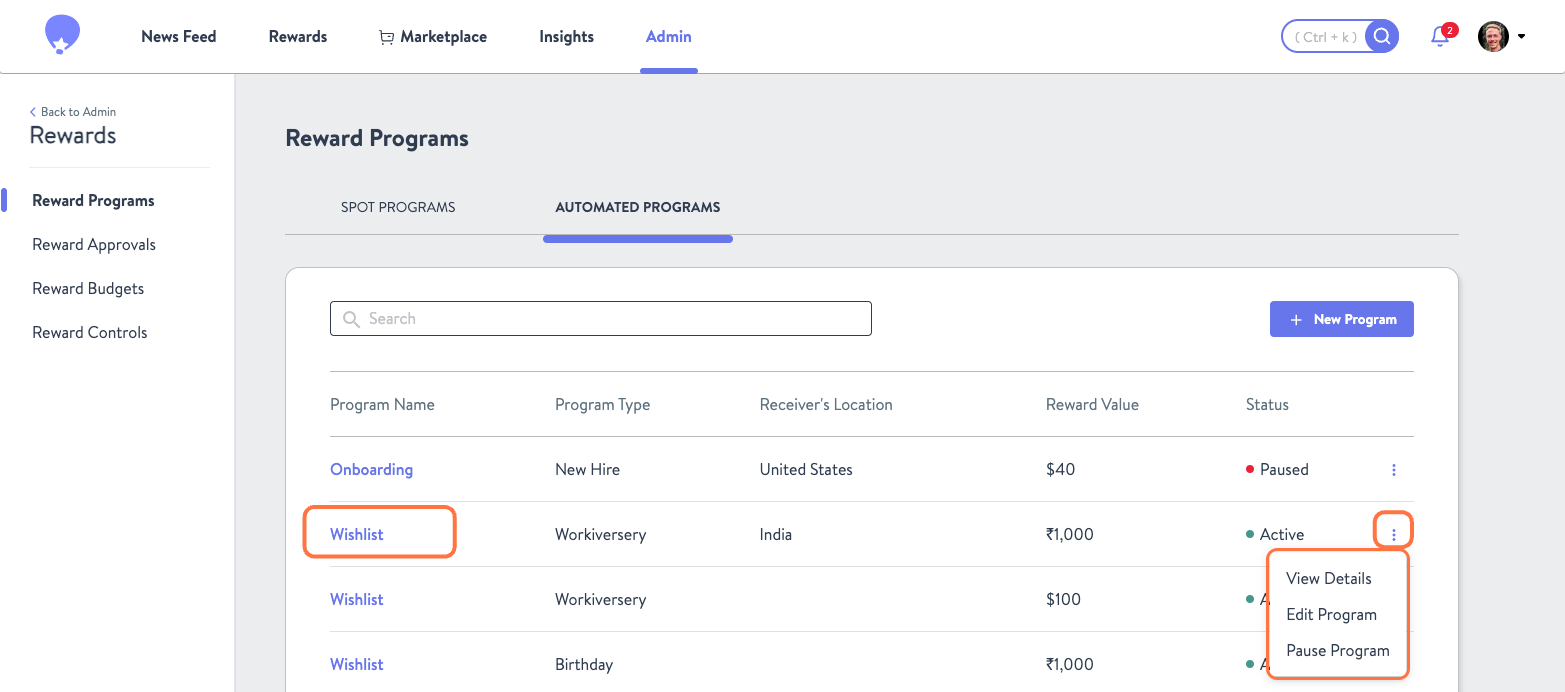
- Once viewing the desired program type, you can either click the Program Name or Kebab Menu to View Details, Edit Program, or Pause Program. If a program is already pause, here is where you would also be able to Activate Program.
- Clicking View Details or the Program Name will produce the following information.
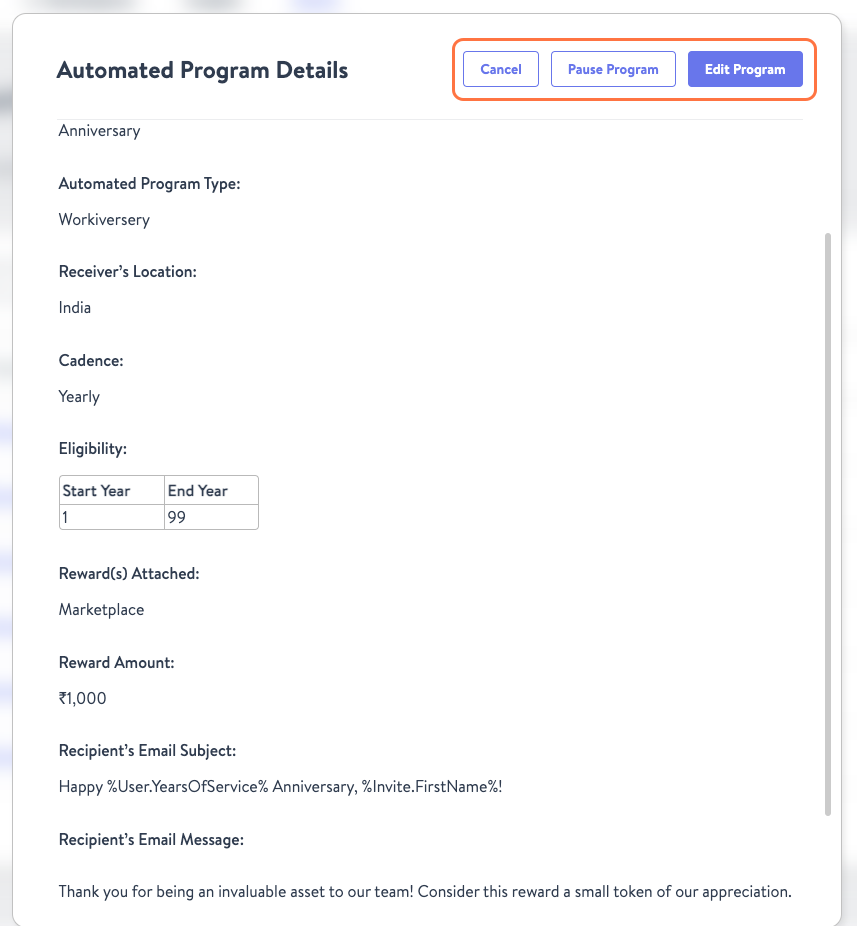
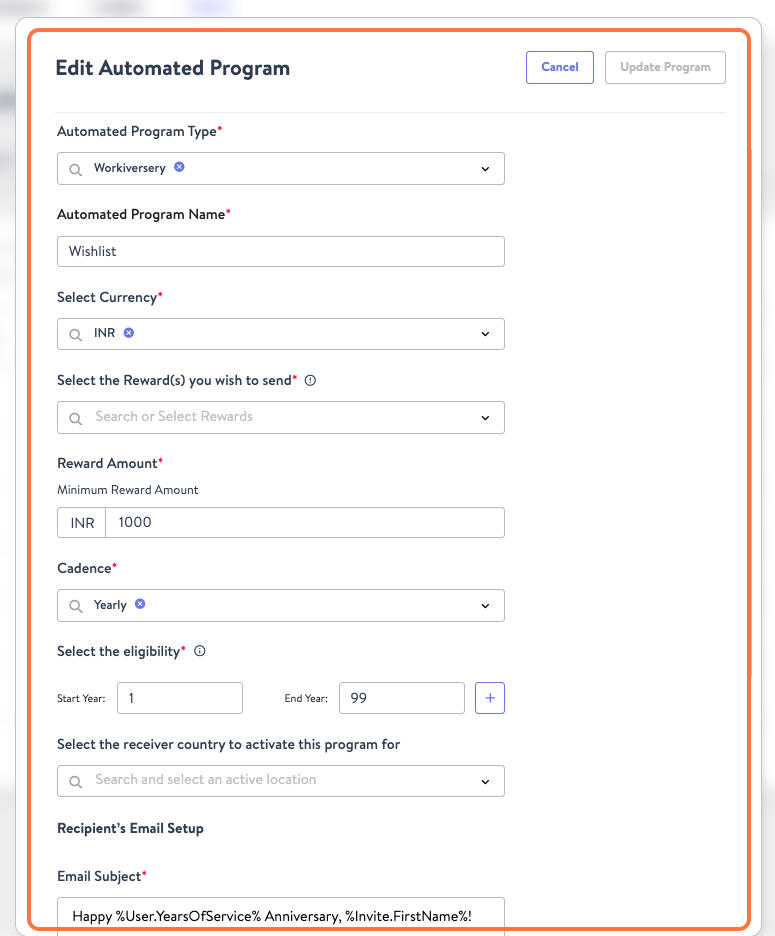
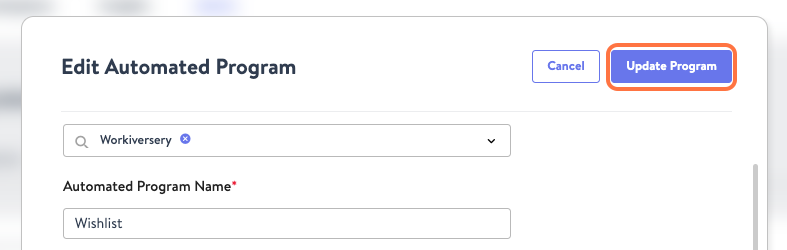
- Selecting Edit Program from either the Kebab Menu or the program details page will open up the editor where you can make any necessary changes. Once done, click Update Program to save any changes you made.
Was this article helpful?
That’s Great!
Thank you for your feedback
Sorry! We couldn't be helpful
Thank you for your feedback
Feedback sent
We appreciate your effort and will try to fix the article