Security is a priority for us here at Wishlist and we know it is important to our clients too. The password reset function will allow Program Admins to reset passwords for their entire organization in just a few easy steps.
Instructions
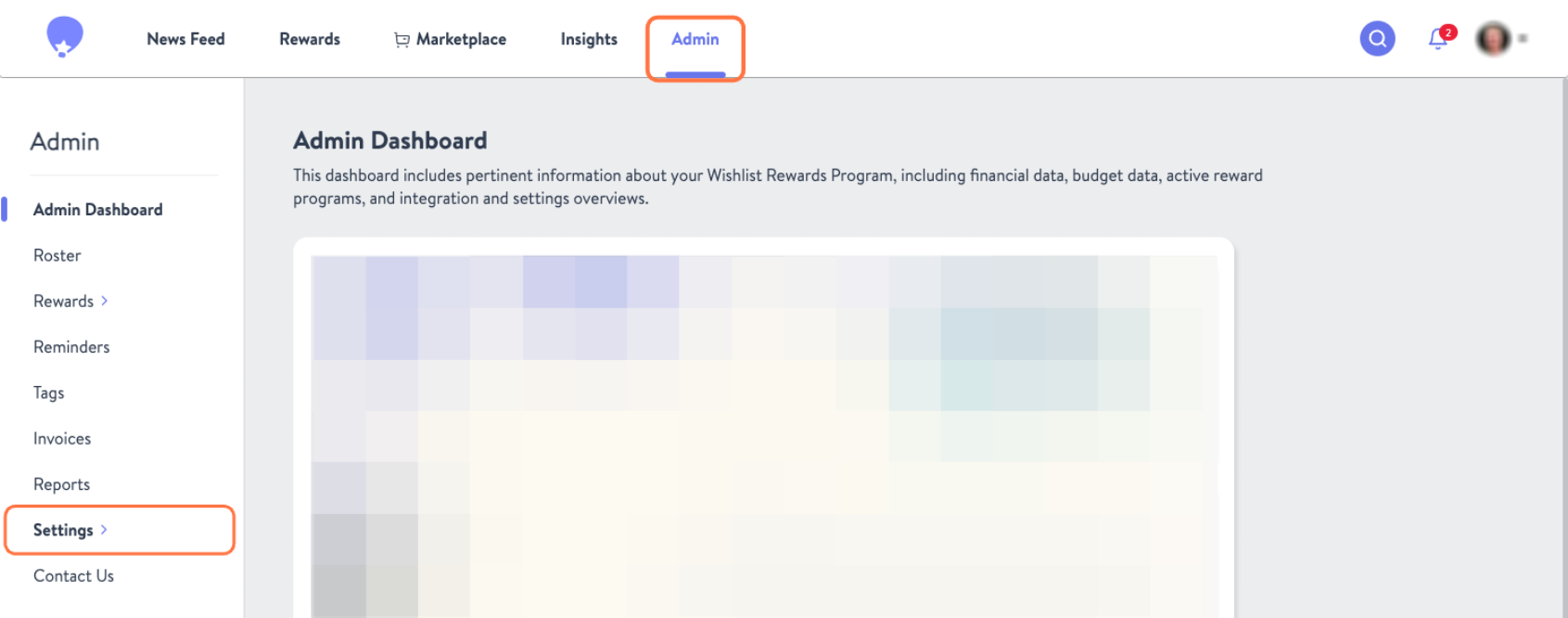
Click the Admin tab in the Top Nav and then select Settings from the right-hand sidebar
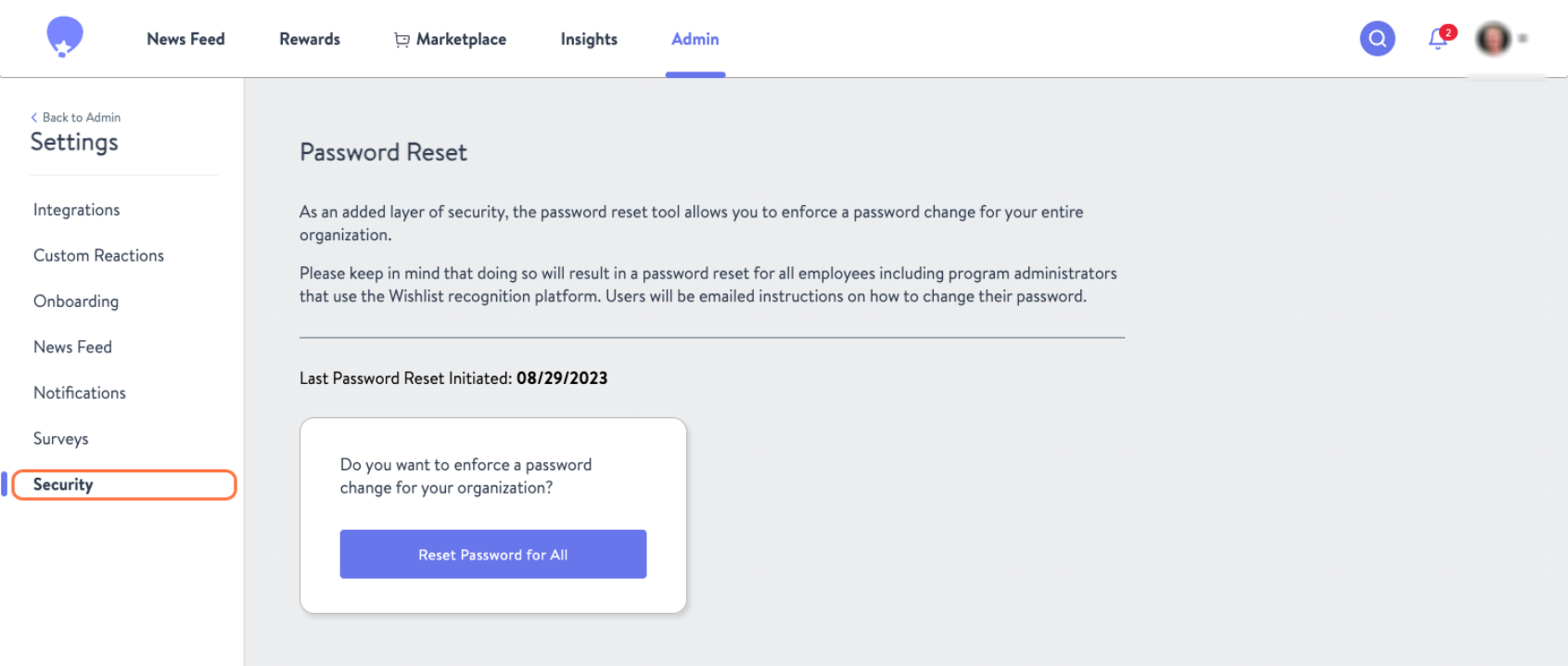
Click on Security
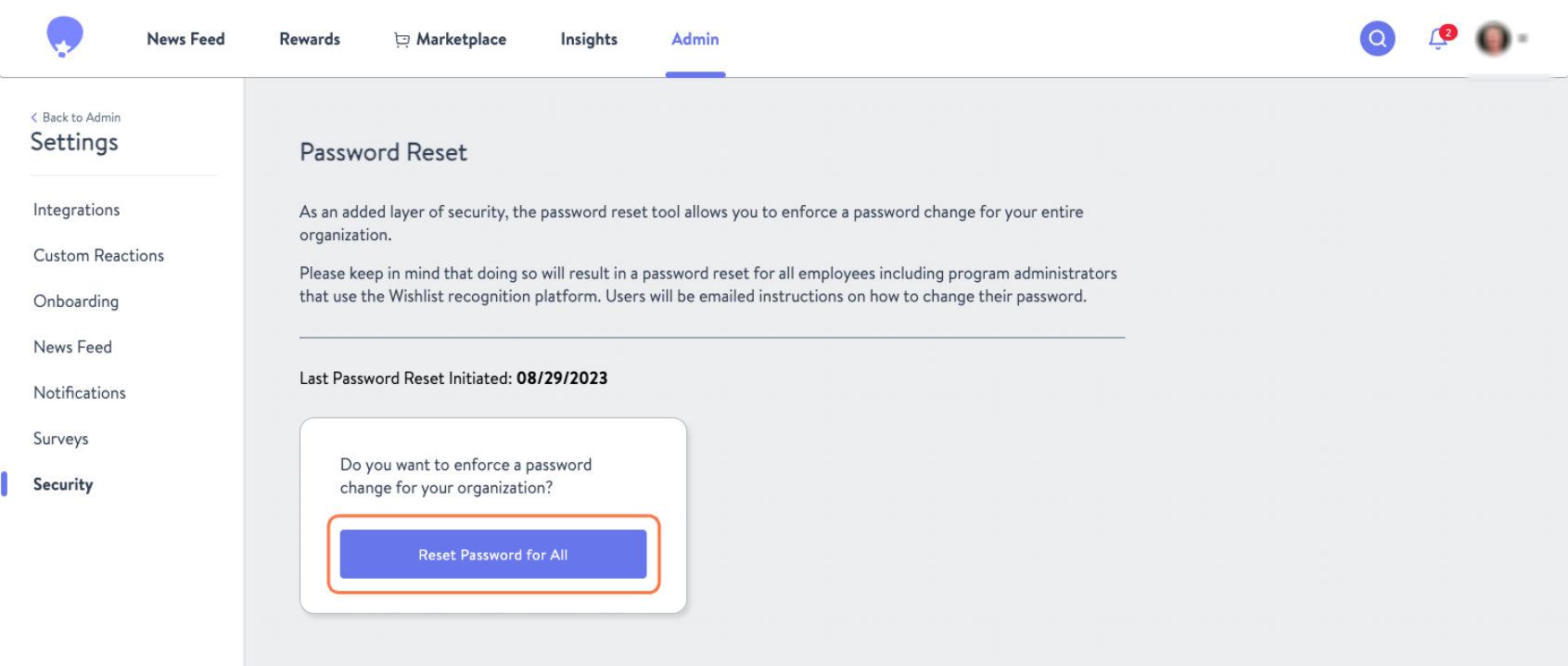
Click Reset Password for All followed by Continue. Please note this will immediately force a password reset for everyone who has access to the Wishlist portal, including the program admin conducting the password reset.
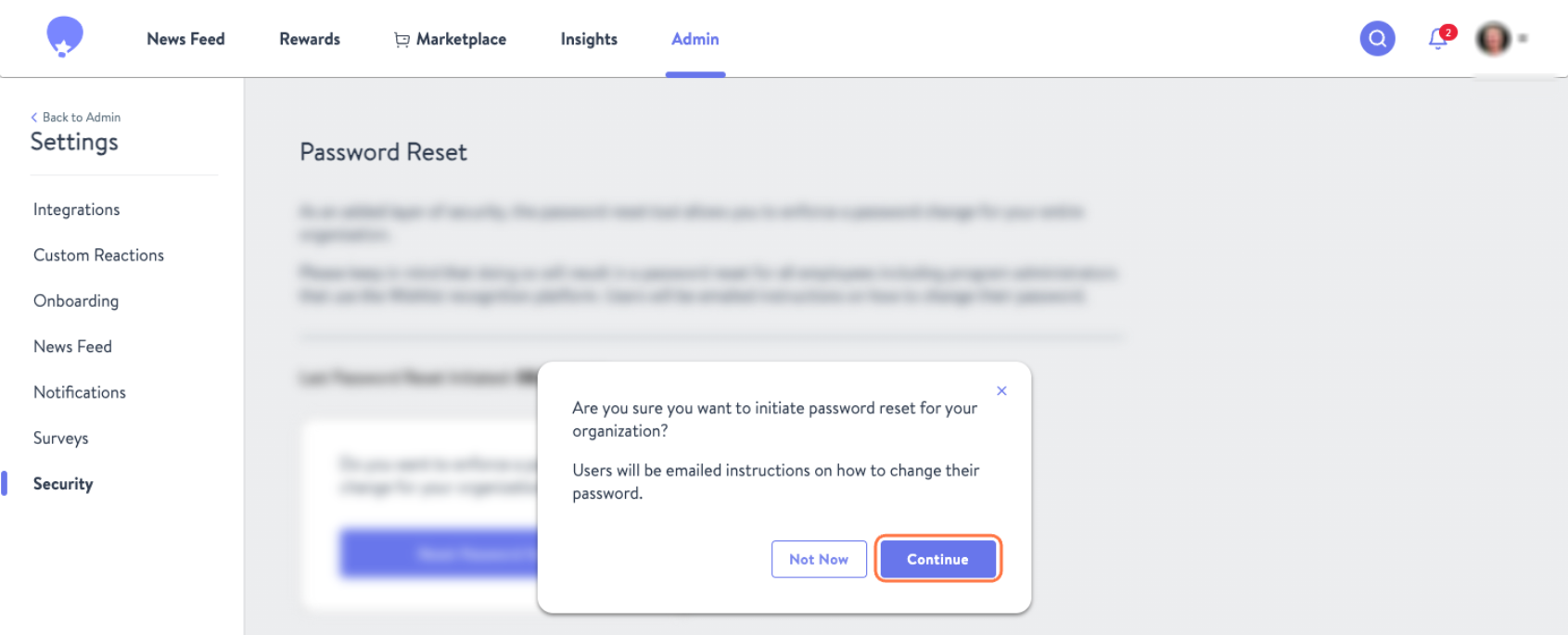
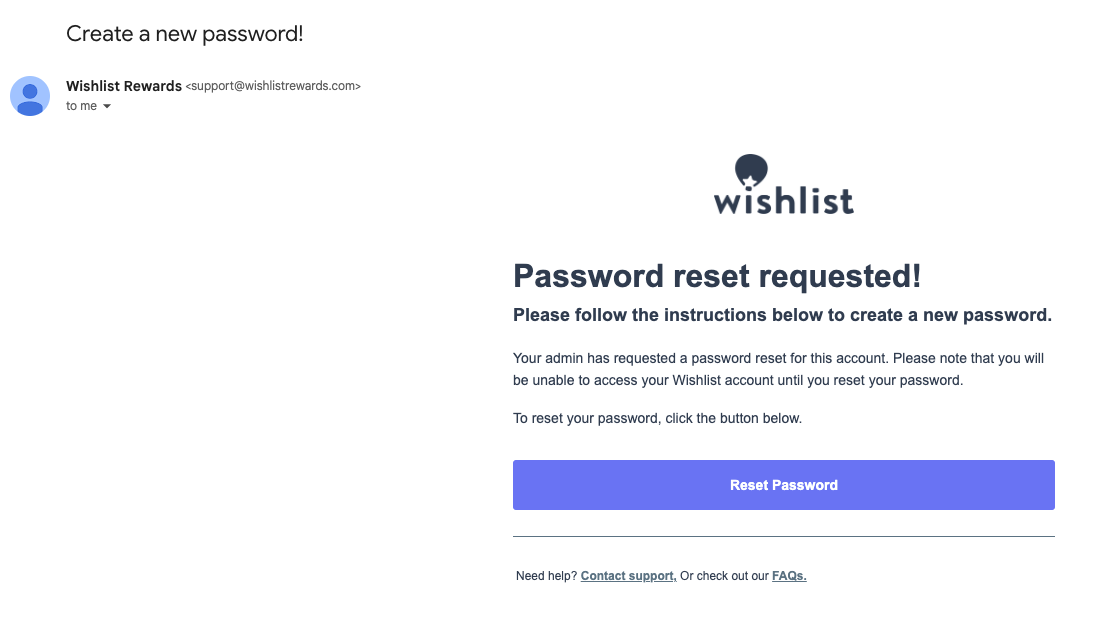
All users on the portal will receive email instructions to reset their password and access the portal again