We’ve all been there, sending off a perfectly worded recognition, only to realize your spell checker missed that “hear” should’ve been “here.” No worries though! You can easily edit your post without starting from scratch. Just follow these steps to make your fix.
Before we dive in, here are a few important notes about the edit button:
- You can’t add a reward through editing. If you meant to include one, click the gift box icon to send a reward to those recognized in your post.
- If your original recognition included a reward, editing or deleting the post won’t affect it. Even if you delete the post, the reward will still be sent. If there’s an issue with a reward, please reach out to your Program Admin.
Here is how you edit a recognition:
1. From the News Feed, click the Kebab Menu in the upper right of your post.
2. From there, hit Edit to start fixing those typos
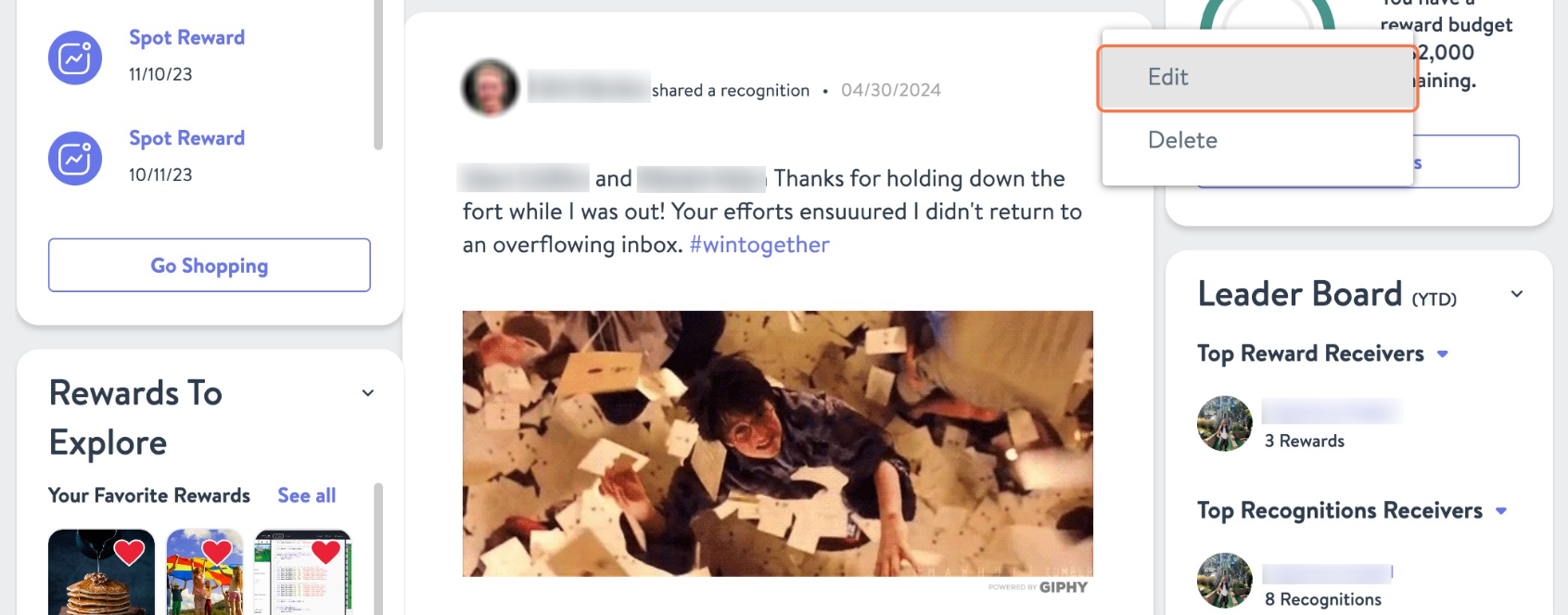
3. Once you have made all the necessary changes hit Save