Your company and ThrivePass have partnered together to offer you a Thrive Account benefit. The Thrive Account is a health and wellness focused benefit that offers you the flexibility to make eligible purchases in various spending categories. We're here to guide you on how to utilize your Thrive Account effectively.
Navigating Your Thrive Account
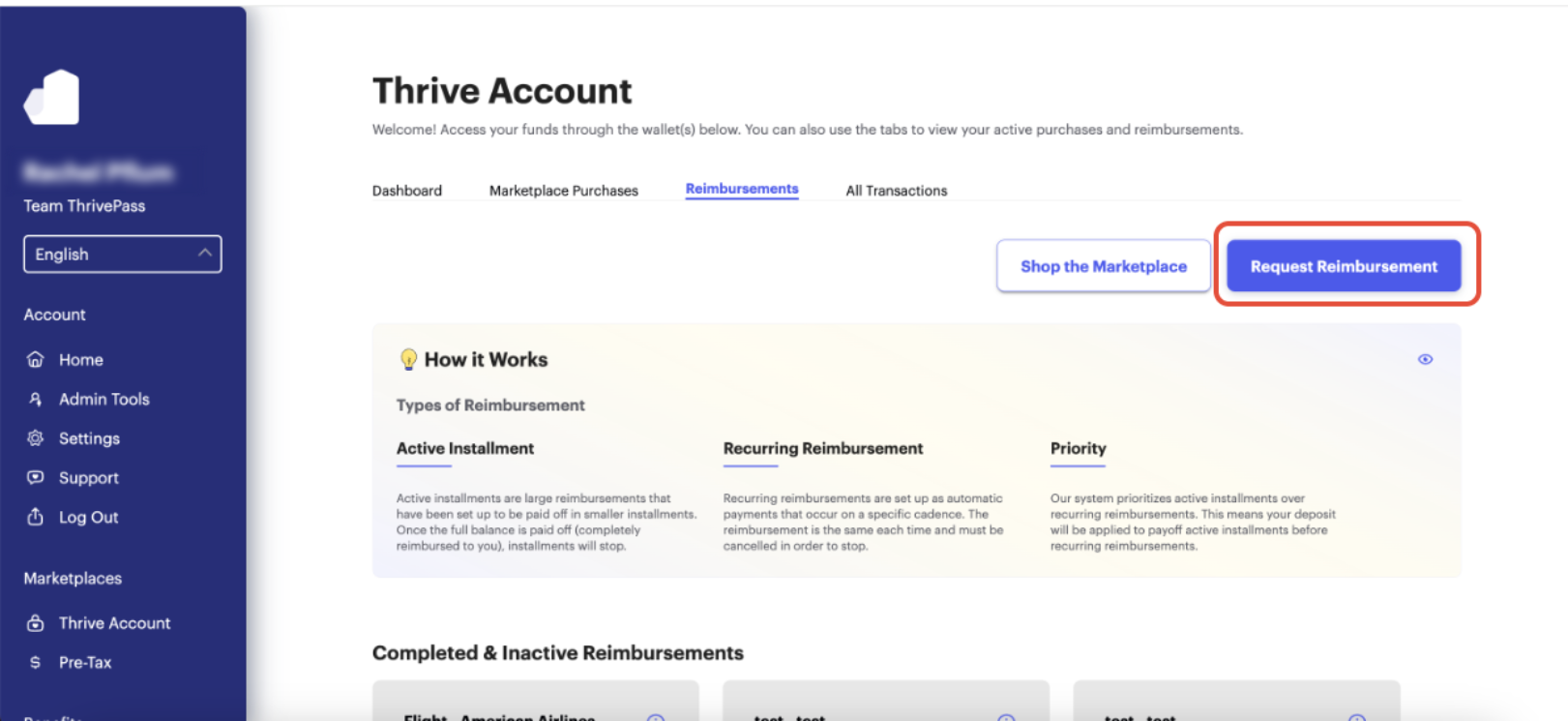
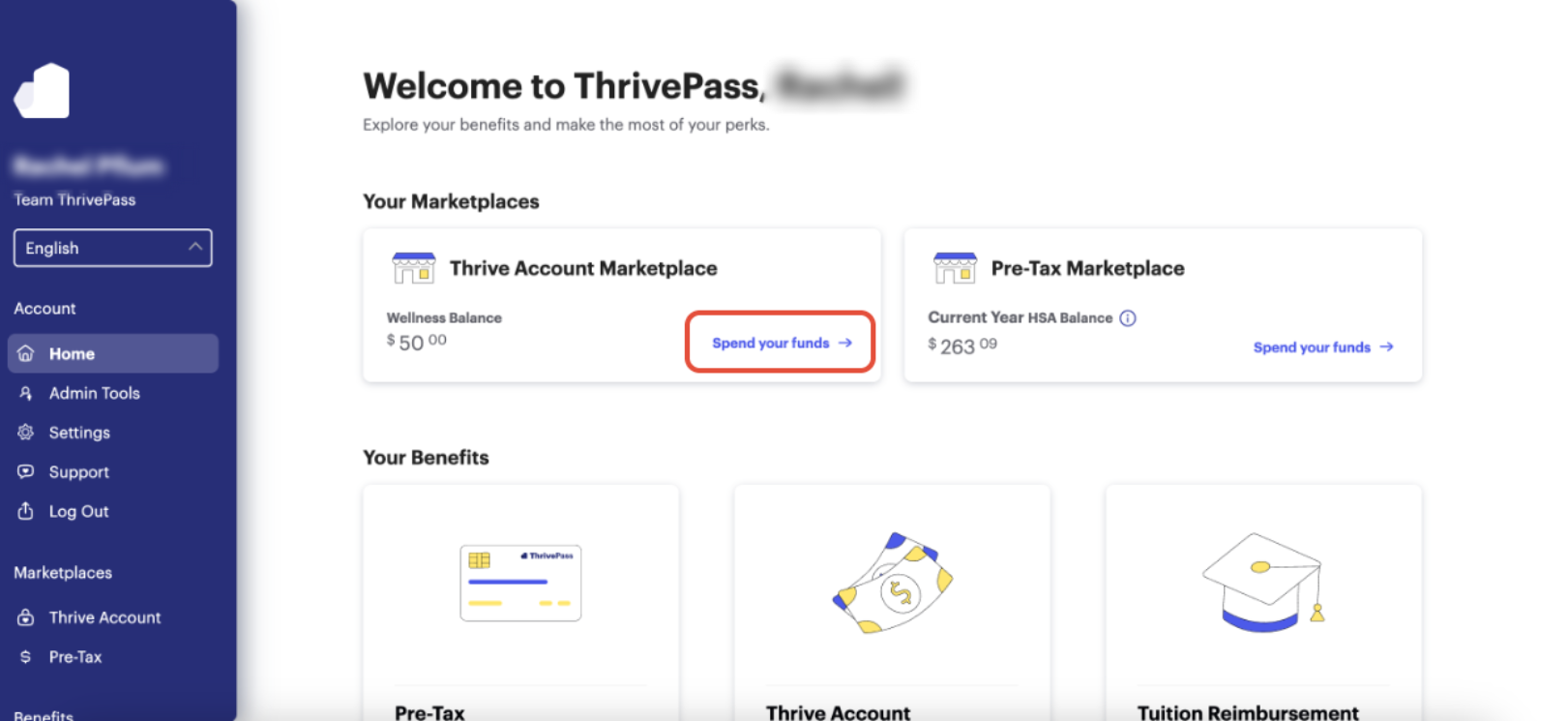 Get Reimbursed: Opt for this option if you decide to make eligible purchases outside the Marketplace, initiating a straightforward reimbursement process. To get to the reimbursement page, click into your Thrive Account tile on the homepage, then click on the Reimbursements tab along the top. Once on that page, click "Request Reimbursement".
- Once you select "Request Reimbursement" you will be able to scroll and search all the available categories eligible for Reimbursement.
- Use the "Search all that's eligible" bar to view definitions on what is eligible under each category.
- Follow the remaining prompts to submit your eligible expense as a new reimbursement request.
Understanding Your Wallet:
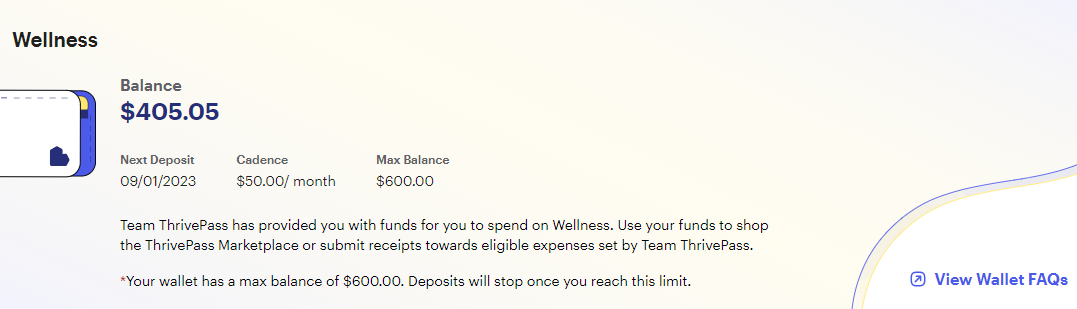
Detailed Information: Access comprehensive details about your wallet, providing insights into the amount you'll receive from your employer.
Fund Disbursement Frequency: Learn about the frequency of fund disbursement, ensuring you're aware of when to expect the next deposit.
Maximum Balance Limits (if applicable): Understand any maximum balance limits set for your wallet, if applicable to your account.
Please note that ThrivePass administers your program on behalf of your company and the categories shown above may not be available to you based on your employers guidelines. Program eligibility (I.e what is or is not eligible) is determined by your employer. The ThrivePass Support Team is happy to answer any questions regarding your program and eligibility. Please contact us here.
Was this article helpful?
That’s Great!
Thank you for your feedback
Sorry! We couldn't be helpful
Thank you for your feedback
Feedback sent
We appreciate your effort and will try to fix the article