Follow this step-by-step guide to navigate the ThrivePass platform and set up your investment dashboard. These instructions will help you confirm your contact information, complete required disclosures, and officially open your investment account so you can begin managing your benefits.
1. Navigate to https://app.thrivepass.com/dashboard
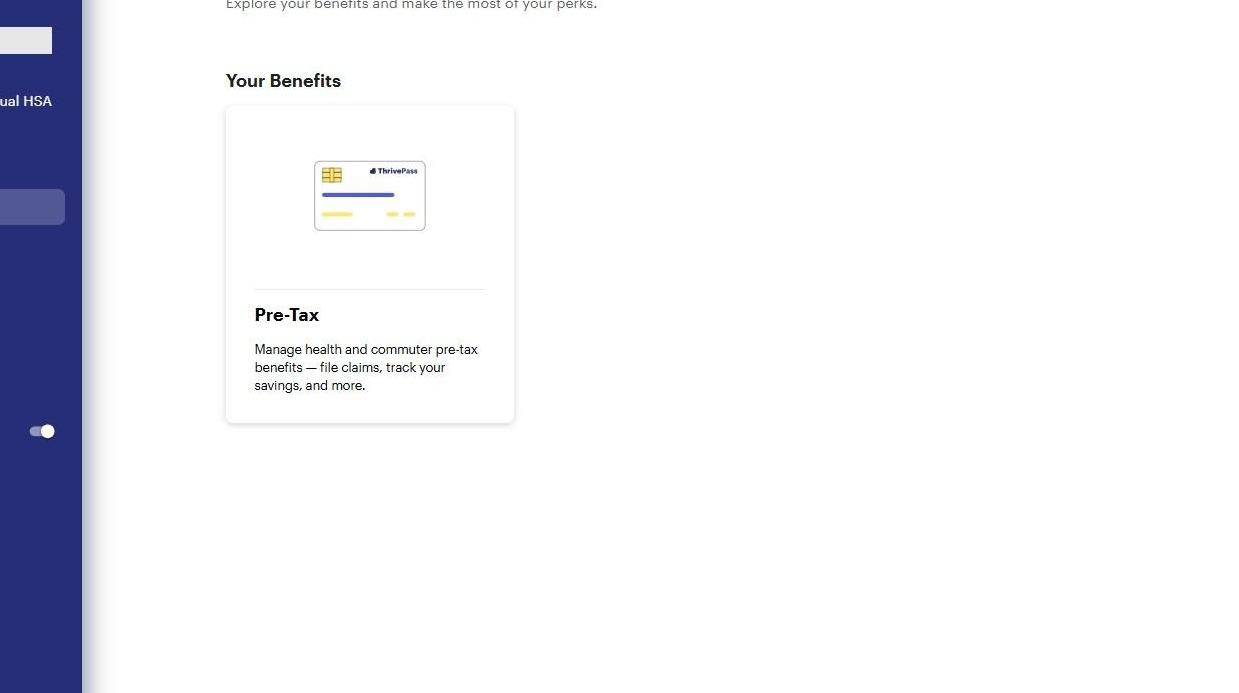
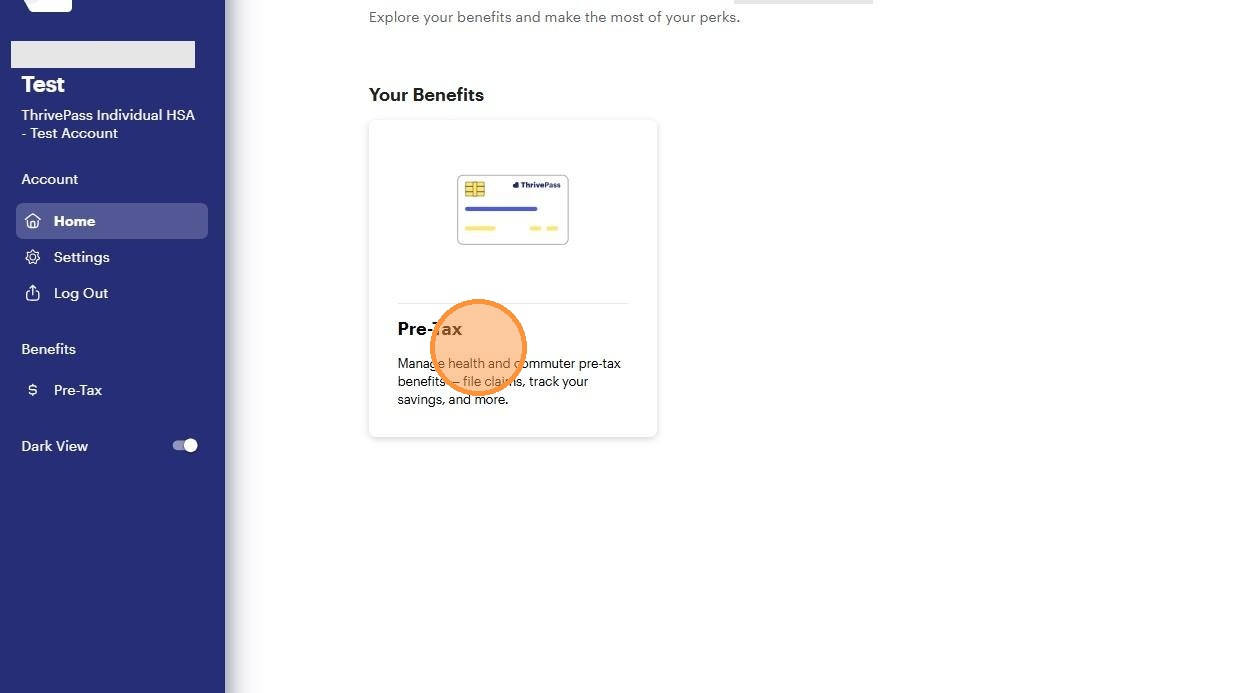
2. Click "Pre-Tax Tile."
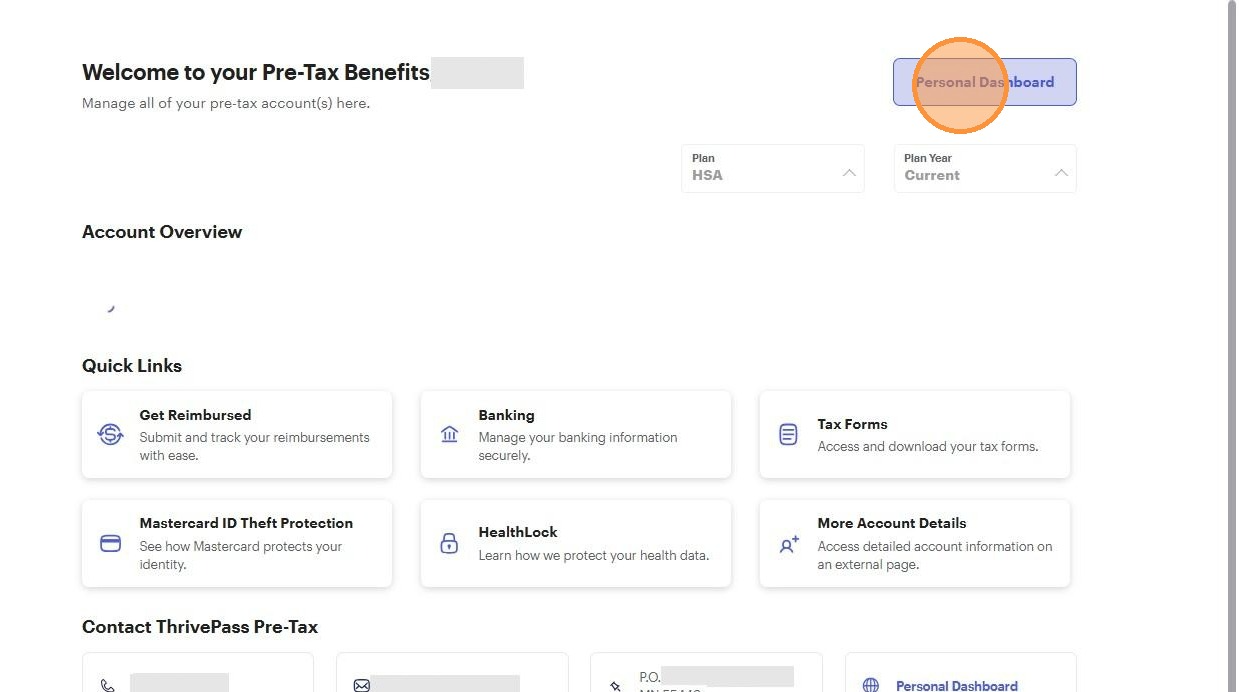
3. Click "Personal Dashboard"
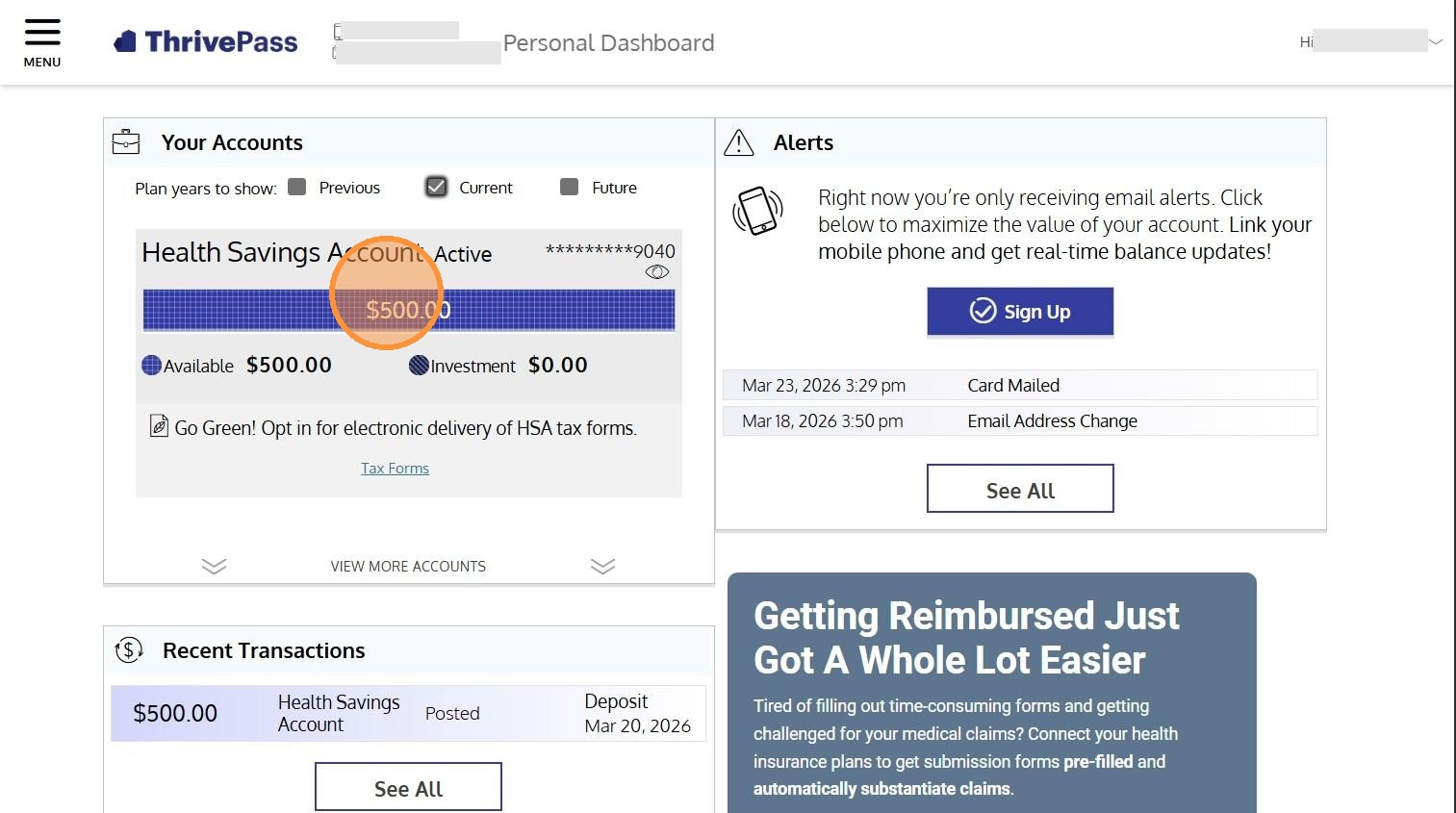
4. Click your HSA account
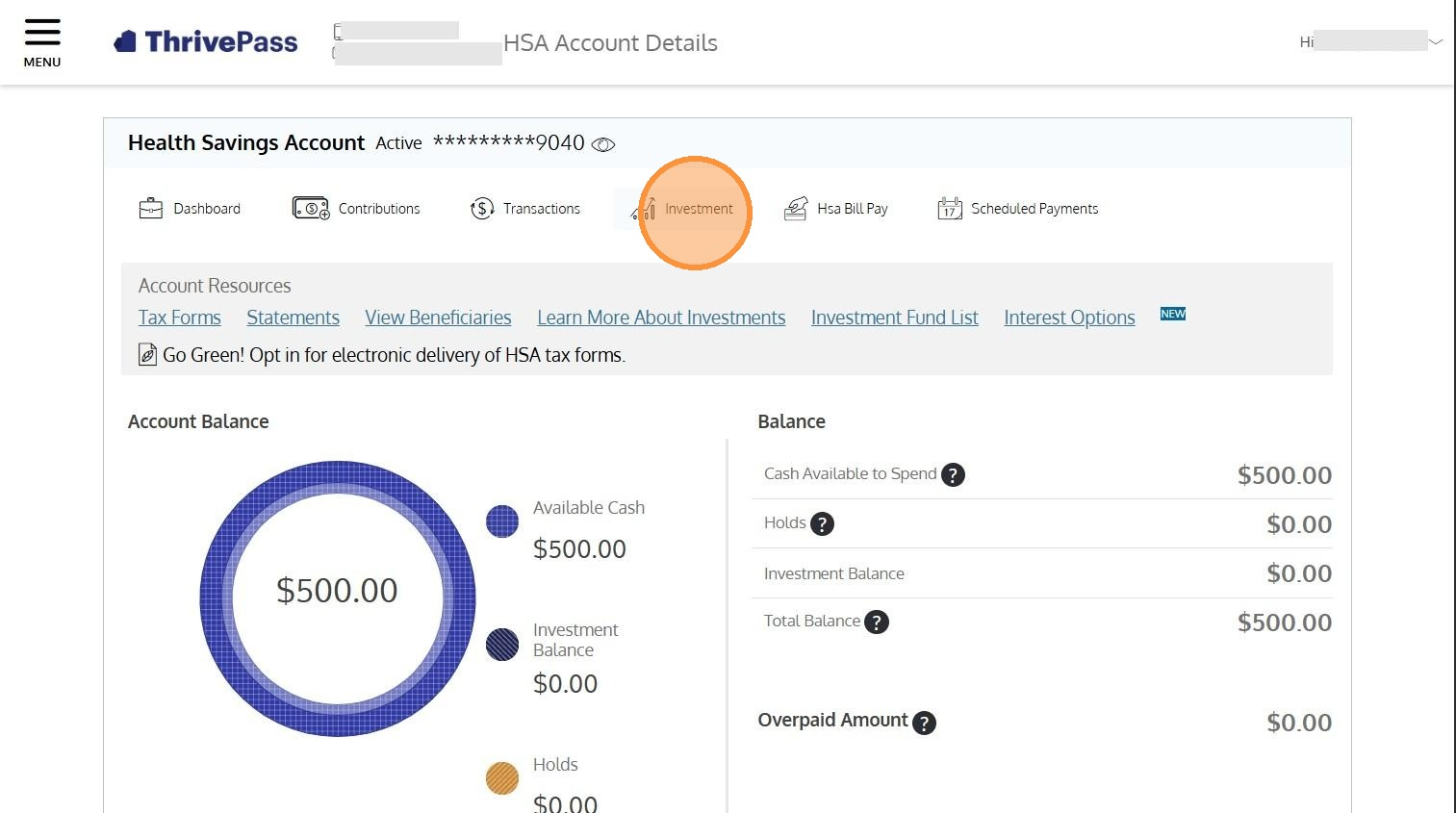
5. Click "Investment"
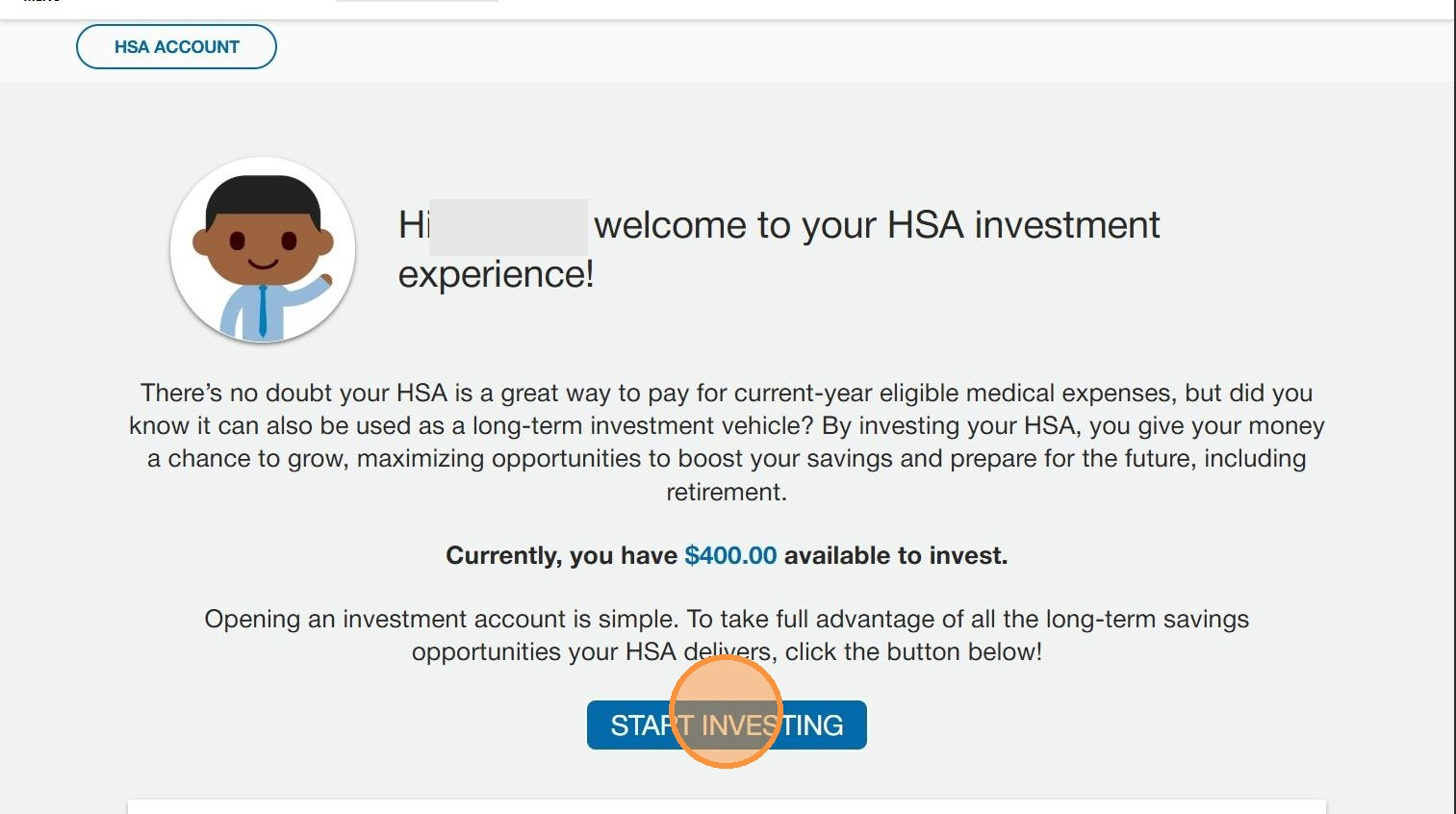
6. Click "Start Investing"
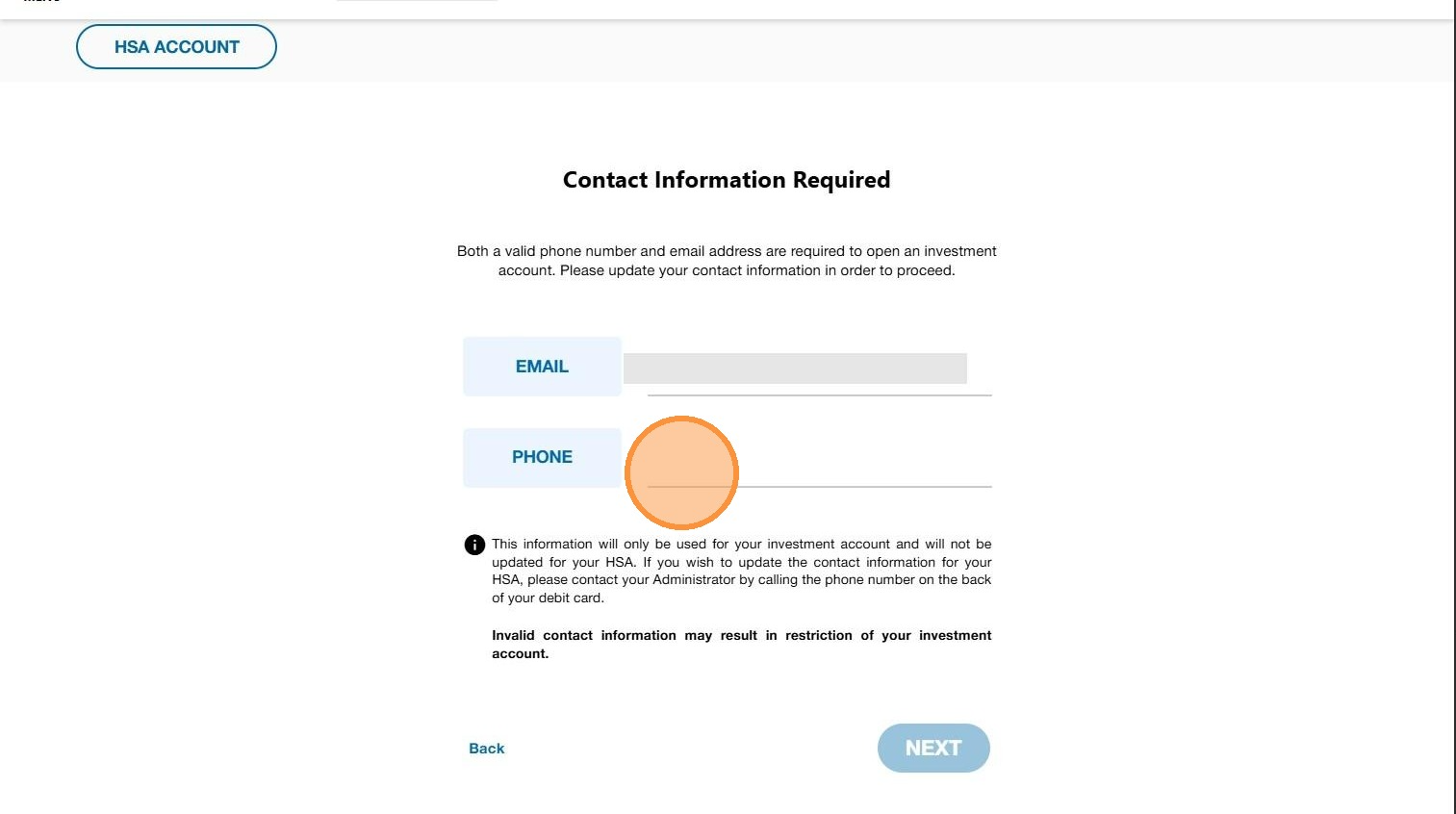
7. Enter your email and phone number
8. Click "Next"
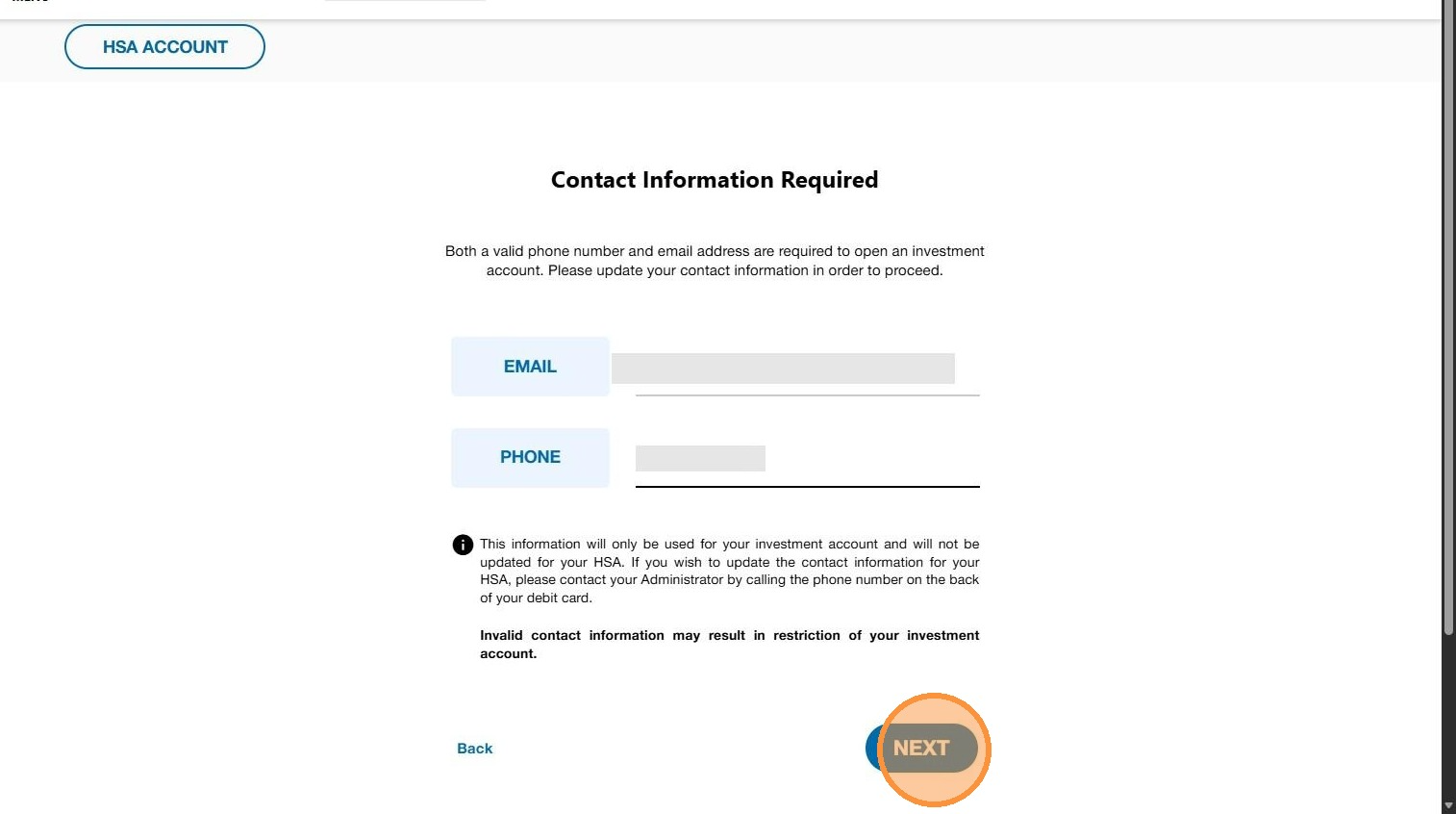
9. Click "Next"
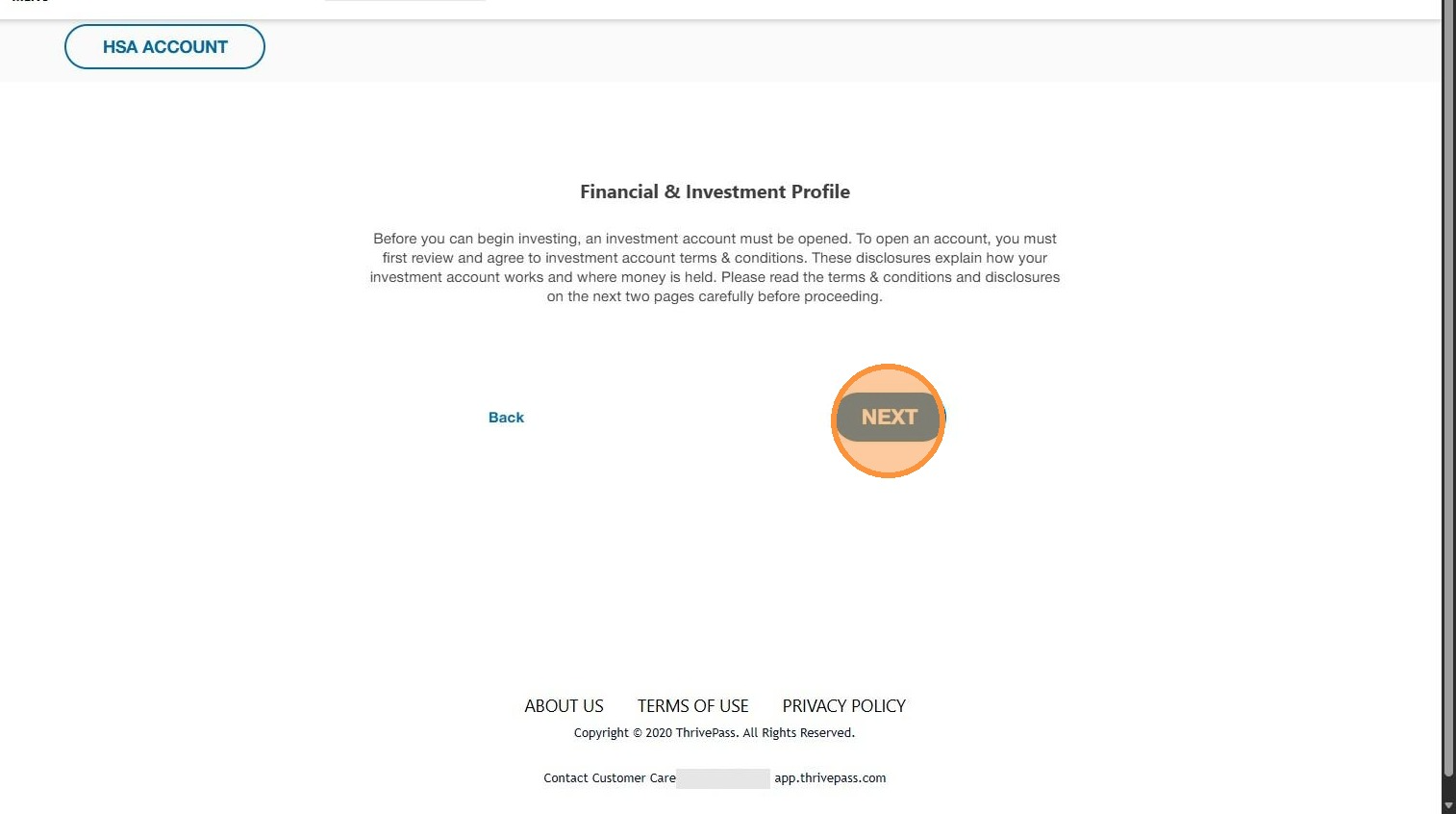
10. Click the disclosure that fits your needs.
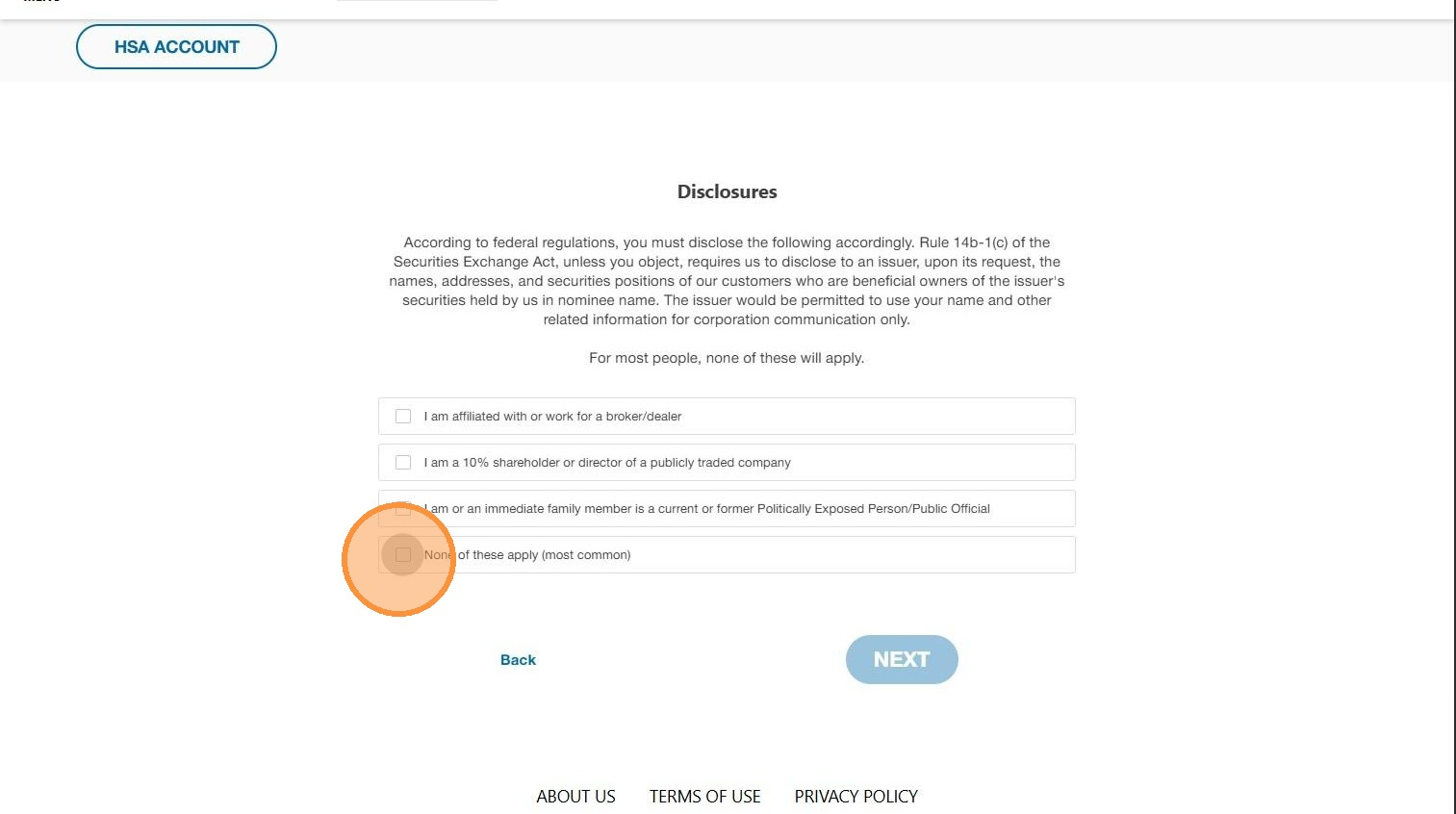
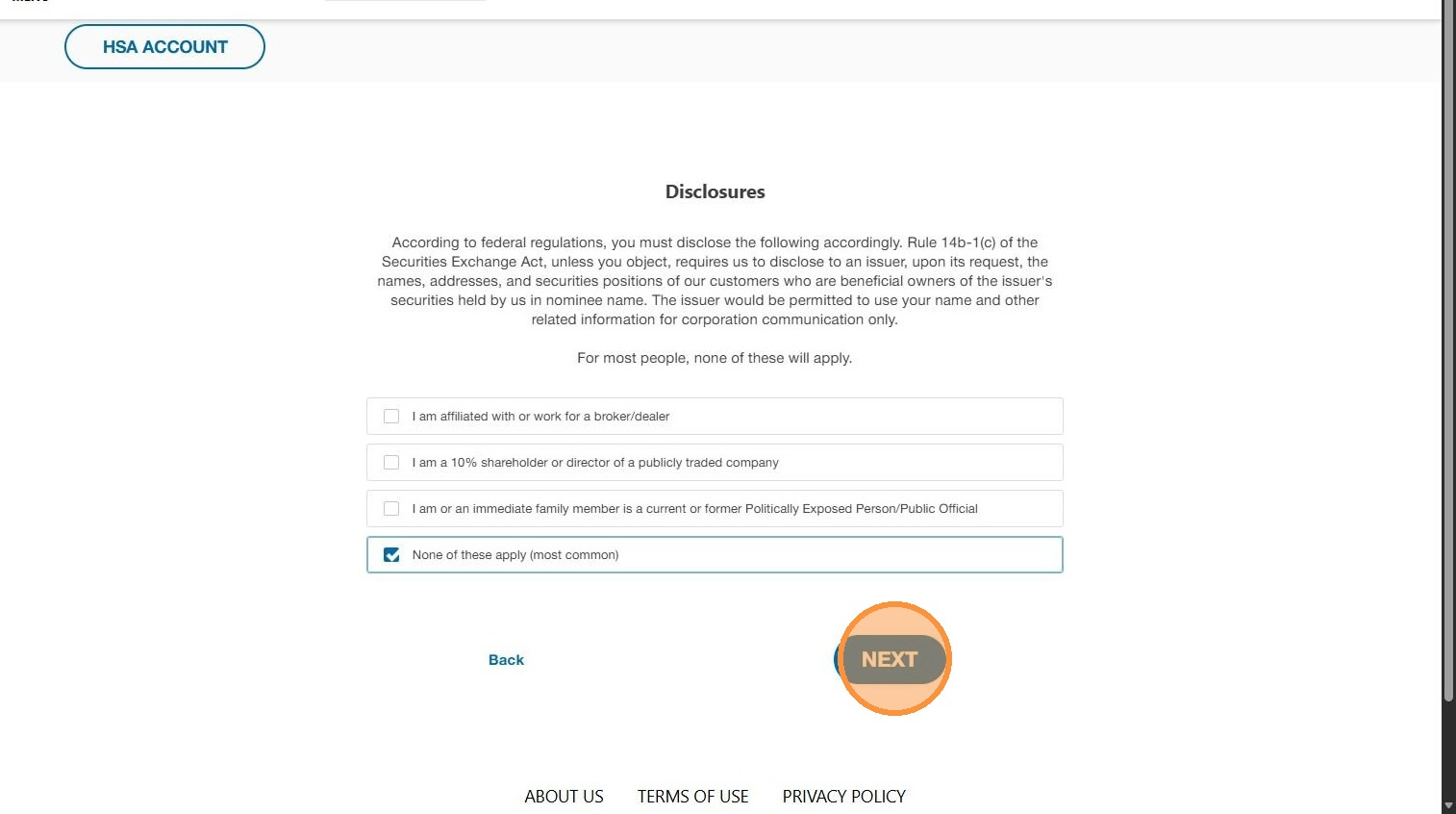
11. Click "Next"
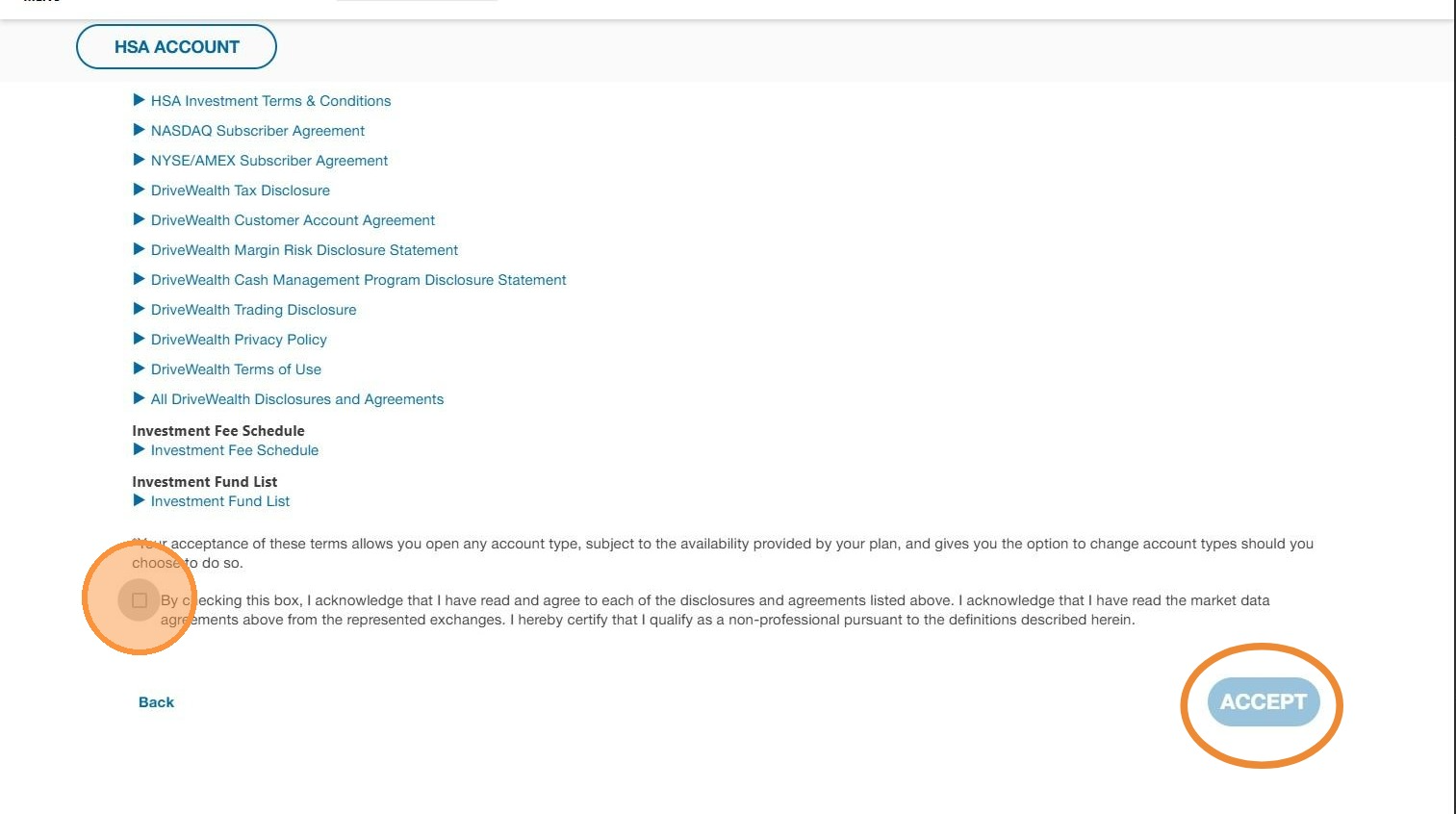
12. Review the disclosures can check the box. Click "Accept" to continue
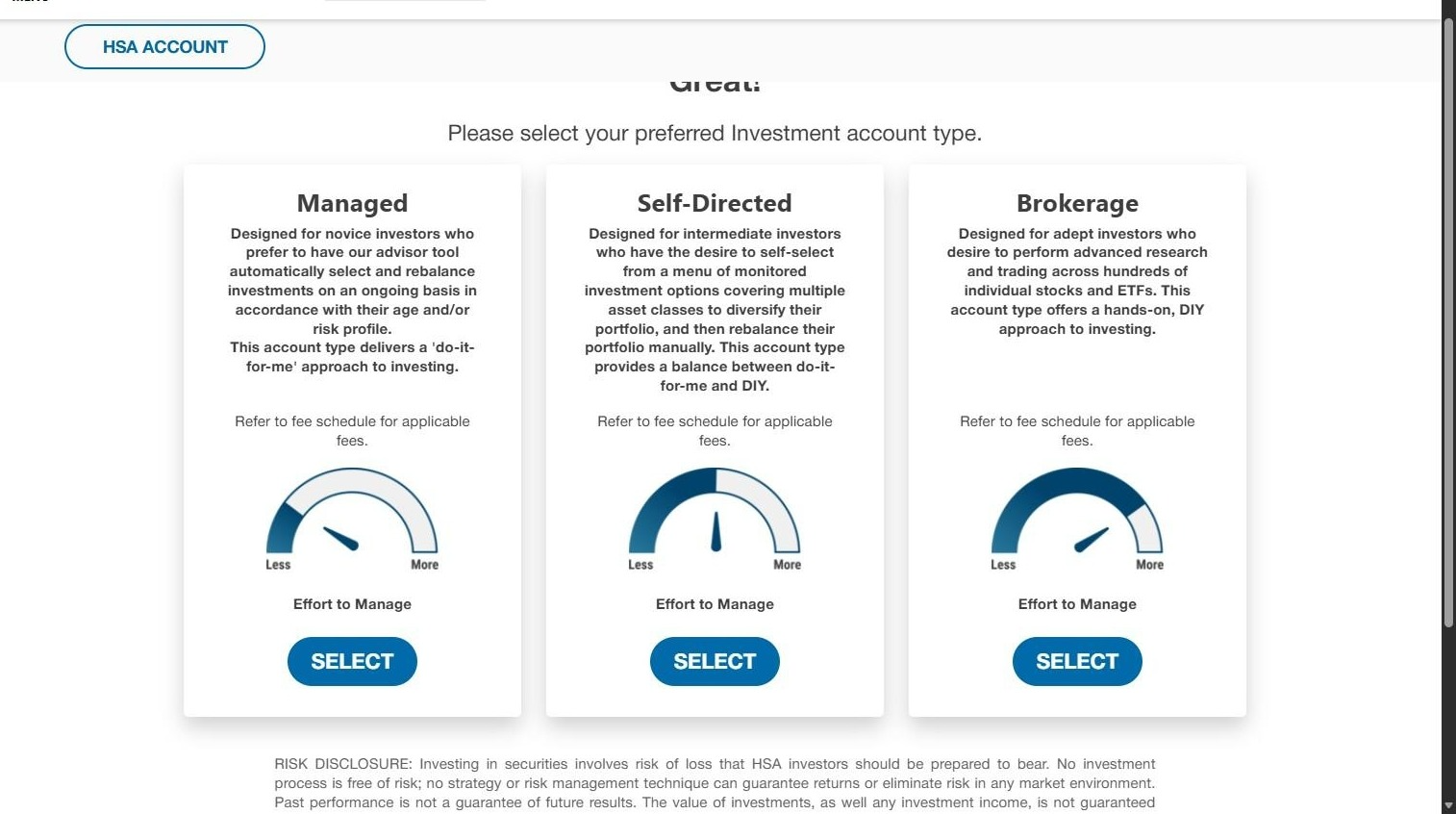
13. Select your preferred investment account
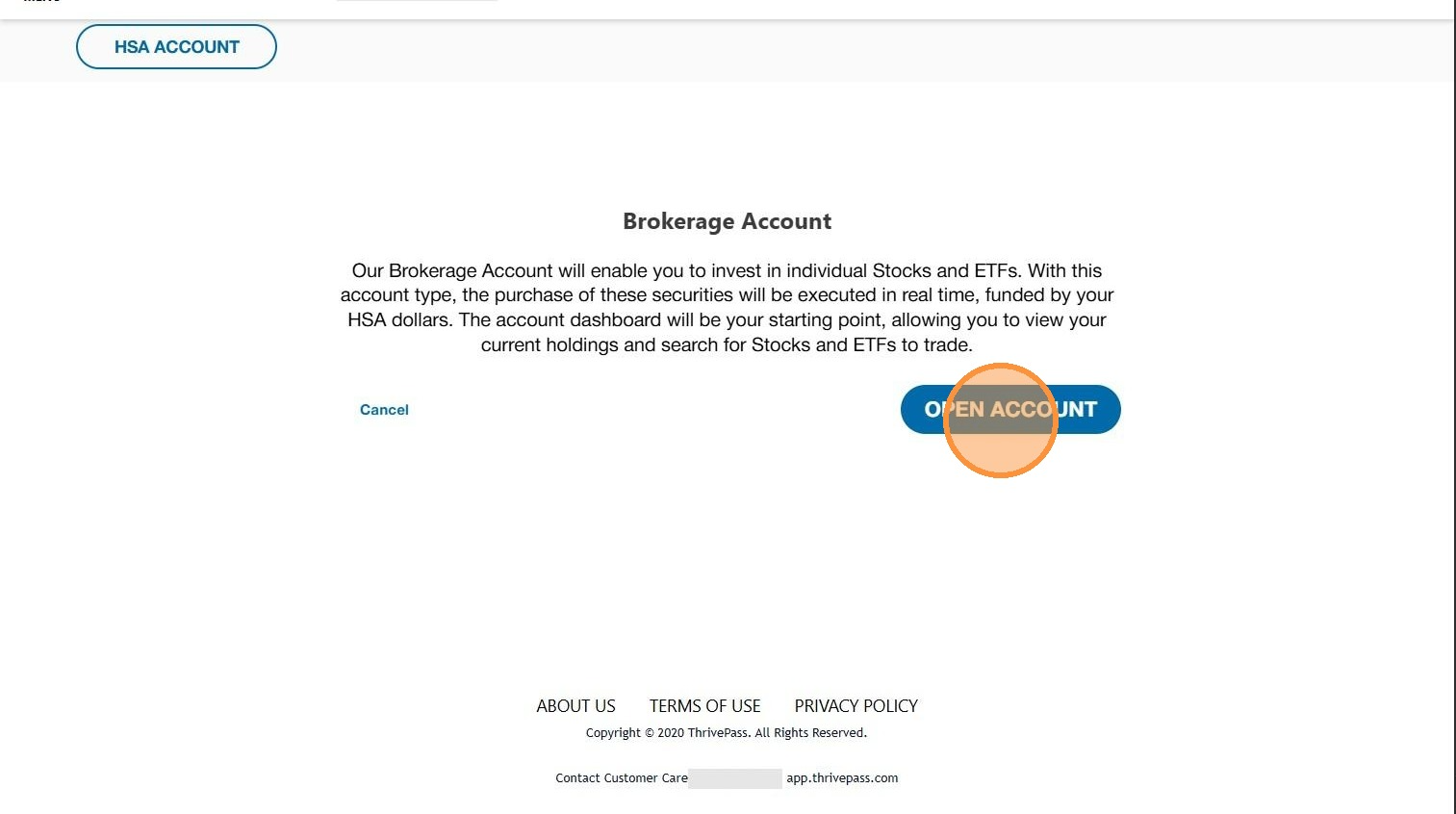
14. Click "Open Account"
Was this article helpful?
That’s Great!
Thank you for your feedback
Sorry! We couldn't be helpful
Thank you for your feedback
Feedback sent
We appreciate your effort and will try to fix the article