Welcome to using your Wishlist Wallet and navigating the Reward Marketplace!
To get started and redeem rewards, follow these steps:
There are a number of ways to redeem your reward, clicking either Marketplace or Go Shopping will take you straight to the Marketplace to see what your reward can be redeemed for.
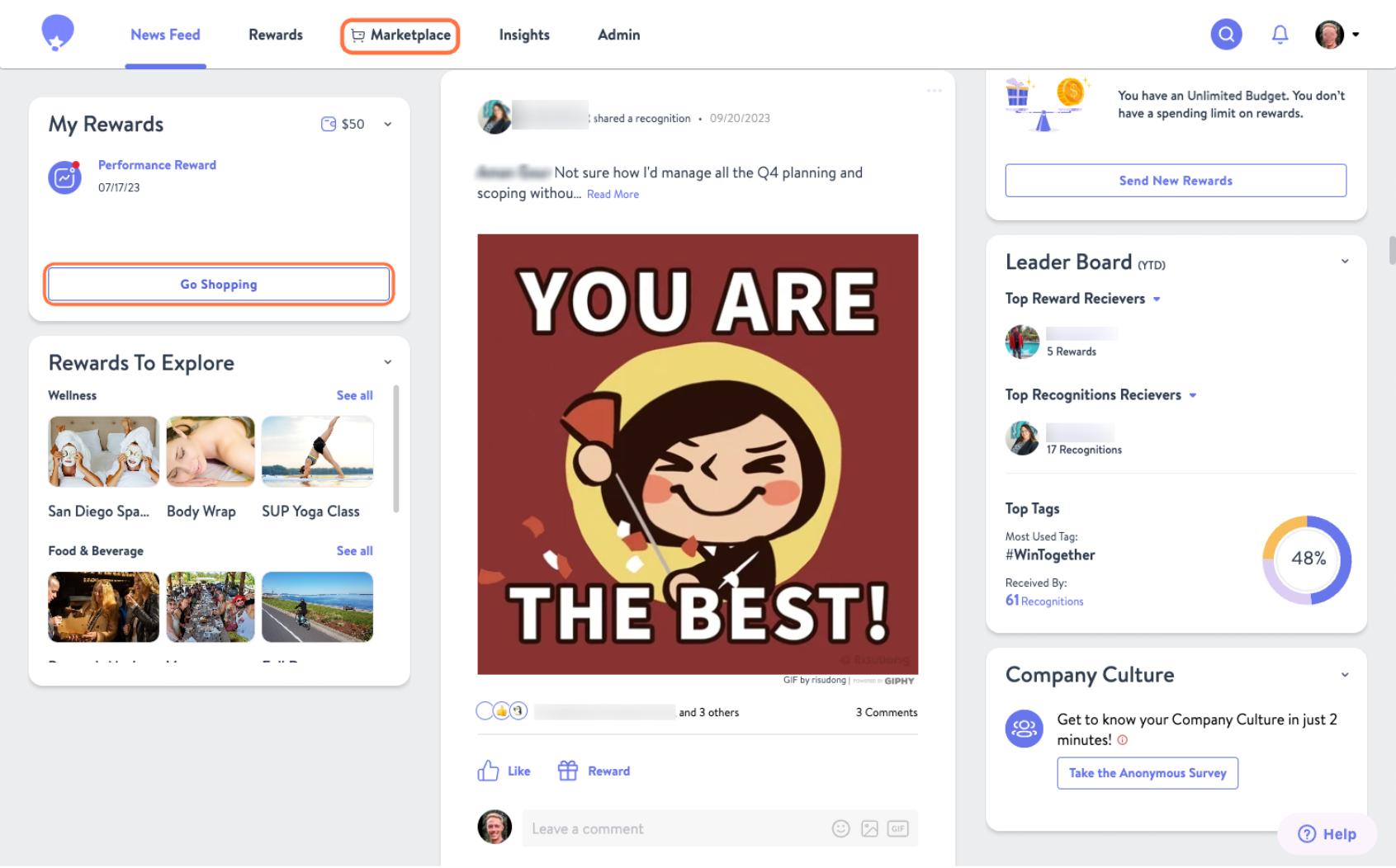
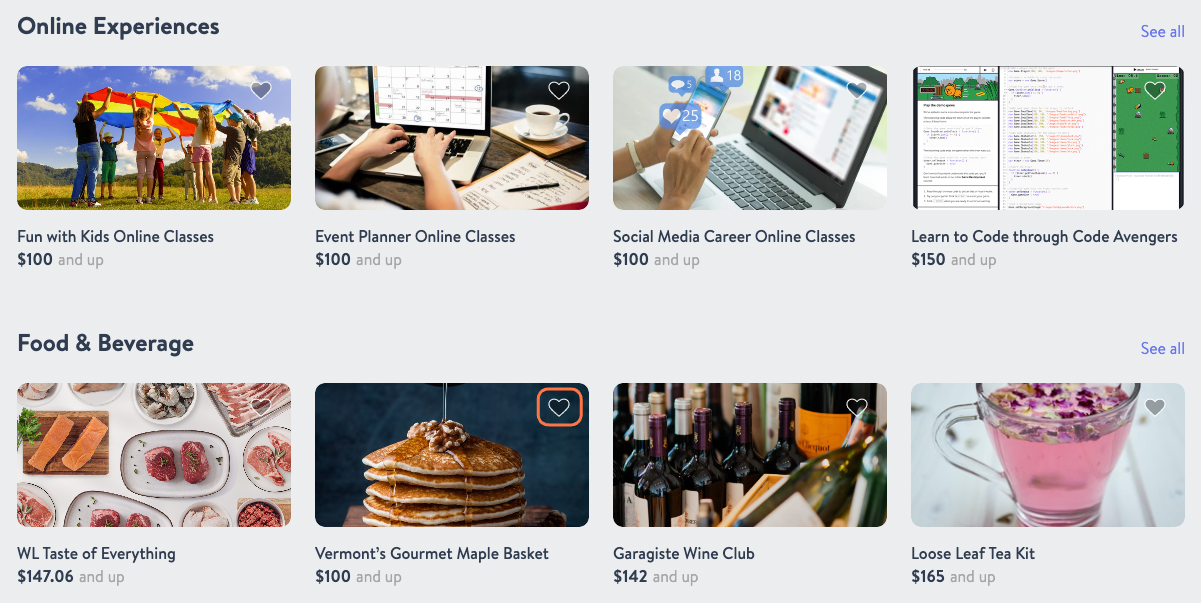
- It's a big marketplace! We recommend clicking the heart icon on reward tiles to add them to your My Favorites section so you can return to them later.
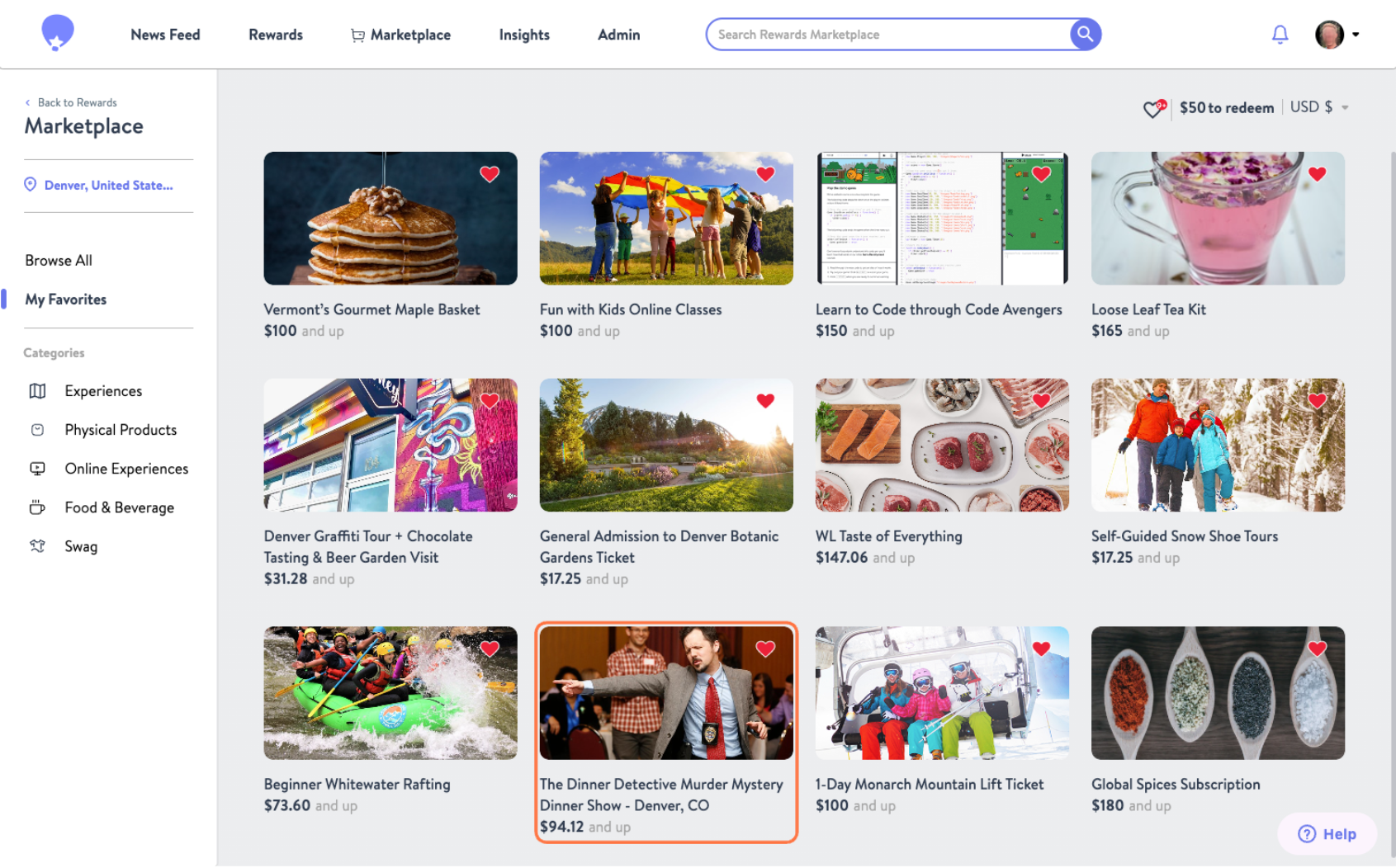
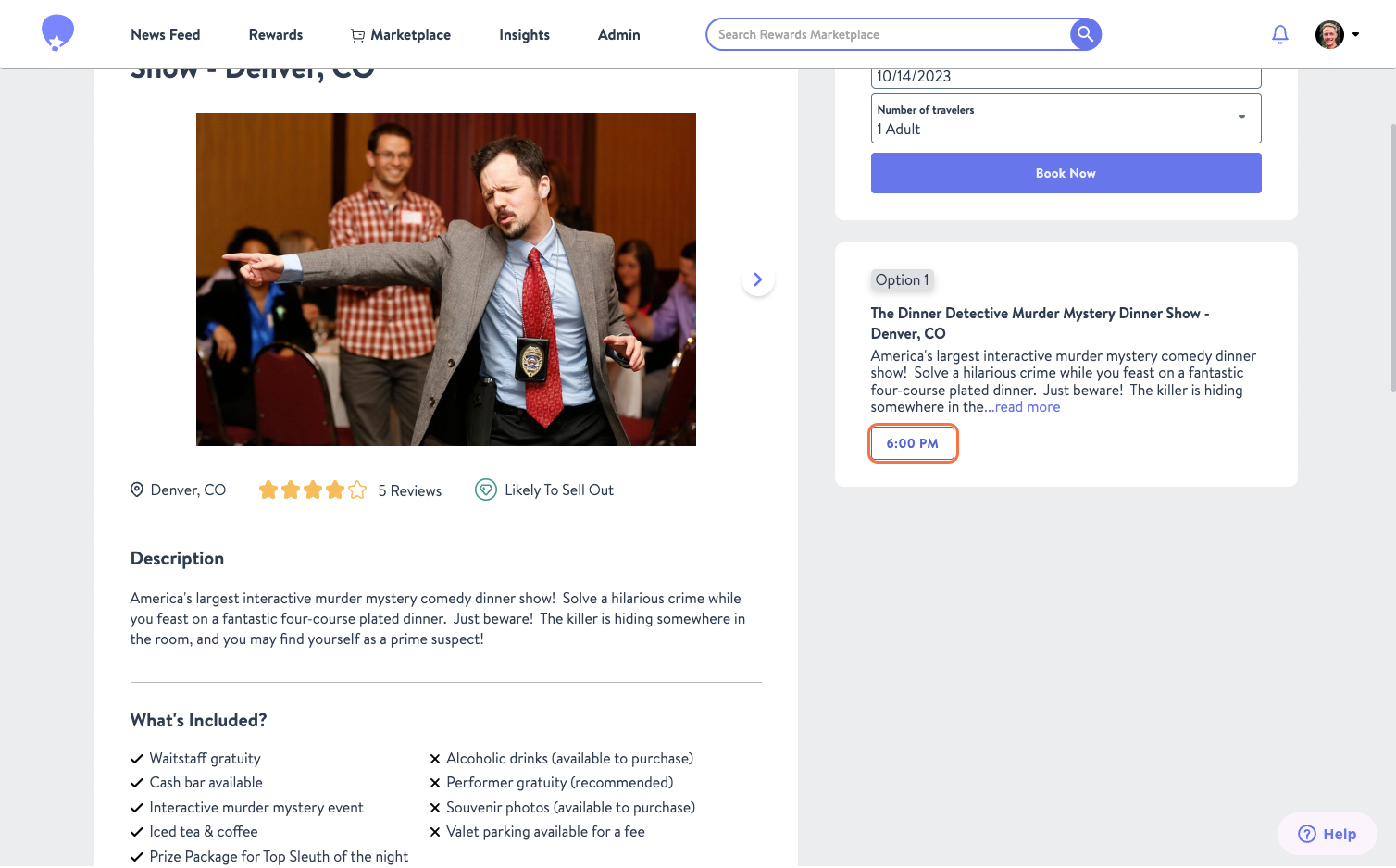
- Once you're ready to redeem click on the Image or Title of the reward you want. This can be done from the My Favorites section or while exploring the Marketplace.
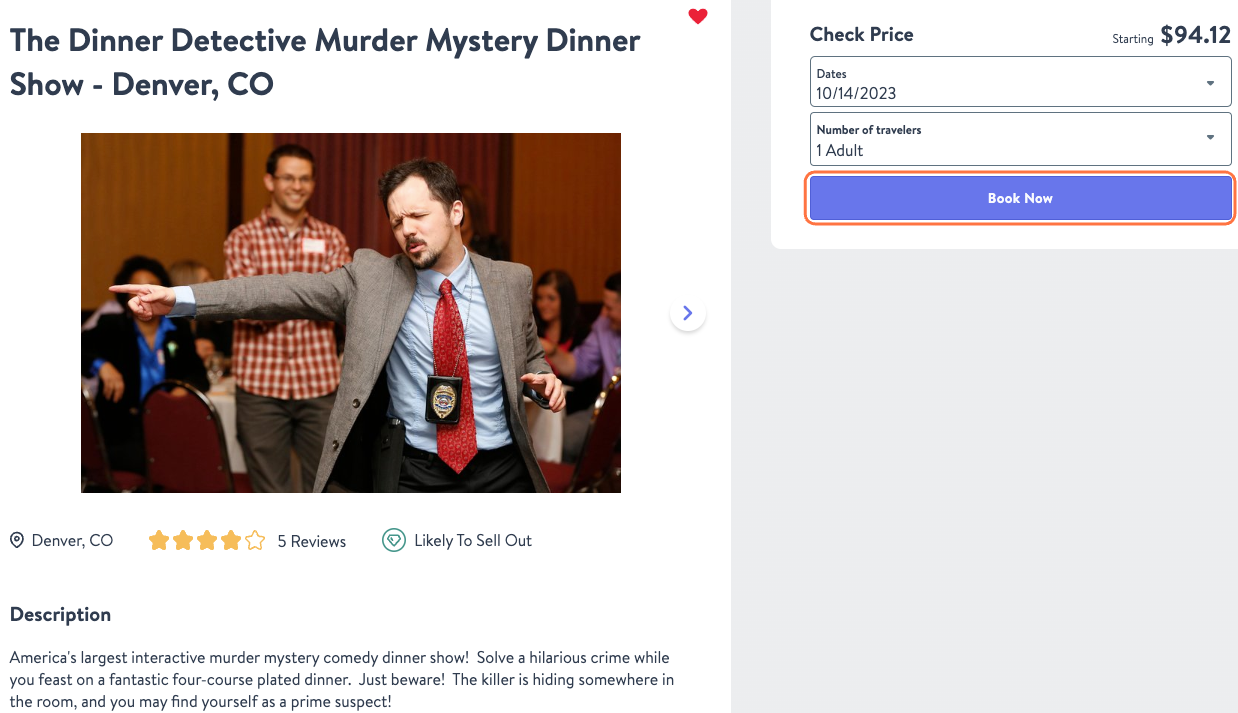
- Now you will go through the checkout process as prompted. This looks a little different for each reward option.
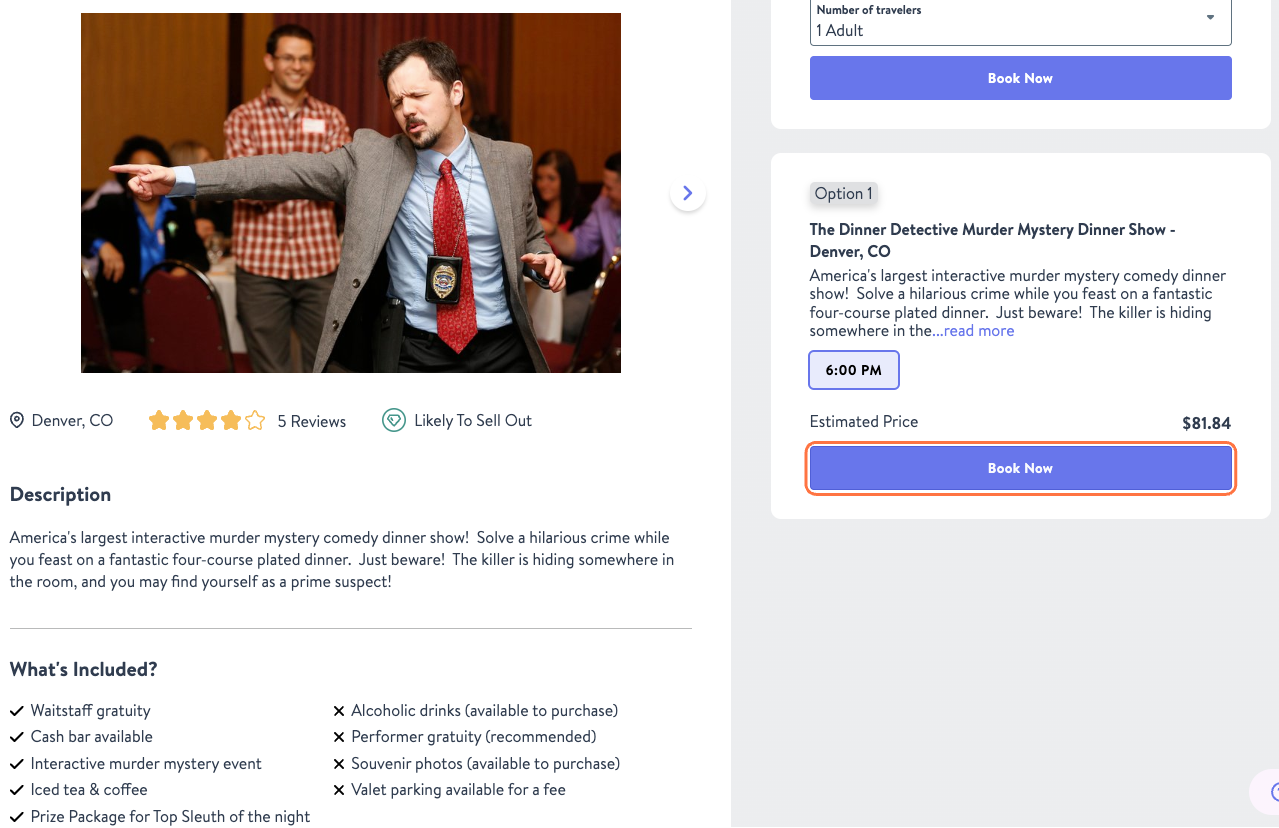
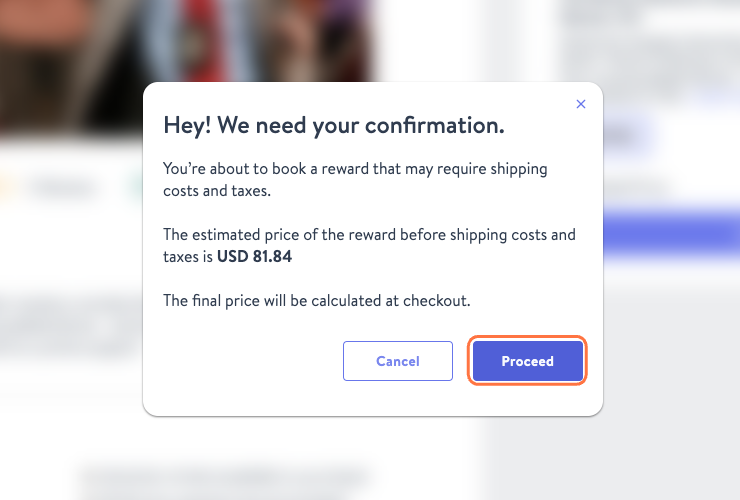
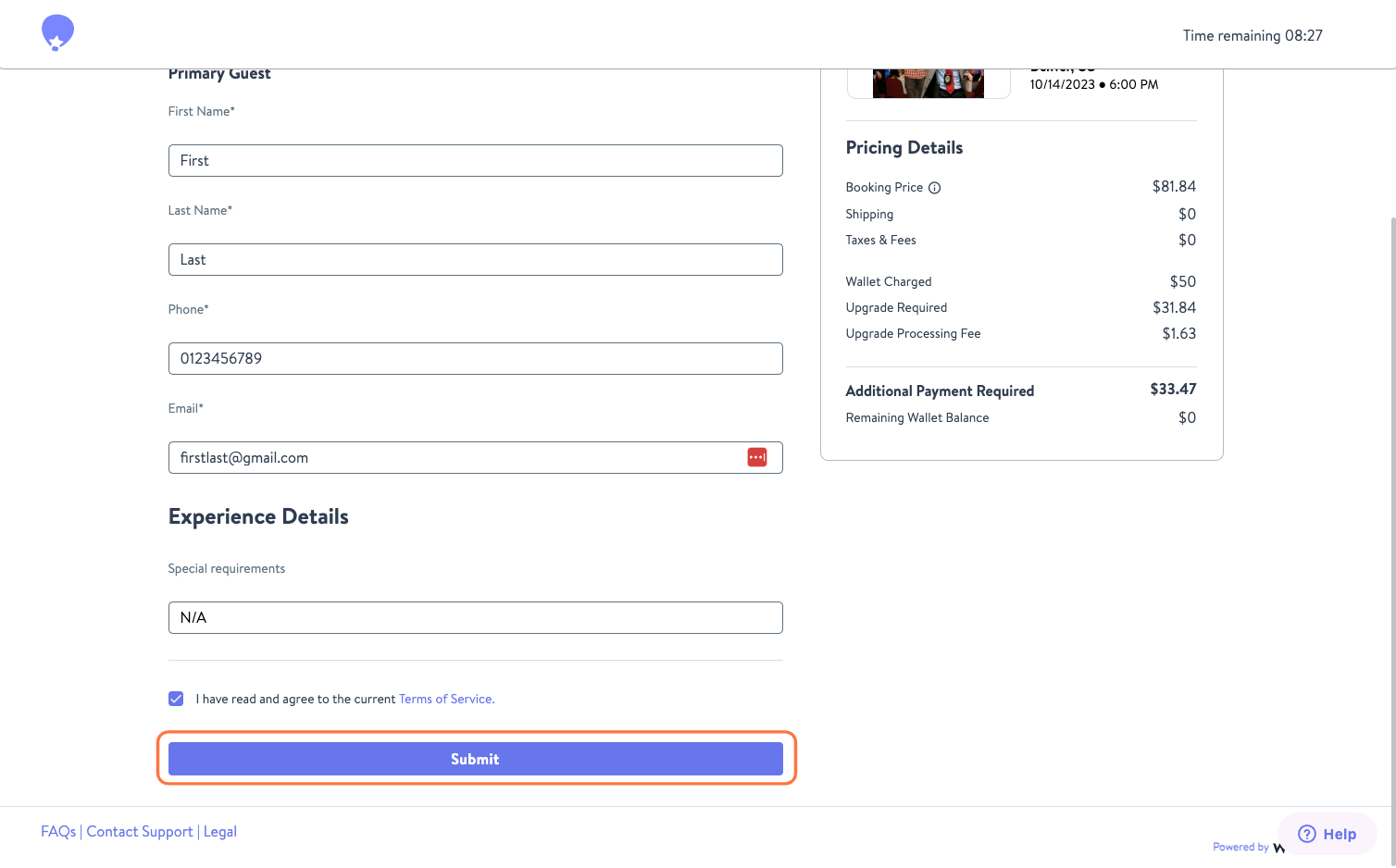
- If the cost of the reward is greater than your current Wallet balance, you will be asked for confirmation. If you are okay with this click Proceed. Otherwise, you can select Cancel and continue browsing the Marketplace. Please note once you click Proceed you will have 15 to complete your order before the hold expires.
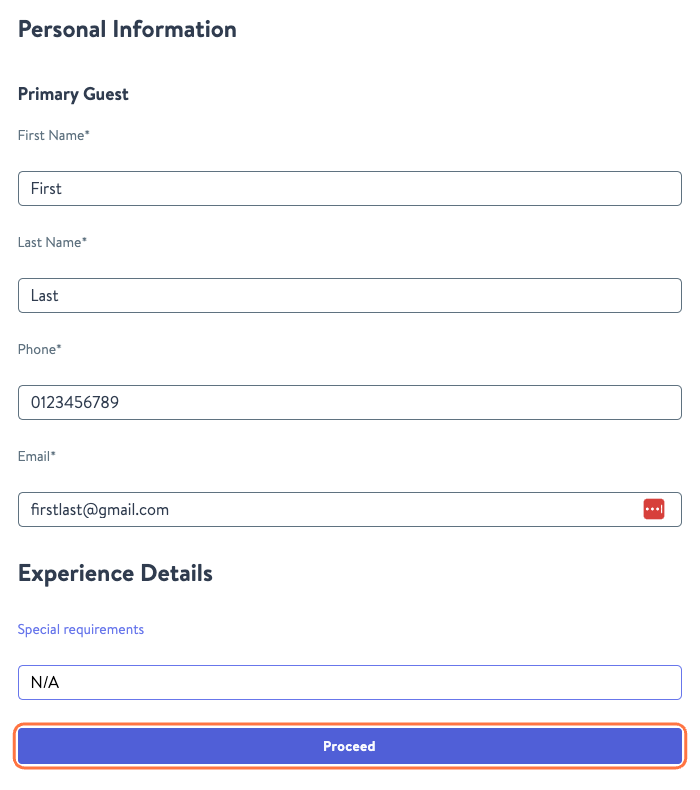
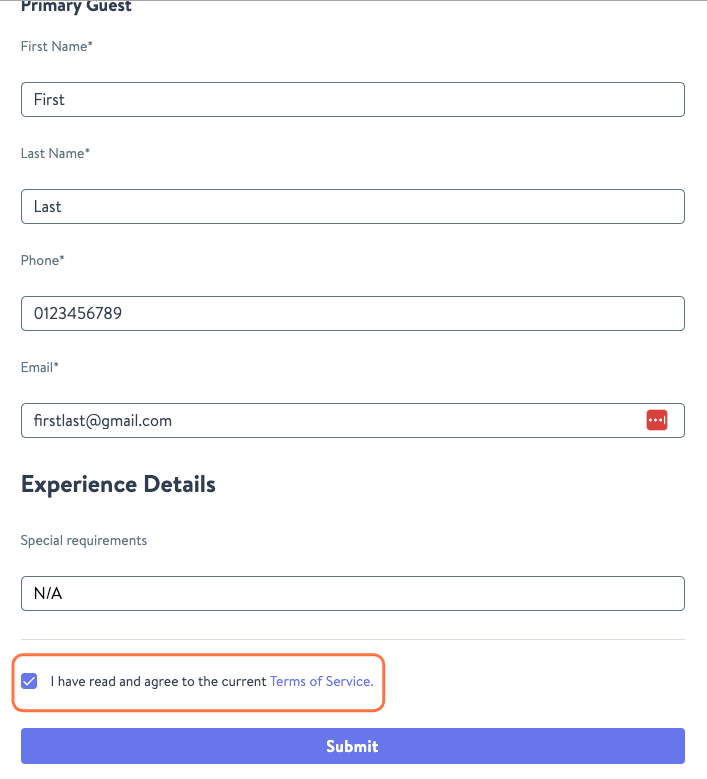
- Enter additional information as prompted and agree to Wishlist's Terms and Conditions prior to clicking Submit to complete your reward redemption.
Was this article helpful?
That’s Great!
Thank you for your feedback
Sorry! We couldn't be helpful
Thank you for your feedback
Feedback sent
We appreciate your effort and will try to fix the article