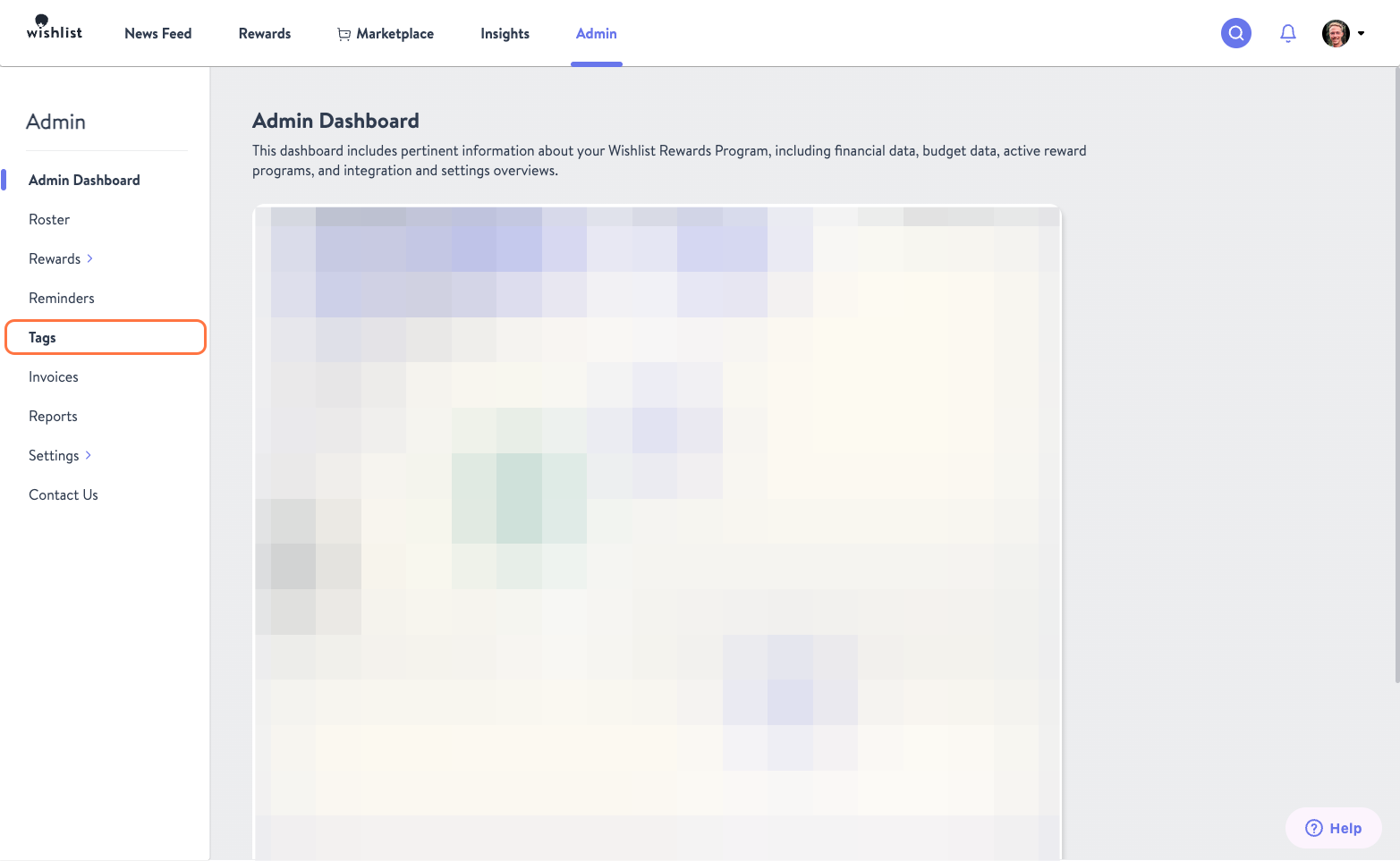
1. From your Admin tab click Tags on the lefthand side.
2. Here you will see tabs for Core Values, Business Goals, and Reward Tags. Select the tab of the new Tag you would like to create and then click the purple + New Value button
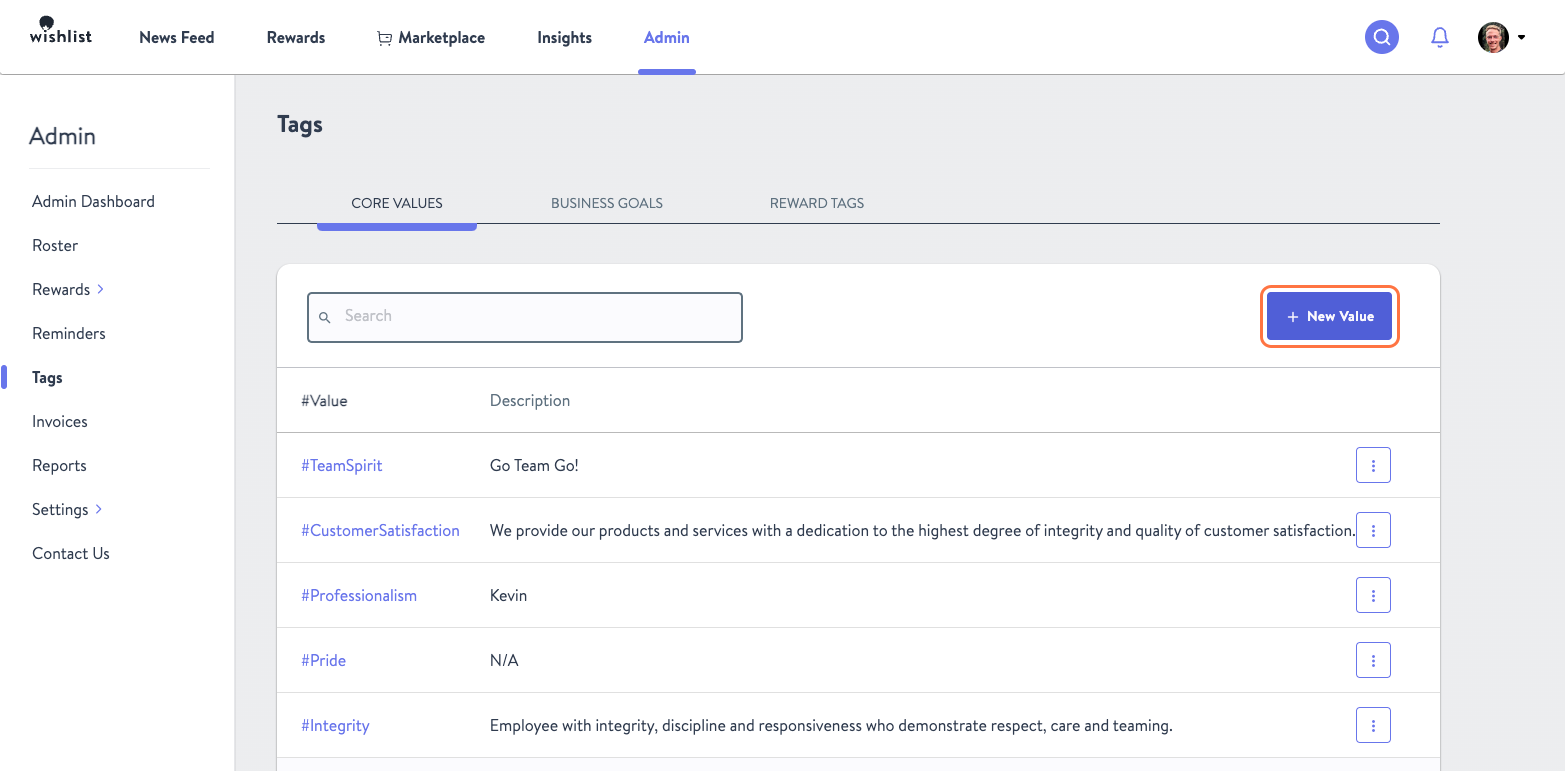
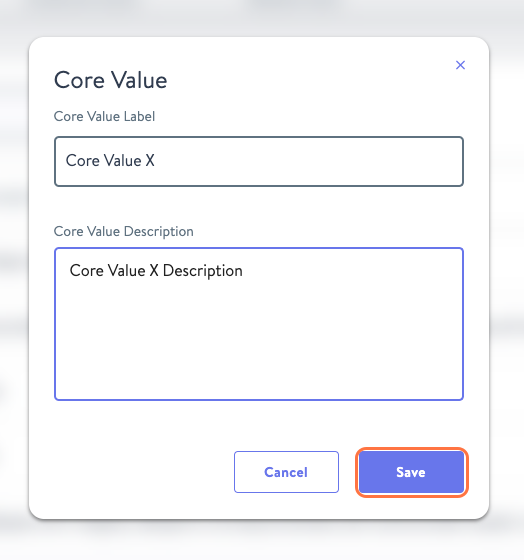
3. Enter the new tags label and description and click Save when you are finished.
 4. To Edit or Remove a tag click the Kebab Menu of the one you need to adjust and select accordingly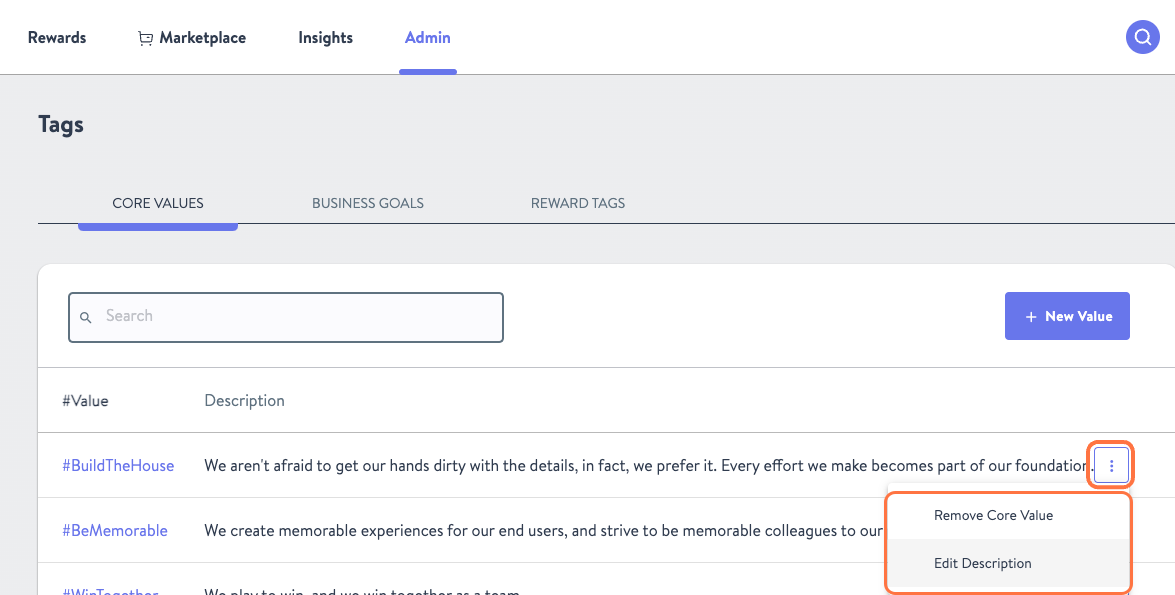
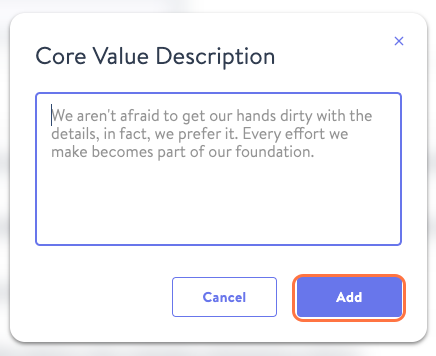
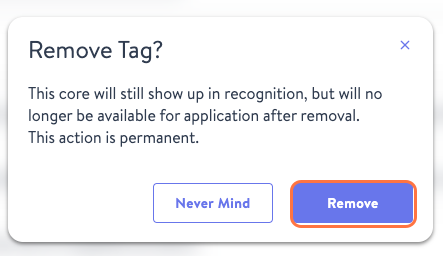
5. From there, either change the text of the tag and click Add or confirm the tag's removal by clicking Remove