Logging In with Your Phone Number
If you have a phone number associated with your Wishlist account, you can use it to sign in instead of your email address.
If you don't currently have a phone number saved to your account, follow the instructions in Adding a Phone Number to Your Wishlist Profile before attempting to log in with your phone number.
Important: Requesting a one-time password (OTP) by text message during login does not automatically save your phone number to your Wishlist profile. To use phone-based login in the future, you'll need to add and verify your phone number in your account settings.
How to Log In Using Your Phone Number
- Visit the Wishlist Login Page.
- Enter the phone number associated with your Wishlist account.
- Select Continue.
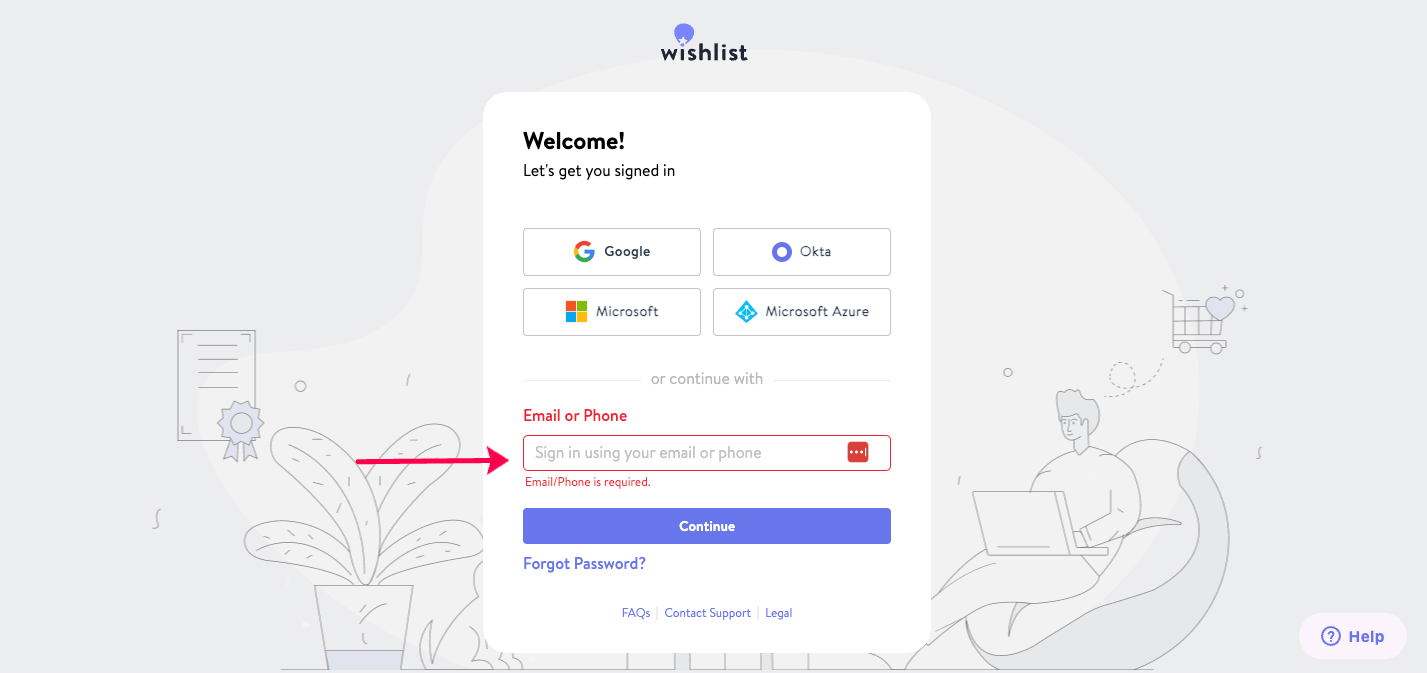
- You'll receive a one-time password (OTP) by text message.
- Enter the OTP on the login screen.
- If the code expires, select Resend Code to receive a new one.
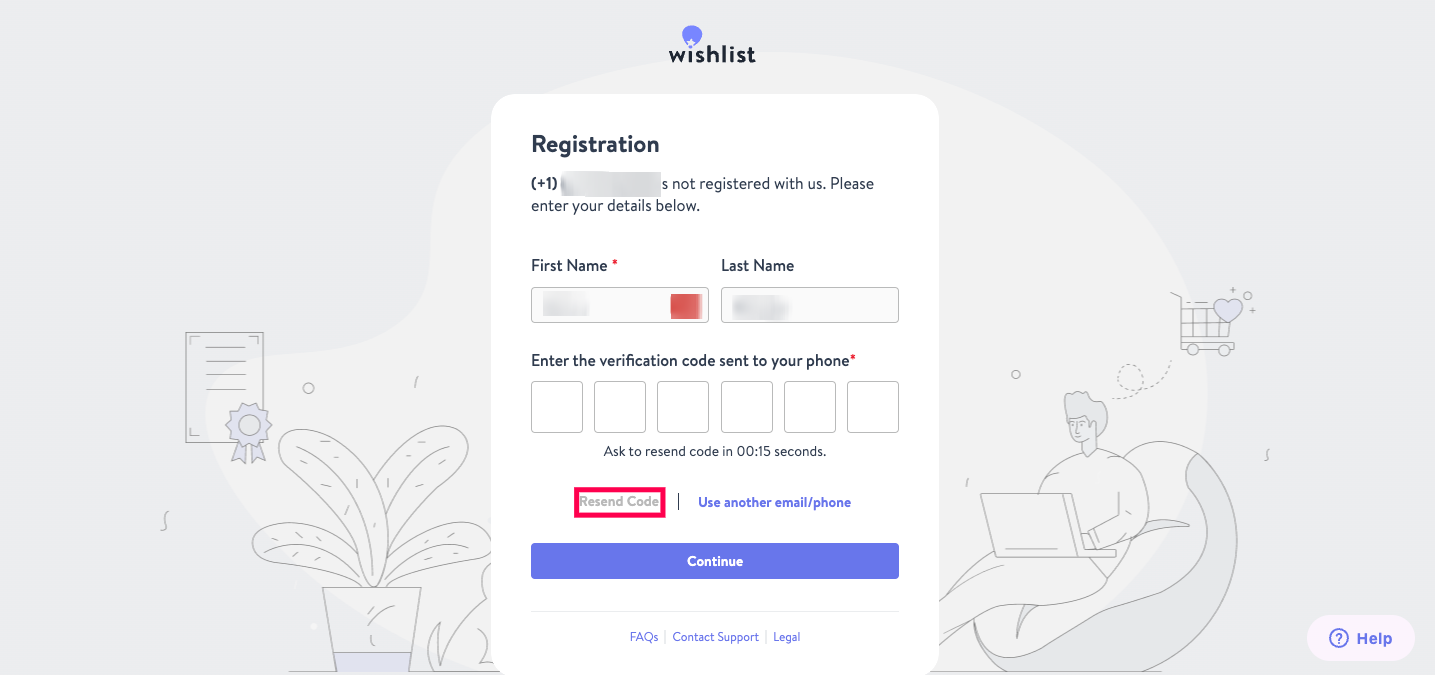
Once the code has been entered successfully, you'll be signed in to your Wishlist account.
Need Help?
If you're having trouble receiving your OTP or accessing your account, contact wishlist@thrivepass.com for assistance.